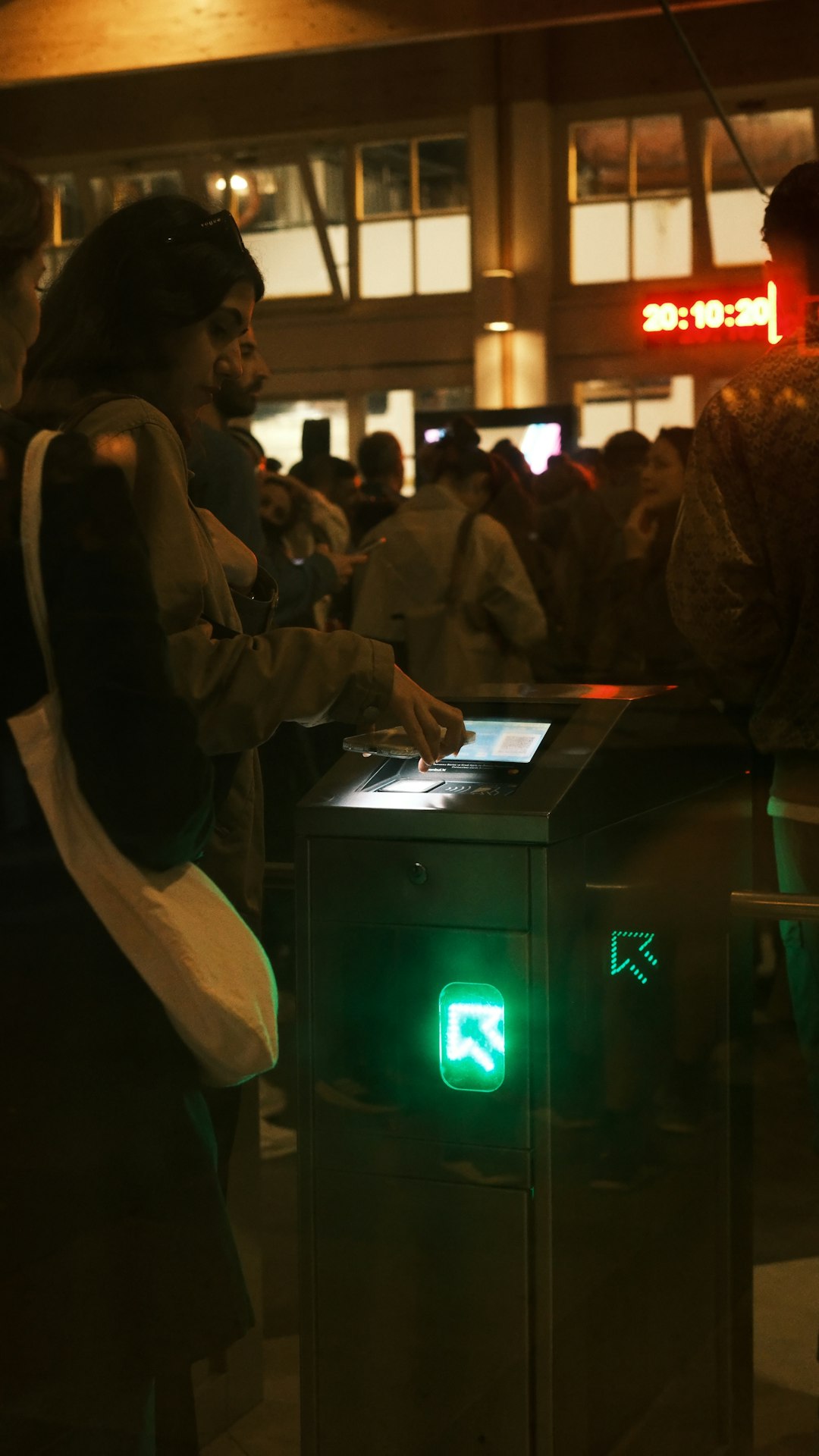
Few things are more frustrating than tapping your phone or card at a subway turnstile or bus reader—only to be met with the vague and unhelpful message: “Omny Unexpected Error.” OMNY, New York’s contactless fare payment system, is designed to make commuting seamless. But like any digital platform, it occasionally runs into glitches. Understanding why this happens—and how to fix it quickly—can save you time, stress, and possibly a missed train.
TLDR: The “Omny Unexpected Error” message usually appears due to temporary system glitches, connectivity problems, payment method issues, or account syncing errors. Most cases can be resolved by retrying the tap, checking your internet connection, refreshing your OMNY account, or contacting your bank. Keeping your OMNY app updated and ensuring your payment method is valid can prevent future errors. If problems persist, OMNY customer support can help resolve deeper account issues.
What Does “Omny Unexpected Error” Actually Mean?
The phrase “Unexpected Error” is intentionally broad. It acts as a catch-all message triggered when the OMNY system cannot complete a transaction but doesn’t have a clear classification for the failure. In simple terms, something interrupted the fare validation process.
This could happen during:
- Contactless card tap attempts
- Mobile wallet transactions (Apple Pay, Google Pay, Samsung Pay)
- OMNY app account logins
- Online payment updates
- Auto-reload setups
Because OMNY involves multiple layers—hardware readers, banking networks, wireless communication, and account databases—errors can originate from several points at once.
Common Causes of the OMNY Unexpected Error
1. Temporary System Glitch
Like all digital networks, OMNY occasionally experiences brief service interruptions. These can happen due to server maintenance, software bugs, or high traffic during peak commuting hours.
Symptoms:
- Error appears randomly
- Transaction works moments later
- Other commuters experience similar issues
Quick Fix: Wait a few seconds and try tapping again. Many times, a second attempt works immediately.
2. Weak or Disrupted Connectivity
While OMNY readers can process payments quickly, they still rely on network communication. If either your device or the transit reader struggles with connectivity, the transaction may fail.
This is more common when:
- Your phone is in airplane mode
- Cellular data is disabled
- There is underground signal interference
Quick Fix:
- Turn off airplane mode
- Enable cellular data or Wi-Fi
- Restart your phone if necessary
3. Payment Method Issues
Your bank may decline the transaction without you realizing it. Even if your card works elsewhere, transit systems sometimes trigger fraud alerts due to repeated quick charges.
Common payment-related triggers include:
- Expired debit or credit cards
- Insufficient funds
- Daily bank transaction limits
- Fraud prevention blocks
Quick Fix:
- Open your banking app to check for declined payments
- Confirm your card hasn’t expired
- Contact your bank if charges are being blocked
4. OMNY Account Sync Problems
If you use an OMNY account for balance tracking or auto-reload, account sync issues can generate unexpected errors. This typically happens if:
- You recently updated your payment information
- You changed devices
- Your password was reset
- The OMNY app hasn’t updated properly
Quick Fix:
- Log out and log back into your OMNY account
- Update the OMNY app to the latest version
- Remove and re-add your payment method
5. Phone Wallet Conflicts
Mobile wallets sometimes cause confusion if multiple cards are active. If your transit card isn’t set as the default payment method, the wrong card may attempt to process the fare—and fail.
Quick Fix:
- Set your preferred payment card as the default transit card
- Double-check that the correct card is being tapped
- Disable conflicting cards temporarily
6. Damaged or Interfering Cards
Physical cards with worn chips or bent edges may not communicate correctly with the OMNY reader. Additionally, tapping your wallet with multiple cards inside can create RFID interference.
Quick Fix:
- Remove the card from your wallet before tapping
- Try a different card
- Request a replacement from your bank if the card is damaged
Step-by-Step: What to Do When You See the Error
If you’re standing at a turnstile and need a fast solution, follow this checklist:
- Retry the tap – Wait five seconds and try again.
- Move to another reader – The issue could be hardware-related.
- Check your phone settings – Ensure data and wallet access are active.
- Open your banking app – Look for declined notifications.
- Use a backup card – Always helpful during emergencies.
In most cases, one of these actions resolves the issue within minutes.
Preventing the Error in the Future
While you can’t eliminate every technical glitch, you can significantly reduce your chances of seeing this error again.
Keep Your Apps Updated
Updates often contain bug fixes and compatibility improvements. Enable automatic updates for:
- The OMNY app
- Your mobile wallet
- Your phone’s operating system
Monitor Your Bank Alerts
Activate push notifications for transactions so you’re instantly aware of declined charges.
Maintain a Backup Payment Method
Having a backup card linked to your phone can be a commuter lifesaver.
Avoid Rapid Repeated Taps
Multiple rapid transactions can trigger fraud detection systems. Wait for confirmation before tapping again.
Image not found in postmetaWhen to Contact OMNY Support
If the unexpected error persists for more than a day—or prevents you from using the system entirely—it’s time to seek assistance.
Reach out to OMNY support if:
- You’re repeatedly charged but denied entry
- Your account balance isn’t updating correctly
- Auto-reload fails despite valid payment details
- You suspect a technical account problem
Have the following information ready:
- Date and time of the error
- Station or bus route number
- Last four digits of your card
- Screenshots of error messages (if available)
The more details you provide, the faster your issue can be resolved.
Is It an OMNY-Wide Outage?
Sometimes the error has nothing to do with you. If you notice multiple commuters struggling or fare readers failing entirely, the issue may stem from a broader service outage.
In that case:
- Check transit authority service alerts
- Look at social media updates
- Follow station announcements
Large-scale outages are typically resolved quickly, but awareness helps you plan alternatives.
Final Thoughts
The Omny Unexpected Error message can feel disruptive—especially during a busy commute—but it’s rarely catastrophic. Most causes are temporary and can be corrected with simple troubleshooting steps. From connectivity hiccups to bank declines and minor app glitches, the issue usually has a fast and manageable fix.
The key is preparation. Keep your payment methods updated, monitor your banking alerts, and ensure your mobile wallet is configured correctly. With a little proactive maintenance, you can minimize interruptions and keep your commute moving smoothly.
Technology isn’t perfect—but with the right know-how, even an “unexpected error” doesn’t have to ruin your day.