Need a part fast? Need to test an idea before your boss asks, “Is it real yet?” This is where Protolabs 3D printing comes in. It turns digital designs into physical parts with speed, accuracy, and a little bit of manufacturing magic.
TLDR: Protolabs 3D printing lets you upload a 3D CAD file, choose a material and process, get a fast quote, and receive printed parts quickly. It is great for rapid prototypes, test parts, custom tools, and small production runs. The process uses industrial machines, not hobby printers, so parts can be strong, detailed, and useful. It helps teams move from “cool idea” to “real thing” much faster.
What Is Protolabs 3D Printing?
Protolabs is a digital manufacturing company. That means much of the process happens through software. You upload a design. The system checks it. You choose options. Then Protolabs makes the part in a real factory.
Simple, right?
Think of it like ordering pizza. But instead of toppings, you choose material, finish, and printing process. Instead of a pizza oven, Protolabs uses advanced 3D printers. And instead of dinner, you get parts for products, machines, medical devices, robots, gadgets, and more.
It is made for speed. That is why engineers, product teams, inventors, and manufacturers use it for rapid prototyping and low-volume manufacturing.
First, You Start With a 3D Model
Every 3D printed part starts as a digital file. This file is usually made with CAD software. CAD stands for computer aided design. It is a fancy way to say, “a detailed 3D drawing on a computer.”
The model tells the printer what to build. It includes the shape, size, holes, curves, walls, and tiny details.
Common file types include:
- STEP files
- STL files
- IGES files
- OBJ files
Once the file is ready, you upload it to Protolabs. Then the system starts doing smart checks.
The Digital Quote Is the Brainy Part
After upload, Protolabs software looks at your part. It checks the size. It checks the shape. It looks for thin walls. It looks for areas that may be hard to print. It also estimates price and lead time.
This is called automated quoting. It is one of the best parts of the Protolabs system.
Instead of waiting days for someone to email a quote, you can often get feedback fast. That saves time. It also makes design changes easier.
If something looks risky, the system may point it out. For example, a wall may be too thin. A hole may be too small. A feature may need support. This feedback helps you fix problems before printing.
That means fewer surprises. And fewer sad faces.
Next, You Pick a 3D Printing Process
Not all 3D printing is the same. Different processes are good for different jobs. Protolabs offers several industrial 3D printing methods. Each one has its own superpower.
Stereolithography, or SLA
SLA uses a laser to cure liquid resin into solid plastic. It is great for parts with fine details and smooth surfaces.
Use SLA when you need:
- Pretty prototypes
- Detailed models
- Clear or translucent parts
- Small features
- Good surface finish
SLA parts can look very polished. They are often used for visual models, fit checks, and presentation parts.
Selective Laser Sintering, or SLS
SLS uses a laser to fuse powdered plastic. The powder supports the part as it prints. So no extra support structures are needed in many cases.
Use SLS when you need:
- Strong plastic parts
- Functional prototypes
- Snap fits
- Complex shapes
- Small batches
SLS is tough. It is a favorite for engineers who want parts they can actually test.
Multi Jet Fusion, or MJF
MJF also uses powder. But it works with special agents and heat. It can make strong nylon parts with good detail and consistent quality.
Use MJF when you need:
- Durable parts
- More consistent batches
- Good surface texture
- Production-like prototypes
- Low-volume manufacturing
MJF is fast and practical. It is like the reliable friend who always brings snacks.
Direct Metal Laser Sintering, or DMLS
DMLS prints metal parts. It uses a laser to fuse metal powder layer by layer. This is serious stuff.
Use DMLS when you need:
- Metal prototypes
- Lightweight designs
- Complex metal shapes
- Heat-resistant parts
- Production metal components
DMLS can make shapes that are very hard to machine. Internal channels. Organic curves. Lightweight lattice structures. Tiny metal wizardry.
Then, You Choose the Material
The material matters a lot. It decides how the part feels, bends, breaks, shines, melts, or survives real-world use.
Protolabs offers many materials, depending on the printing process. These may include:
- Nylon for strong functional parts
- Resins for detailed visual models
- Flexible materials for rubber-like parts
- Aluminum for light metal parts
- Stainless steel for tough metal parts
- Titanium for strong, lightweight applications
Your choice depends on the job. Is the part just for looking? Does it need to snap into place? Will it hold weight? Will it face heat? Will someone drop it on the floor during a demo? Be honest. Demos are dangerous.
The Design Gets Checked for Printability
Before a part is printed, it needs to be printable. This sounds obvious. But 3D printers have rules.
For example:
- Walls cannot be too thin.
- Holes may need minimum sizes.
- Long thin features may warp.
- Some surfaces may need support.
- Large flat areas may behave differently than small ones.
Protolabs gives design feedback to help catch these issues. This is called design for manufacturability, or DFM. Big phrase. Simple meaning. It means, “Will this design work well when we actually make it?”
DFM is useful because it keeps your project moving. It helps you avoid parts that fail, warp, crack, or cost more than needed.
Now the Printing Begins
Once the order is approved, the part goes into production. The exact steps depend on the process, but the basic idea is the same.
The printer builds the part one thin layer at a time. Each layer sticks to the layer before it. Slowly, a real part appears.
It is kind of like making a sandwich out of hundreds or thousands of tiny slices. But instead of bread and cheese, it may use resin, plastic powder, or metal powder. Delicious? No. Useful? Very.
Layer by layer, the printer follows your CAD file. Complex curves are possible. Internal features are possible. Shapes that would be hard with traditional manufacturing become much easier.
Post Processing Makes the Part Ready
When printing ends, the part is not always finished. It may need cleanup. This is called post processing.
Post processing can include:
- Removing support structures
- Cleaning off extra powder or resin
- Curing parts with light or heat
- Sanding rough areas
- Dyeing or painting
- Machining certain features
- Inspecting important dimensions
This step matters. It can affect the look, feel, strength, and accuracy of the final part.
For example, an SLA part may be cleaned and cured. An SLS part may be bead blasted. A metal part may need support removal and heat treatment. Each process has its own cleanup routine.
Why It Works So Well for Rapid Prototyping
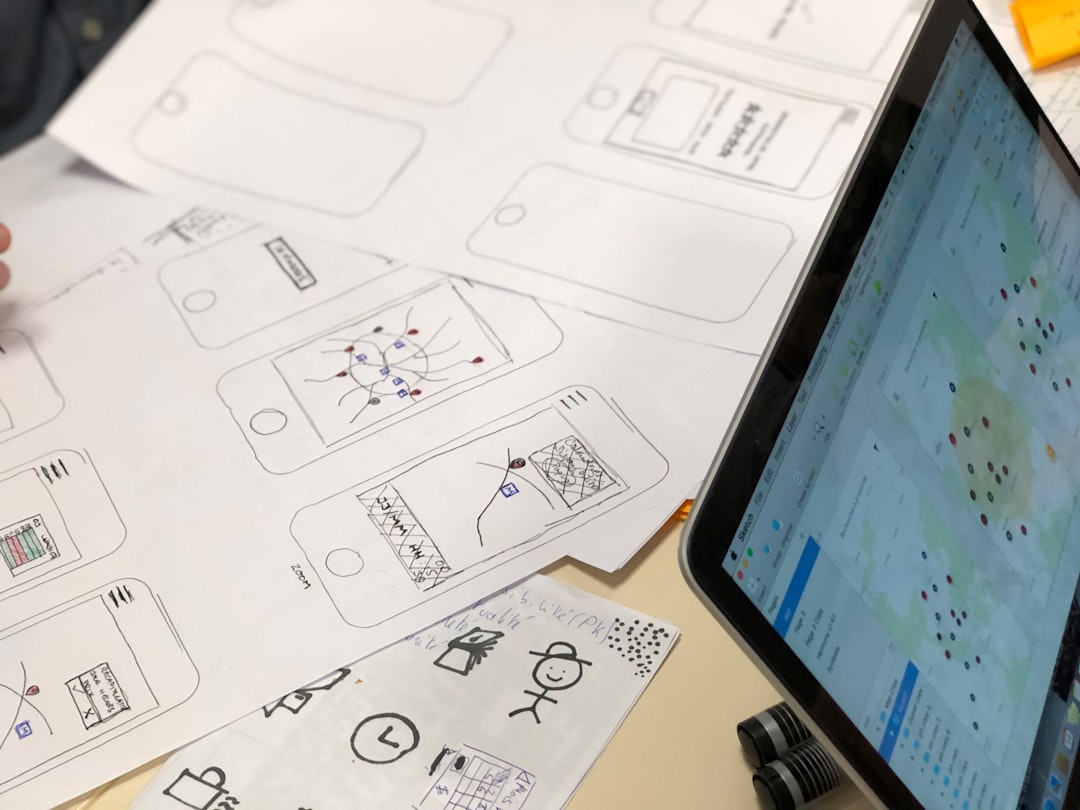
Rapid prototyping is all about learning fast. You make a design. You test it. You change it. You test again.
Protolabs helps because the cycle can be short. That means you do not have to wait weeks for tooling or long setup times.
With 3D printing, you can test:
- Shape: Does it look right?
- Fit: Does it connect to other parts?
- Function: Does it work?
- Ergonomics: Does it feel good in the hand?
- Assembly: Can people build it easily?
This is huge for product development. A team can catch mistakes early. Early mistakes are cheaper. Late mistakes are expensive and dramatic. Nobody wants dramatic plastic.
How It Helps Manufacturing Too
3D printing is not only for prototypes. It can also support real manufacturing.
Protolabs 3D printing can be useful for:
- Low-volume production parts
- Custom components
- Bridge production
- Replacement parts
- Jigs and fixtures
- Medical and aerospace components
- Designs that change often
Bridge production means making parts while you wait for another process to be ready. For example, injection molding may need tooling. Tooling takes time. 3D printing can supply parts during that gap.
It is also good for custom parts. Traditional manufacturing likes large batches of the same thing. 3D printing is happier with variety. Need twenty parts that are all a little different? That may be a great fit.
What Are the Big Benefits?
Here are the main reasons teams use Protolabs 3D printing:
- Speed: Get parts quickly.
- Flexibility: Change designs without new tooling.
- Complexity: Print shapes that are hard to machine or mold.
- Choice: Pick from many processes and materials.
- Feedback: Use digital DFM checks to improve designs.
- Scale: Make one part, a few parts, or a small batch.
This makes it a great tool for modern product teams. It lets them move quickly without guessing too much.
What Are the Limits?
3D printing is powerful. But it is not magic. Not every part should be 3D printed.
Some limits include:
- Large parts may cost more.
- Some materials are not available.
- Surface finish may vary by process.
- Printed parts may have different strength in different directions.
- Very tight tolerances may need extra machining.
For huge production runs, injection molding or machining may be better. For very simple metal blocks, machining may be cheaper. The best process depends on the part, budget, timeline, and performance needs.
A Simple Example
Imagine a company making a new handheld scanner. The team needs a case. It must feel nice. It must hold electronics. It must survive drops. It must look cool enough for a trade show.
First, they upload a CAD model to Protolabs. They choose SLA for a smooth visual model. They test the look. Then they change the grip.
Next, they print an SLS or MJF version. This one is tougher. They install electronics. They test buttons. They drop it. Oops. One corner cracks.
They update the design. They thicken the corner. They add a rib inside. They print again. Now it works.
Later, they use 3D printing for early customer units while production tooling is being made. That is rapid prototyping and manufacturing working together.
The Big Idea
Protolabs 3D printing works by combining smart software, industrial printers, useful materials, and fast production systems. You bring the idea. The CAD file explains the shape. The online platform helps quote and check it. The factory prints and finishes the part.
It is simple on the outside. It is very advanced on the inside.
For rapid prototyping, it helps teams learn fast. For manufacturing, it helps teams make real parts without waiting forever. That is the magic trick.
In short: Protolabs 3D printing turns “What if?” into “Here it is.” And sometimes, that is exactly what a great idea needs.