Use fun newsletter formats only when they make the email easier to read, easier to act on, or more worth saving. The best ideas are not gimmicks. They give subscribers a reason to open, click, reply, or share. A serious newsletter can still feel fresh if it uses structure well: polls, mini-guides, challenges, quizzes, reader stories, and clear calls to action.
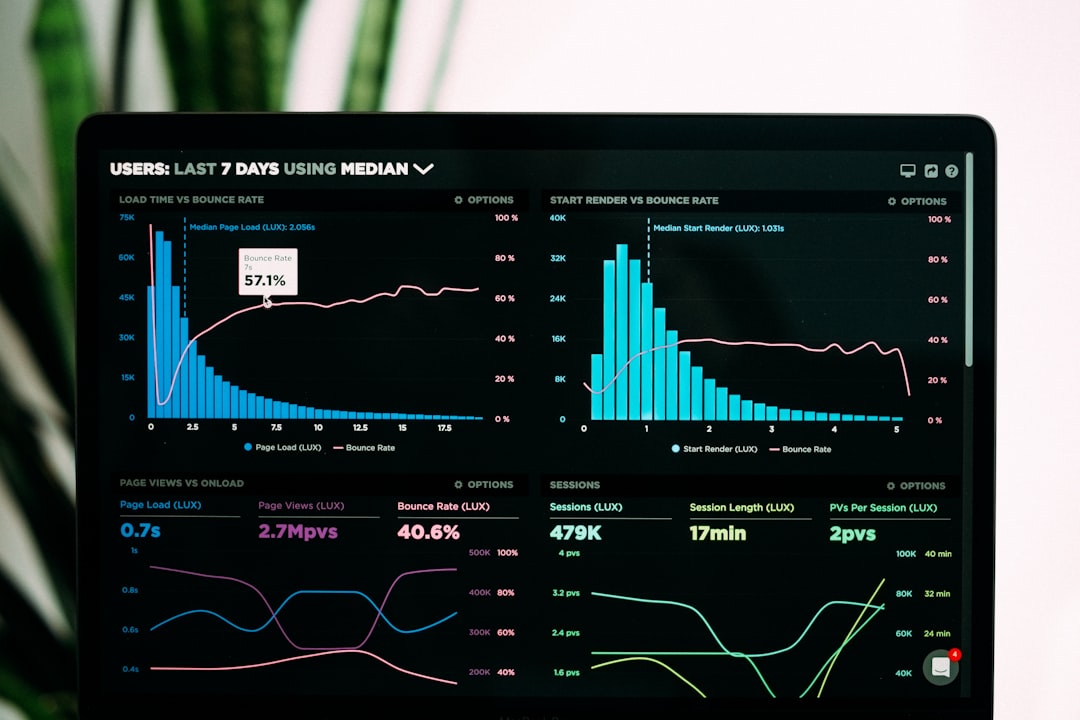
TLDR: Creative newsletters work best when they give subscribers one clear activity, such as voting in a poll or choosing a product tip. For example, a weekly “pick your favorite” email can ask readers to vote between three ideas, then publish the winning result next week. In one common campaign pattern, brands often see reply or click rates rise by 15% to 30% when a simple interactive element replaces a passive article link. Keep the format fun, but measure it like any serious channel.
1. The “Choose One” Newsletter
This is one of the simplest formats to run. Give subscribers two or three options and ask them to choose one. It could be a product feature, a charity to support, a topic for next week, or a seasonal offer.
The strength of this format is clarity. People do not need to read a long message. They scan, decide, and click. That small action builds habit.
- Best for: product teams, media brands, course creators, retailers.
- Interactive element: one-click poll buttons.
- Metric to track: click-through rate by option.
- Serious use: audience research and content planning.
Example subject line: “Help us choose next week’s guide.”
2. The Mini Challenge Series
A short challenge gives readers a reason to open several emails in a row. Keep it tight. Three to five days is enough for most audiences. A 30-day challenge can work, but only if the value is strong and the workload is small.
For a finance newsletter, this might be “5 days to clean up your budget.” For a wellness brand, it could be “3 mornings of better planning.” For a software company, try “4 quick tasks to improve your workflow.”
The catch is that challenges collapse when each email feels like homework. Keep each action under ten minutes. Tell readers exactly what they will gain. Then show progress.
- Day 1: identify the problem.
- Day 2: complete one small task.
- Day 3: compare before and after.
- Day 4: share a result or reply with feedback.
3. The Reader Spotlight
Subscribers want useful content, but they also want proof that other real people are involved. A reader spotlight adds that proof without sounding like a sales pitch.
Feature a customer story, a subscriber question, or a short quote from someone in your audience. Keep it respectful. Ask permission. Avoid overpolishing the story until it sounds fake.
A good structure is simple:
- Who they are: one sentence.
- What problem they had: two sentences.
- What they tried: two or three sentences.
- What changed: one measurable result, if available.
This format works especially well for B2B newsletters. A line like “A 12-person agency cut weekly reporting time from 6 hours to 3.5 hours” is stronger than a vague success claim.
4. The Quiz Email
Quizzes are fun, but they must not feel cheap. Use them to help readers identify a need, a style, a skill gap, or a next step. Keep the quiz short. Three to seven questions is usually enough.
Useful quiz formats include:
- “What type are you?” Good for personalization.
- “Test your knowledge.” Good for education.
- “Find your next step.” Good for product or service guidance.
- “Spot the mistake.” Good for professional training.
It drives me crazy when a quiz asks ten questions and then hides the answer behind a long form. If you ask for attention, give value back right away. You can still invite readers to click for a deeper result.
5. The “Behind the Decision” Format
This format is serious, useful, and surprisingly engaging. Show readers how a decision was made inside your company or team. This could include a product change, a pricing update, a new content plan, or a rejected idea.
Readers appreciate direct thinking. They do not need every private detail. They do need enough context to trust the result.
Use a short layout:
- The decision: what changed.
- The reason: why it changed.
- The tradeoff: what you gave up.
- The impact: what subscribers should expect.
This can also reduce support tickets. If people understand a change before it affects them, they are less likely to feel surprised or ignored.
6. The Interactive Resource Roundup
Roundups are common. Many are forgettable. Make yours interactive by asking readers to rate each resource, vote for the most useful one, or suggest a missing item.
Instead of sending “10 links we liked,” group links by reader intent:
- Start here: for beginners.
- Improve this: for people with some experience.
- Fix this now: for urgent problems.
- Save for later: for deeper reading.
This structure respects the reader’s time. It also gives you better data. If 62% of clicks go to “Fix this now,” your audience is likely dealing with immediate pain points.
7. The Subscriber Vote and Reveal
This is a two-email format. First, ask readers to vote. Next, reveal the results. It is simple, but it creates anticipation.
Use it for research, product naming, event topics, design choices, or content planning. Show the results in percentages. Mention what you will do next. That last part matters. If readers vote and nothing changes, they stop caring.
Example: “Last week, 48% of you voted for a pricing guide, 34% chose a case study, and 18% wanted a checklist. We are publishing the pricing guide first.”
8. The “Fix My Problem” Mailbag
A mailbag format invites subscribers to send real questions. Then you answer one or more in each issue. This works well because the content is grounded in actual needs, not guesses.
Set boundaries. Tell readers what kind of questions you accept. Explain whether names will be used. If the topic is sensitive, anonymize details.
A strong mailbag answer includes:
- A short restatement of the problem.
- A direct answer in the first few lines.
- Two or three practical steps the reader can try.
- A warning about a common mistake.
This format also trains readers to reply. Replies can improve trust and give your team rich feedback.
9. The Saveable Checklist
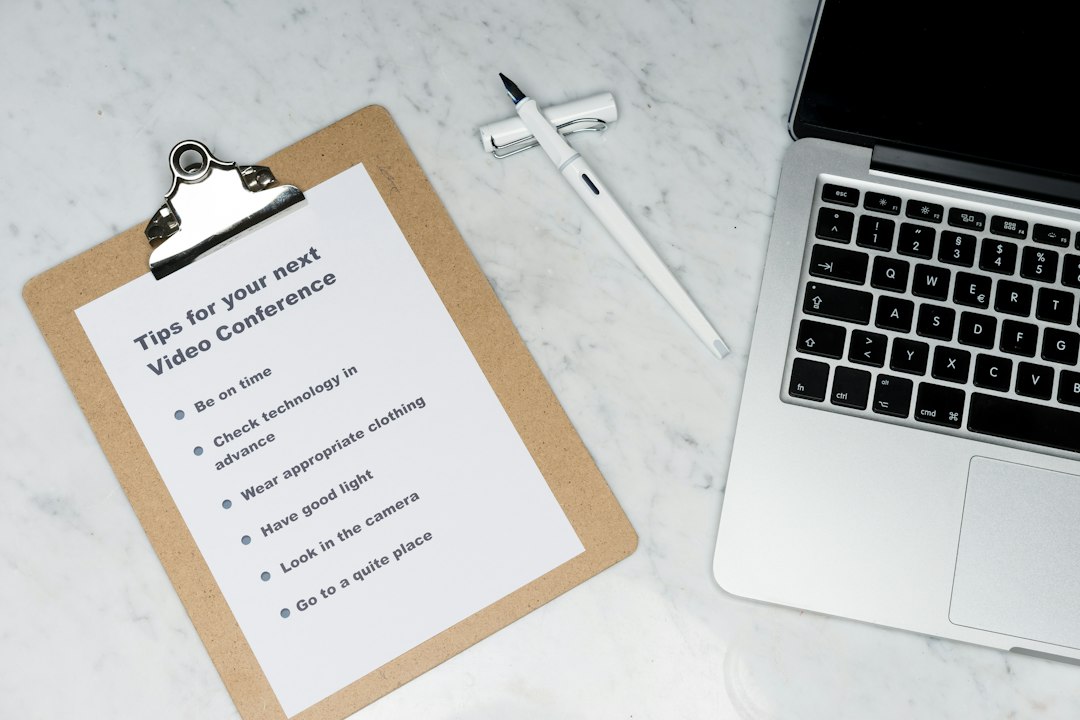
Not every fun newsletter needs a game. A clean checklist can be just as effective because people save it and return to it.
Use checklists for launches, audits, buying decisions, onboarding steps, event prep, or seasonal planning. Keep each item specific. “Improve your profile” is weak. “Replace your header image if it is older than 12 months” is better.
Make the checklist easy to skim. Put the most urgent items first. Add a short note under complex items, but do not turn the email into a manual.
How to Choose the Right Format
Pick the format based on one goal. If you want feedback, use a poll. If you want loyalty, use a challenge. If you want trust, use a reader story or decision breakdown. If you want clicks, use a quiz or resource roundup.
Measure each issue with care. Track opens, clicks, replies, unsubscribes, and conversions. Also watch fatigue. A fun format that causes a spike in unsubscribes is not a win.
The best newsletter is not the loudest one. It is the one readers understand quickly, enjoy using, and trust enough to open again.