
Adobe After Effects is still the main motion design tool for most 2D animation, title work, and visual effects. Blender and DaVinci Resolve are not replacements for every job. They are better seen as teammates. Adobe calls After Effects software for motion graphics and visual effects [source: Adobe].
TLDR: Use After Effects for animated text, social ads, explainers, and clean 2D motion. Use Blender when you need 3D objects, cameras, lighting, or product shots. Use DaVinci Resolve when editing, color, sound, and delivery matter most. For example, a 30 second sneaker ad might be 60% After Effects, 25% Blender, and 15% Resolve.
Why After Effects is still everywhere
After Effects is good at making flat things move. Logos. Text. Shapes. Photos. UI screens. Charts. Lower thirds. Intro titles. End cards. All the bits clients love to ask for at 4:57 p.m.
It has a huge preset world. It has templates. It has plugins. It works well with Photoshop and Illustrator. That matters a lot. Many motion designers do not start with a blank screen. They start with a client logo, a brand guide, and a deadline that feels rude.
After Effects shines when the job is clear:
- Animate a logo for YouTube or TikTok.
- Create title cards for a video series.
- Make explainer scenes with icons and text.
- Add visual effects like glows, screens, tracking, and masks.
- Build social ads in square, vertical, and wide formats.
Honestly, it feels like After Effects was built by people who love control and hate free time. You can adjust almost anything. That is great. It also means a simple glow can turn into 14 layers and a naming system you regret by lunch.
Where Blender fits
Blender is the 3D muscle. After Effects can fake depth. Blender can build it. A spinning bottle, a room, a robot, a shiny phone, or a floating shoe all feel more natural in Blender.
Blender is also free and open source. That is a big deal for students, small studios, and solo creators. Its feature list covers modeling, animation, simulation, rendering, and more [source: Blender].
Use Blender when the camera needs to move around an object. Use it when light matters. Use it when shadows sell the shot. After Effects can add polish after that. Think of Blender as the stage builder. Think of After Effects as the graphics booth.
A common workflow looks like this:
- Model and animate a product in Blender.
- Render it with a clean background.
- Bring the render into After Effects.
- Add text, arrows, labels, grain, and brand colors.
- Export final versions for ads and web.
Expect to waste time on render settings at first. It drives me crazy that one tiny lighting tweak can add 20 seconds per frame if you pick the wrong setup. But when it looks good, it really looks good.
Where DaVinci Resolve fits
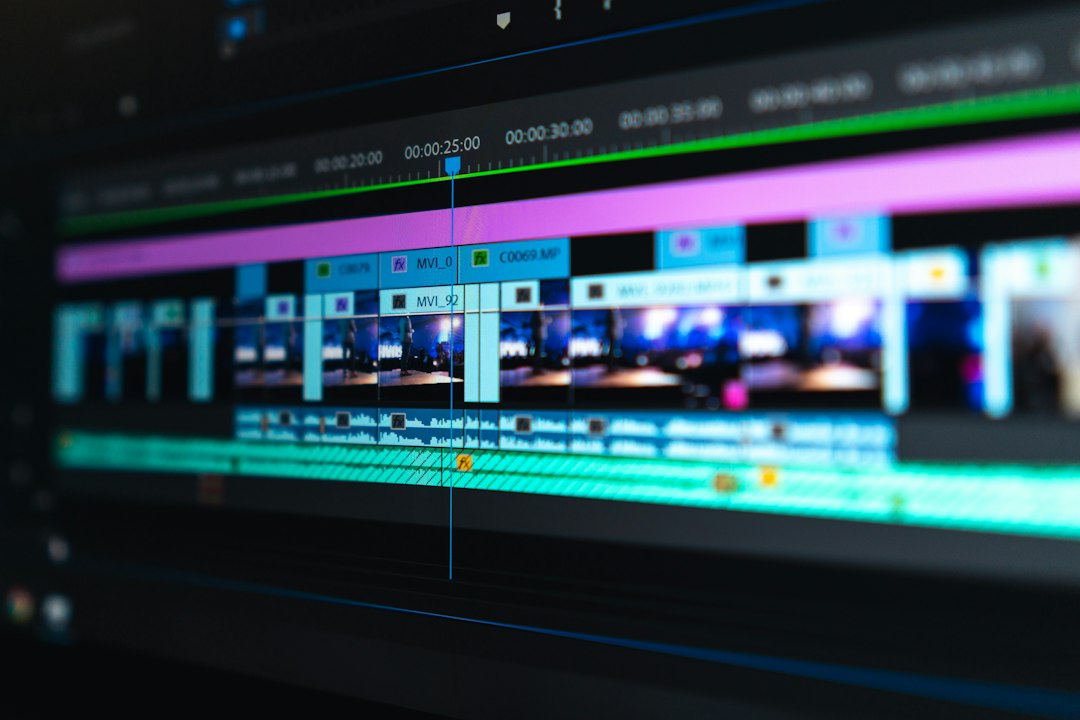
DaVinci Resolve is best known for editing and color. It also has Fusion, which is used for compositing and visual effects. Resolve is strong when the project is more than one animation. It helps when you have interviews, music, cuts, color, sound, and final delivery in one place.
If After Effects is a motion design workshop, Resolve is the finishing room. You can edit the full video, fix skin tones, balance audio, add captions, and export many versions. Blackmagic Design lists editing, color, effects, and audio tools in Resolve [source: Blackmagic Design].
Resolve is also nice for creators who hate jumping between five apps. Still, Fusion can feel stiff if you are used to After Effects layers. Nodes are powerful. They are also not cute. The first time a node tree becomes spaghetti, you may question your career choices.
So which tool should you learn first?
Start with After Effects if your goal is motion design. It gives the fastest path to paid work for animated graphics. You can make useful things on day one. A text reveal. A logo sting. A simple promo. That builds confidence.
Learn Blender next if you want 3D. It opens new doors. Product ads. Game trailers. Mockups. Character shots. If you make branded content, 3D can help merch feel real before it is produced. That pairs well with ideas from custom apparel printing services, because a fake product render can sell the idea before anyone prints a shirt.
Learn Resolve if you edit full videos. It is also smart if you care about color. Great motion can fall flat if the final video looks muddy. A strong edit and clean grade make the animation feel more expensive.
Fun project idea
Try this simple challenge. Make a 15 second ad for a music event.
- In Blender, make a small 3D speaker or stage light.
- In After Effects, animate the event name, date, and ticket text.
- In DaVinci Resolve, cut the final video to a beat.
- Add sound ideas inspired by motion controlled music tools.
This small project teaches the whole pipeline. You touch 3D, motion, edit, sound, and export. It is much better than watching ten tutorials and forgetting half of them.

The best answer is not one app
After Effects, Blender, and DaVinci Resolve each solve a different problem. After Effects makes graphics move. Blender makes 3D scenes feel real. Resolve brings the final video together.
The trick is to know when to stop adding tools. More software can slow you down. Clients usually do not care what app you used. They care if the message is clear and the video feels right. That is also why emotional connection matters in creative work.
So keep it simple. Use After Effects for the motion. Use Blender for the 3D. Use Resolve for the final cut. Then export the video, send it, and try not to open the project again unless someone is paying for revisions.