
Choose a database management platform that can process data, show performance issues early, and protect application workloads without forcing teams to stitch five consoles together. That is the practical standard now. Microsoft even makes Query Store a default feature for new SQL Server 2022 databases, which shows how normal performance history has become in serious database operations [source: Microsoft].
TLDR: The strongest enterprise choices are Microsoft Azure SQL and SQL Server, Oracle Database with Enterprise Manager, and AWS Aurora or RDS with native monitoring tools. A retailer running a 12 TB order database, for example, could use Query Store or Performance Insights to cut a recurring slow checkout query from 1.8 seconds to under 800 ms after index and plan fixes. For mature teams, the goal is not “more dashboards.” It is fewer blind spots, faster root cause analysis, and tighter access control.
1. Microsoft Azure SQL and SQL Server
Best for: Microsoft-heavy enterprises, regulated workloads, hybrid deployments, and teams that already use Windows, Entra ID, Power BI, or Azure services.
Microsoft’s database stack works well because it joins everyday administration with serious performance tracking. SQL Server Management Studio remains the workhorse. Azure Data Studio gives teams a lighter, cross-platform option. Query Store keeps a history of query plans, runtime stats, and regressions. That matters when an application was fine at 9 a.m. and slow by lunch.
The platform also includes practical security controls. Teams can use Transparent Data Encryption, row-level security, auditing, private endpoints, Microsoft Defender for SQL, and identity-based access. For application teams, this keeps security closer to the database instead of buried in a separate ticket queue.
- Data processing: SQL Server Integration Services, Azure Data Factory, stored procedures, in-memory features, and analytic links into Power BI or Microsoft Fabric.
- Performance monitoring: Query Store, wait statistics, execution plans, Azure Monitor, and Intelligent Insights.
- Secure workloads: TDE, dynamic data masking, auditing, private networking, and Microsoft Entra authentication.
The catch is that the Microsoft stack can feel split across tools. Expect to waste time moving between SSMS, Azure Portal, Monitor, Defender, and cost views. That extra clicking is not fatal, but during an outage, 20 extra seconds per screen feels much longer.
2. Oracle Database with Enterprise Manager
Best for: large banks, telecoms, insurers, manufacturers, and enterprises that need deep control over mission-critical workloads.
Oracle Database is built for heavy transactional systems and complex workloads. Oracle Enterprise Manager gives administrators a central place to manage databases, monitor health, inspect SQL performance, enforce rules, and watch capacity. It is not the easiest platform to learn. Still, it is one of the most complete choices when failure is expensive.
Performance teams often rely on Automatic Workload Repository and Active Session History. These tools help answer hard questions. Which SQL statement changed? Which wait event burned the most time? Did storage, locking, CPU, or a bad execution plan cause the pain?
Oracle is also strong on protection. Features such as Data Guard, Real Application Clusters, Database Vault, and encryption tools support high availability and strict access rules. Oracle states that Autonomous Database uses automatic tuning, patching, scaling, and backups [source: Oracle].
- Data processing: advanced SQL, partitioning, PL/SQL, parallel processing, materialized views, and data warehousing options.
- Performance monitoring: Enterprise Manager, AWR, ASH, SQL tuning advisor, and real-time database operations views.
- Secure workloads: Database Vault, Label Security, auditing, encryption, Data Guard, and role-based access controls.
Honestly, it feels like Oracle gives you nearly every knob possible, then dares you to understand all of them. That power is useful. It also means staffing matters. A weak Oracle team can turn a premium setup into an expensive guessing game.
3. AWS Aurora and Amazon RDS
Best for: cloud-first firms, SaaS products, startups growing into enterprise scale, and teams that want managed operations without giving up familiar engines such as PostgreSQL, MySQL, SQL Server, or Oracle.
AWS Aurora and RDS are popular because they remove a lot of routine database work. Patching, backups, replicas, failover, storage growth, and monitoring are handled through managed services. Teams still need database skill, but they spend less time on basic care and more time fixing schema design, query shape, and application behavior.
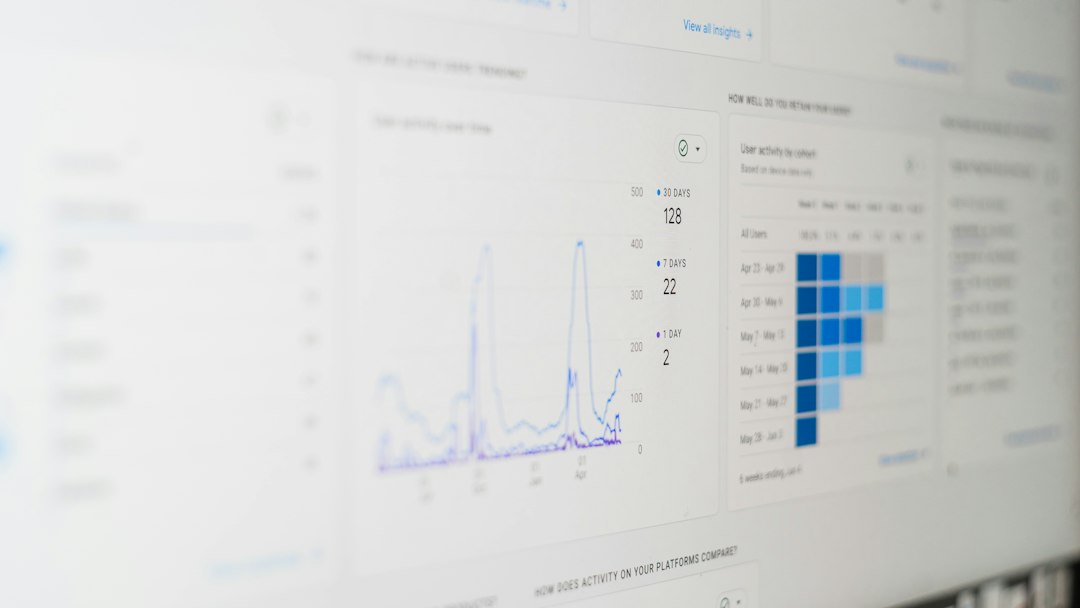
Performance Insights is the key monitoring tool. It shows database load, top SQL, waits, users, hosts, and time ranges. CloudWatch covers metrics and alarms. AWS Database Migration Service helps move data between systems. For secure application workloads, AWS adds IAM controls, KMS encryption, subnet isolation, security groups, Secrets Manager, and audit logging.

- Data processing: Aurora read replicas, stored routines, DMS, Glue integrations, and links into analytics services such as Redshift.
- Performance monitoring: Performance Insights, CloudWatch, Enhanced Monitoring, logs, alarms, and query-level views.
- Secure workloads: encryption with KMS, IAM authentication, VPC isolation, Secrets Manager, and backup policies.
The annoyance is cost visibility. A small setting can grow into a large bill if storage, I/O, replicas, or cross-region traffic are not watched. Set budgets and alarms early. Do not wait for finance to send an angry email.
How to choose the right platform
Pick based on operating model, not brand. If your estate is mostly Microsoft, Azure SQL and SQL Server will usually fit best. If you run massive core systems with strict uptime demands, Oracle remains a serious option. If your product teams ship mainly on AWS, Aurora and RDS give speed with managed control.
Use a simple scorecard:
- Workload type: transaction-heavy, analytic, mixed, or global SaaS.
- Recovery needs: target recovery time, target data loss, and failover testing.
- Monitoring depth: query plans, waits, locks, storage, users, and app traces.
- Security rules: encryption, audit, identity, network isolation, and privileged access.
- Team skill: the best tool is risky if no one can operate it under pressure.
The safest enterprise choice is the one your team can tune, monitor, patch, and defend every week. Fancy features help, but boring discipline wins: tested backups, reviewed permissions, measured latency, and clear ownership.