
The Logitech Casa Pop-Up Desk is best for hybrid workers who want a cleaner laptop setup without carrying a separate stand, keyboard, and trackpad. It is a compact fold-out kit that turns into a raised laptop stand and stores a wireless keyboard and touchpad inside the case, according to Logitech [source: Logitech]. The idea is simple: open it, place your laptop on the stand, pull out the accessories, and work in a more upright position.
TLDR: The Casa Pop-Up Desk is a serious portable workspace for people who move between rooms, offices, cafes, and coworking spaces. For example, a hybrid employee working away from a fixed desk 3 days per week could carry one slim bundle instead of packing three separate items. It is not cheap, and it will not replace a full ergonomic monitor setup. But for laptop users who often hunch over a screen, it can make daily work feel more controlled and less messy.
What the Casa Pop-Up Desk Actually Is
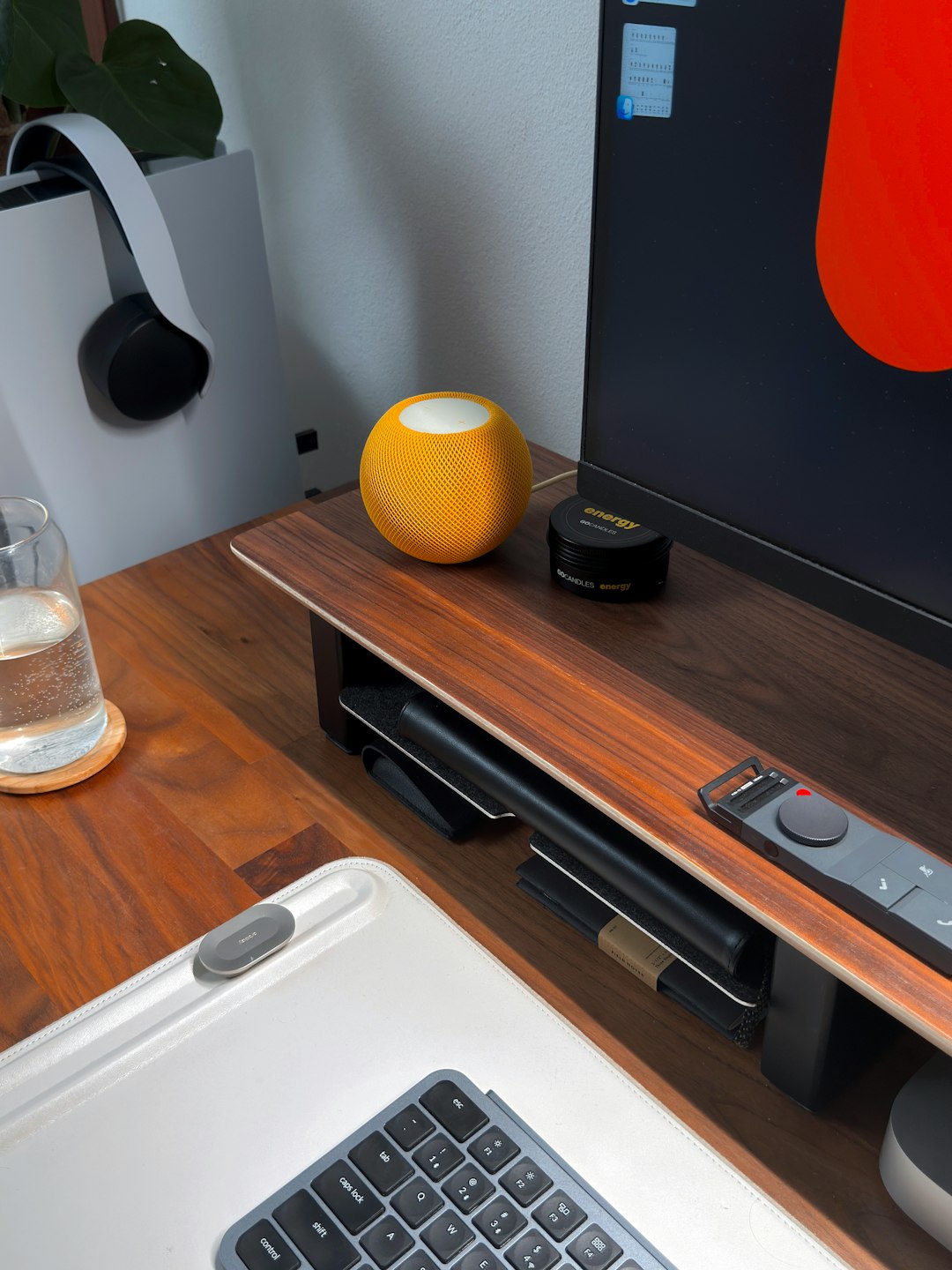
The Casa Pop-Up Desk is not a desk in the normal sense. It is a portable workstation kit. When closed, it looks like a slim book or case. When opened, it becomes a laptop stand with space inside for two accessories:
- Casa Keys: a compact wireless keyboard.
- Casa Touch: a wireless touchpad.
- Fold-out stand: a raised platform for your laptop.
- Storage case: the outer shell that keeps the setup together.
The main benefit is posture. A laptop on a flat table pushes your eyes down and your shoulders forward. Raise the screen and you reduce that strain. Add a separate keyboard and touchpad, and your hands can stay at a better angle. That is the whole point of this product.
Who It Is For
This kit makes the most sense for people who work from more than one location. It is useful if you use a laptop as your main computer and do not always have a full desk setup ready.
Good fits include:
- Hybrid workers moving between home and office.
- Students who work in libraries, dorms, and shared spaces.
- Freelancers who use cafes or coworking desks.
- Managers who travel but still need proper typing comfort.
- People with small apartments who need to pack work gear away fast.
It is less useful if you already have a monitor, full-size keyboard, mouse, and proper chair at one fixed desk. In that case, Casa may feel like a neat extra, not a must-have.
Design and Build
The design is clean and controlled. It does not scream “tech gadget.” That matters if you use it in meetings or shared offices. The case has a tidy, notebook-like shape, so it can sit on a shelf or slip into a bag without looking awkward.
The fold-out stand is the key part. It raises the laptop screen to a better viewing height. That helps with neck position, but it also creates a tradeoff. A raised laptop is harder to type on directly. That is why the separate keyboard and touchpad are not optional extras. They are central to the setup.
Typing and Touchpad Experience
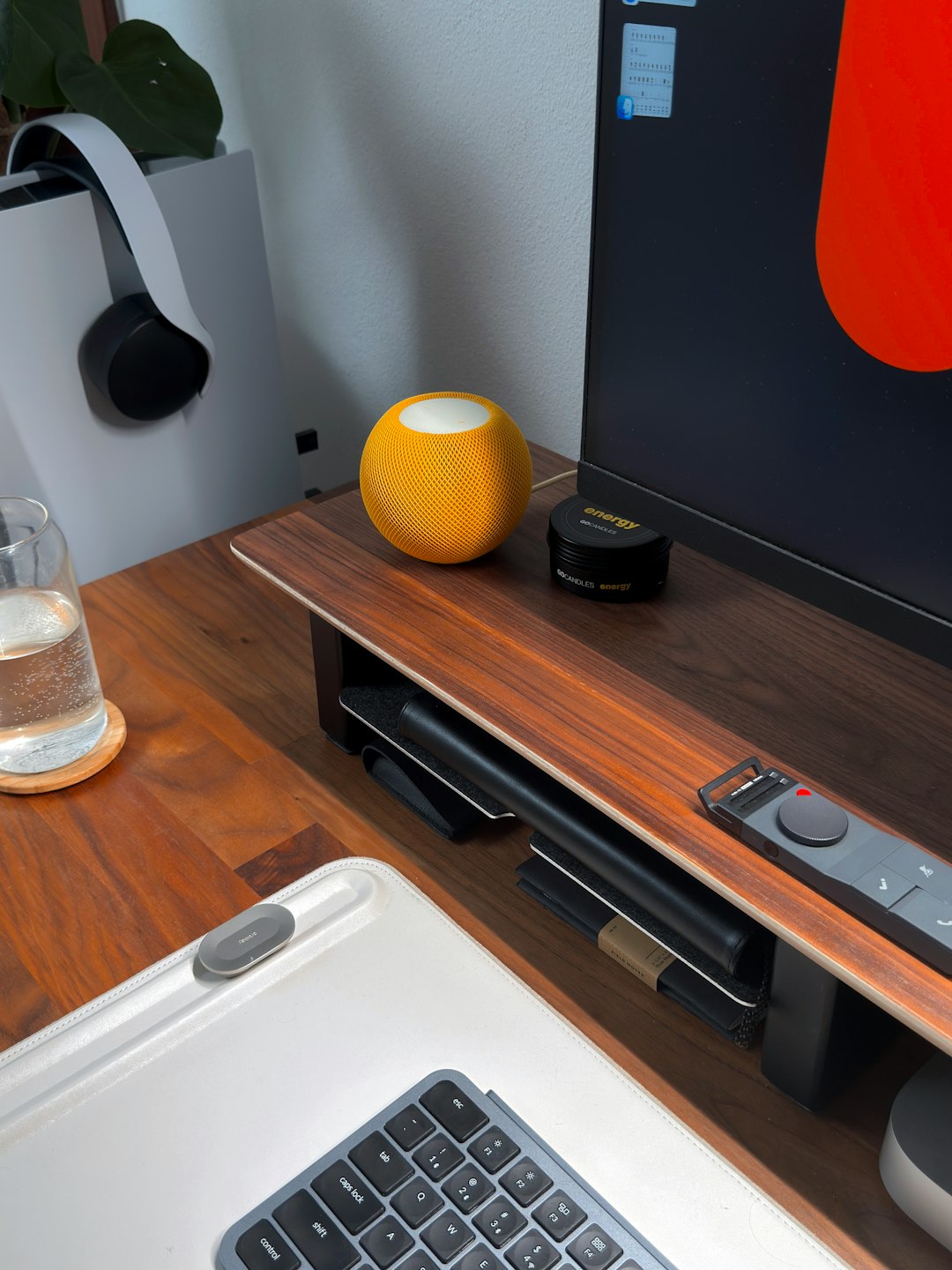
The keyboard is compact. That means it saves space, but it may feel cramped if you are used to a full-size keyboard. Most people will adjust, but spreadsheet-heavy users may miss a number pad.
The touchpad is a smart inclusion, especially for MacBook users who already like trackpad gestures. Windows users may also like it, though the feel depends on personal habits. If you are a mouse person, the touchpad may feel like a compromise.
Honestly, it feels like a product made for people who hate loose accessories. No hunting for a keyboard in one bag pocket and a stand in another. Everything lives in one place. That sounds minor, but it can save real time when setting up in public spaces.
Setup and Daily Use
Daily use is simple. Open the case, fold the stand into position, place the laptop on top, then connect the keyboard and touchpad. Once paired, the setup should feel fairly quick.
Still, wireless accessories can be mildly annoying. It drives me crazy when a device takes even 15 or 20 seconds to reconnect while a call is about to start. Casa is not free from that risk, because Bluetooth gear depends on battery level, device memory, and the laptop’s own connection behavior.
For planned work sessions, that is not a big issue. For rushed meetings, it may be.
Strengths
- All-in-one carry: stand, keyboard, and touchpad stay together.
- Better screen height: helps reduce the hunched laptop posture.
- Clean look: suitable for offices, meeting rooms, and home desks.
- Good for small spaces: easy to store when work is done.
- Less cable clutter: useful for people who hate messy setups.
Weak Points
- Price: it costs more than buying a basic stand and keyboard separately.
- No full desktop comfort: it cannot match a large monitor setup.
- Compact keyboard: not ideal for everyone.
- Touchpad preference: mouse users may not enjoy it.
- Bag space: slim does not mean weightless or invisible.

Is It Worth Buying?
The Casa Pop-Up Desk is worth considering if you work on a laptop for long hours and often change location. Its value is not just the hardware. The value is the order it brings to a portable work routine.
If your current setup is a laptop flat on a table, with your neck bent for hours, Casa is a clear upgrade. If you already own a good stand, keyboard, and mouse, the case becomes more about convenience than need.
The best buyer is someone who wants a reliable pack-and-go workspace and is willing to pay for a cleaner system. It is not the cheapest route. But it is practical, polished, and focused on a real problem: laptop work is often uncomfortable, and most portable fixes are messy.