
The best classroom management tool depends on your school’s main pain: choose GoGuardian for strong Chromebook visibility, Hapara for Google Workspace teaching workflows, Securly for safety alerts and filtering, Lightspeed Classroom Management for district-wide device control, and Classwize by Linewize for simple lesson-focused screen control. This choice matters because students are rarely “offline” anymore; Pew reports that 96% of teens use the internet daily, and 46% say they are online almost constantly [source: Pew Research Center].
TLDR: If your district uses Google heavily, start with Hapara or GoGuardian. If student safety alerts are the top concern, Securly is usually the better fit. For example, in a 30-student Chromebook class, GoGuardian can help a teacher spot 8 off-task tabs in under a minute, while Hapara may be better for pushing a Google Doc to the whole class and checking progress. For larger districts, Lightspeed or Classwize may win because device rules and reporting can feel cleaner at scale.
1. Hapara: best for Google-centered classrooms
Hapara feels built for teachers who live in Google Classroom, Google Drive, Docs, and Slides. Its strength is not just “watching screens.” It helps teachers see student work, organize files, and guide lessons without opening ten different tabs.
The tool is especially useful when students are doing writing, research, or project work. Teachers can view open tabs, close distractions, send links, and check Google assignments. Hapara Highlights adds real-time browser monitoring, while Teacher Dashboard keeps class work organized.
Best for: Google Workspace schools, writing-heavy classes, project-based learning.
Watch out for: It can feel less direct than pure screen-control tools. If you only want fast “close tab, lock screen, block site” actions, Hapara may feel like extra steps.
2. GoGuardian Teacher: best for Chromebook screen monitoring
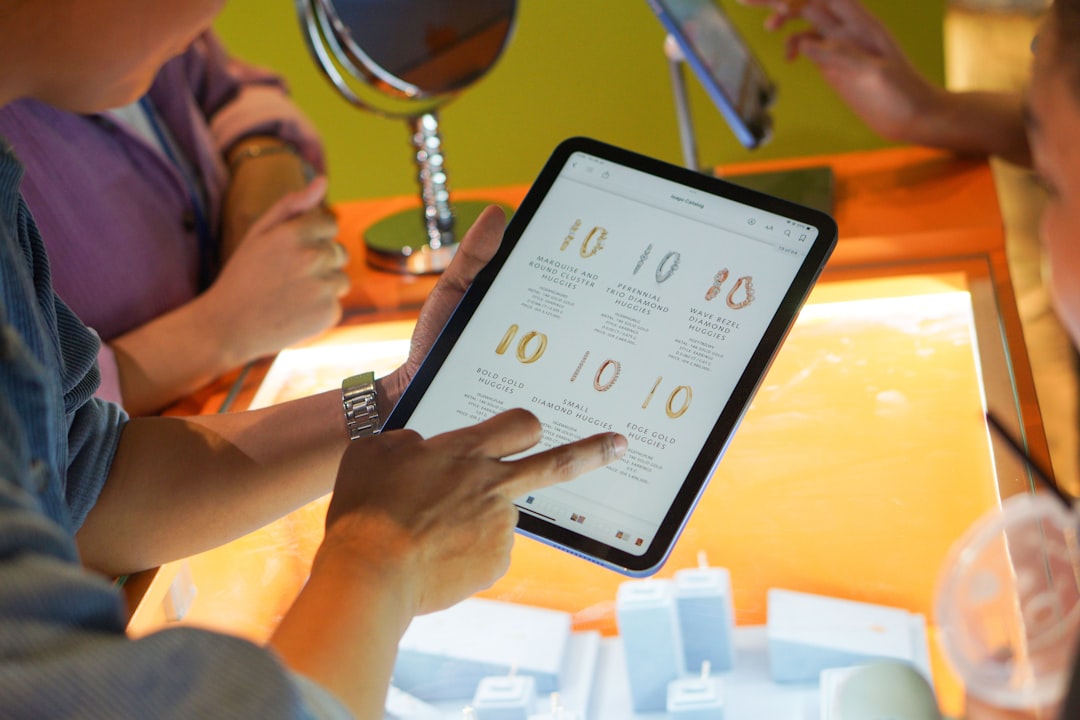
GoGuardian is one of the most recognized names in student monitoring. It is popular for a reason. Teachers can see student screens, close tabs, lock devices, open websites for the class, and create browsing rules for a lesson.
Its visual layout is simple. A teacher can scan thumbnails and spot who is working and who is watching basketball highlights. That part is satisfying. The catch is that when classes are large, thumbnails can feel cramped, and teachers may spend more time policing screens than teaching.
GoGuardian also connects with wider safety tools, including filtering and student threat detection. Districts that want one vendor for classroom control and safety often put it high on the list.
Best for: Chromebook districts, live screen viewing, quick classroom control.
Watch out for: It can create a “surveillance” feel if schools do not set clear rules. Parents and teachers need to know what is monitored, when, and why.
3. Securly: best for filtering and student safety
Securly is often stronger as a safety and web filtering system than as a pure classroom teaching tool. Its products cover filtering, student wellness alerts, parent controls, and classroom management.
For schools worried about self-harm signals, bullying, or risky searches, Securly has a clear appeal. It can flag concerning activity and help staff respond faster. That matters, but it also means schools need a solid response plan. Alerts are only useful if someone checks them and acts.
The classroom side lets teachers guide browsing, view screens, and keep students on task. It may not feel as polished for lesson flow as Hapara or as direct as GoGuardian, but the safety layer is the main draw.
Best for: districts focused on web filtering, student wellness, and parent visibility.
Watch out for: Expect to spend time tuning alerts. Too many low-value warnings can wear staff down.
4. Lightspeed Classroom Management: best for district control
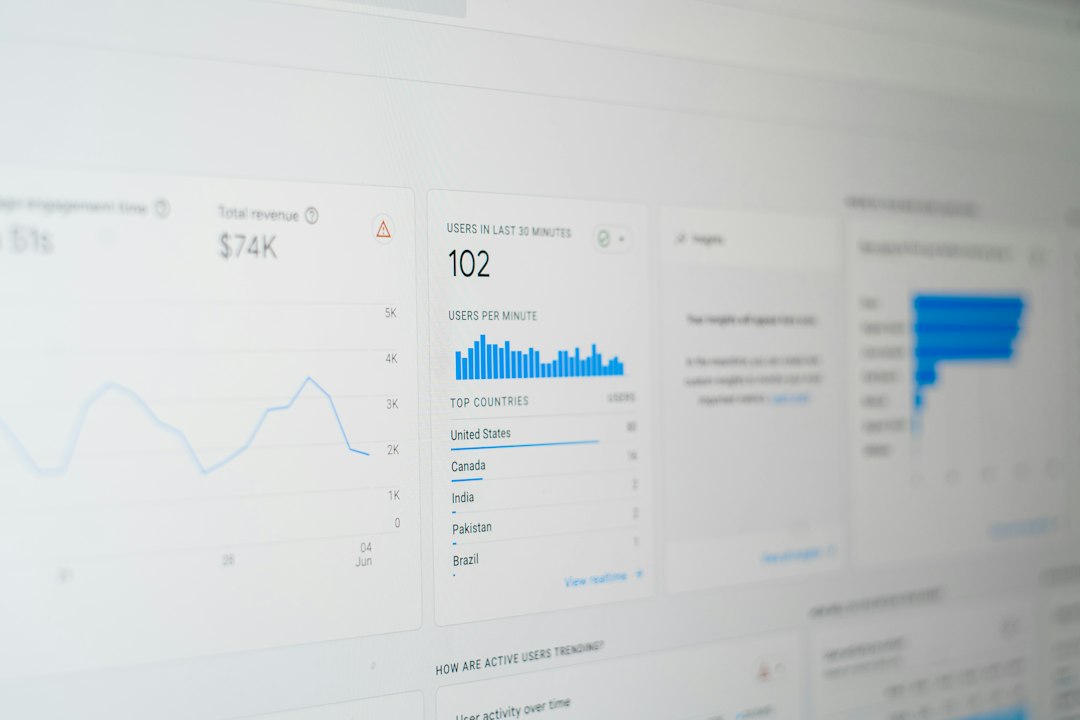
Lightspeed Classroom Management works well for schools already using Lightspeed Filter or other Lightspeed products. It gives teachers live screen views, web controls, app controls, and class session tools.
Its big plus is the district-level setup. IT teams can manage rules, groups, and devices with less mess. Teachers still get the tools they expect, such as locking screens and sending links.
Honestly, it feels like Lightspeed is strongest when the district wants order first and teacher flair second. That is not a bad thing. Large schools need consistency. But a teacher looking for a warm, lesson-first interface may prefer Hapara or Classwize.
Best for: large districts, mixed device programs, schools already using Lightspeed.
Watch out for: Some teachers may need training before they use more than the basic screen-view tools.
5. Classwize by Linewize: best for simple lesson control
Classwize is clean, practical, and teacher-friendly. It lets teachers see screens, block distractions, create focused learning sessions, and guide students to the right sites.
One nice touch is how lesson controls feel tied to actual teaching time. Teachers can set rules for a session, then relax them when the session ends. That sounds small, but it reduces the “why is this site still blocked?” headache.
Classwize also connects with Linewize filtering and student safety tools. This makes it a smart pick for schools that want classroom control, filtering, and wellbeing features under one roof.
Best for: teachers who want simple controls, focused lessons, and fewer clicks.
Watch out for: Advanced reporting may not satisfy every district compared with heavier admin-focused systems.
Quick comparison
- Best Google workflow: Hapara
- Best live Chromebook monitoring: GoGuardian
- Best safety and filtering focus: Securly
- Best district-wide control: Lightspeed Classroom Management
- Best simple teacher experience: Classwize
Which one should you pick?
If your teachers complain that students are always two clicks away from games, GoGuardian is the easy shortlist pick. If they complain that student work is scattered across Drive folders, Hapara makes more sense.
If your board is asking about self-harm alerts, filtering, and parent controls, start with Securly. If IT wants one system that scales across grades and devices, compare Lightspeed and Classwize.
The real mistake is buying only for the admin demo. Put each tool in front of five teachers for one week. Ask one simple question: Did this save time, or did it add another screen to babysit? The answer will tell you more than any feature checklist.