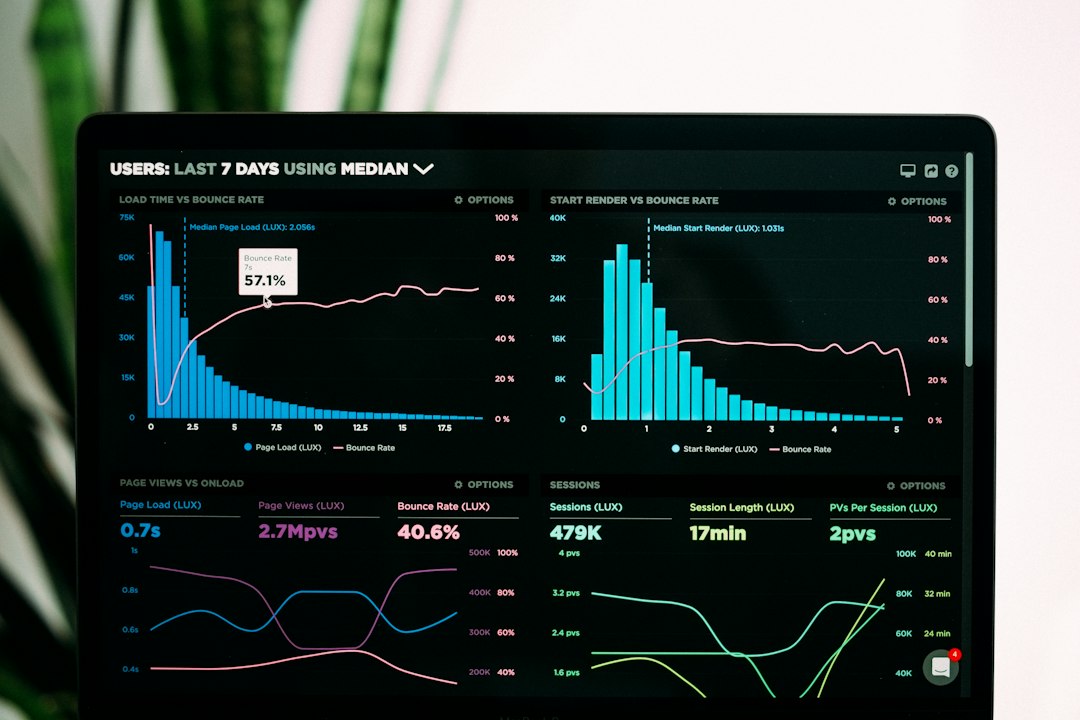
Build your onboarding workflow around one goal: get users to their first win fast. Email keeps them moving. In-app guidance shows them what to click. Product analytics tells you where they got stuck. Good onboarding matters because 86% of people say they are more likely to stay loyal to a business that offers useful onboarding content [source: Wyzowl].
TLDR: Create a simple path from signup to “aha!” Use emails for reminders, in-app tips for action, and analytics for proof. For example, if 1,000 users sign up and only 420 finish setup, your analytics may show that 38% quit on the “invite your team” step. Fix that step, add a tooltip, send one helpful email, and your activation rate can jump fast.
Start with the “first win”
Do not start with tools. Start with the moment users feel happy.
That moment might be:
- Sending their first invoice
- Creating their first project
- Importing their first customer list
- Inviting their first teammate
- Seeing their first report
This is your activation goal. Everything in your workflow should push users toward it.
Honestly, it feels like some SaaS tools try to teach the whole product on day one. Please do not do that. Nobody wants a 14-step tour before breakfast.
Map the onboarding journey
Keep the journey short. Think of it like a tiny treasure map.
- Signup: The user creates an account.
- Welcome: You confirm the value right away.
- Setup: The user adds key details.
- First action: The user does the thing your product is built for.
- Follow-up: You help them repeat the win.
Each step needs one clear action. Not three. Not seven. One.
Bad: “Explore your dashboard.”
Better: “Create your first project.”
Great: “Create your first project in 60 seconds.”
Use email automation to guide, not nag
Email is useful because users leave your app. They get busy. They open 19 tabs. Then your product gets forgotten.
Your email flow brings them back.
A simple SaaS onboarding email workflow might look like this:
- Email 1: Welcome email. Send it right after signup. Tell users what to do first.
- Email 2: Setup help. Send it after 1 day if setup is not done.
- Email 3: First win push. Send it when they are close to activation.
- Email 4: Social proof. Show how another user solved a real problem.
- Email 5: Check-in. Ask if they need help. Keep it friendly.
Make each email short. Keep one button. Use plain words.
Example: “Your first report is almost ready. Add one data source to finish it.”
That is clear. It is not fluffy. It gives the user a next step.
Add in-app guidance at the exact moment
Email gets people back. In-app guidance helps them act while they are inside the product.
Use:
- Tooltips for small hints.
- Checklists for setup steps.
- Product tours for new screens.
- Empty state messages for blank pages.
- Banners for key alerts.
It drives me crazy when a tooltip covers the button I need to click. Test this stuff. A tooltip that gets in the way is not guidance. It is a tiny pop-up villain.
Keep it light. Do not explain every feature. Teach only what matters now.
For example, if the user lands on an empty report page, do not say “Welcome to Reports.” Say, “Connect your first data source to create a report.”
Use product analytics to spot friction
Product analytics shows what users actually do. Not what you hope they do.
Track events like:
- Signed up
- Opened dashboard
- Completed setup
- Created first project
- Invited teammate
- Returned on day 2
- Upgraded account
Then build a funnel.
Example funnel:
- 1,000 users sign up.
- 760 open the dashboard.
- 530 start setup.
- 420 finish setup.
- 310 reach the first win.
Now you can see the leak. If many users start setup but do not finish, that step is too hard. Maybe the form is too long. Maybe the copy is vague. Maybe the import takes 12 seconds and looks broken.
Analytics turns guessing into fixing.
Connect email, in-app guidance, and analytics
This is where the workflow gets fun.
Do not send the same email to everyone. Trigger messages based on behavior.
- If a user signs up but does nothing, send a “start here” email.
- If a user starts setup but quits, show a checklist next time.
- If a user creates a project, send a “nice work” email with the next step.
- If a user invites a teammate, show a tip about roles.
- If a user hits the first win, ask them to try the next feature.
This makes onboarding feel personal. Not creepy. Helpful.
Build your workflow in small pieces
You do not need a giant system on day one. Start with a simple version.
Week 1: Pick your activation goal. Track five key events.
Week 2: Add a welcome email and one reminder email.
Week 3: Add an in-app checklist with three steps.
Week 4: Review the funnel. Fix the biggest drop-off.
Repeat every month.
Use this simple onboarding checklist
- Define the user’s first win.
- Remove extra steps before that win.
- Create a short welcome email.
- Add behavior-based email triggers.
- Use tooltips only where users get stuck.
- Add a checklist with 3 to 5 tasks.
- Track activation, drop-off, and return visits.
- Review the data every week.
- Test one fix at a time.
The best SaaS onboarding feels like a calm guide. It does not shout. It does not dump a manual on the user. It says, “Do this next,” at the right time.
That is the whole game. Help users win early. Remind them when they drift. Watch the numbers. Then make the path smoother.