Shopping for benefits software can feel like trying to pick toppings at a giant frozen yogurt bar. There are many choices. Some look tasty. Some are confusing. Benefitfocus is one of the big names in this space. It helps employers manage employee benefits, open enrollment, reporting, and benefits communication in one platform.
TLDR: Benefitfocus is a benefits administration platform built for mid-size and large employers that want a smoother way to manage health plans, voluntary benefits, enrollment, and employee communication. It is not usually a “click and buy” tool, because pricing is custom. For example, a company with 2,000 employees could use Benefitfocus to cut manual enrollment work by 30% to 50%, depending on its current process. It is powerful, but smaller teams may find it more platform than they need.
What Is Benefitfocus?
Benefitfocus is a cloud-based benefits administration system. In simple words, it helps companies handle employee benefits without drowning in spreadsheets.
Employees can log in, compare benefit options, enroll in plans, and make changes during open enrollment or life events. HR teams can manage eligibility, send data to carriers, track enrollment, and report on benefits usage.
Benefitfocus is now part of Voya Financial, which gives it more muscle in the employee benefits world. That can be useful for companies that want a bigger ecosystem around workplace benefits, financial wellness, and insurance products.

Who Is Benefitfocus Best For?
Benefitfocus is not really built for a tiny coffee shop with six employees. It is better for organizations with lots of workers, many benefit plans, and complex rules.
It is a strong fit for:
- Mid-size companies that have outgrown basic HR tools.
- Large employers with multiple locations or employee groups.
- HR teams that need better open enrollment workflows.
- Organizations with complex health, dental, vision, life, disability, and voluntary benefits.
- Benefits consultants and brokers that help clients manage benefits programs.
If your benefits setup feels like a giant puzzle with missing pieces, Benefitfocus may help put the picture back together.
Key Benefitfocus Features
Benefitfocus has many features. Some are simple. Some are very enterprise-focused. Here are the big ones.
1. Online Benefits Enrollment
This is the heart of the platform. Employees can view benefits and enroll online. They can compare plans, see costs, and choose coverage.
This helps reduce paper forms. It also helps HR avoid those classic “I forgot to sign page three” moments.
2. Open Enrollment Management
Open enrollment can be wild. Benefitfocus helps HR teams plan and run it in a more organized way.
You can set enrollment windows, manage plan rules, track progress, and remind employees who have not made elections yet. This is useful when hundreds or thousands of employees need to act before a deadline.
3. Eligibility and Life Event Changes
Employees have life changes. They get married. They have babies. They move. They need to update benefits.
Benefitfocus supports life event workflows. Employees can submit changes, and HR can review them. This keeps records cleaner and helps reduce strange benefit errors later.
4. Carrier Connections
Benefitfocus can send enrollment data to insurance carriers. This is a key feature. Without it, HR may need to manually update carrier portals or send files.
Carrier integrations help keep employee coverage data in sync. That means fewer surprises when someone tries to use their insurance card at the doctor.
5. Employee Communication Tools
Benefits can be confusing. Deductibles, premiums, copays, HSAs, FSAs. It is alphabet soup with a medical bill attached.
Benefitfocus includes tools that help explain choices to employees. The platform can guide users through enrollment and help them understand plan options.
6. Reporting and Analytics
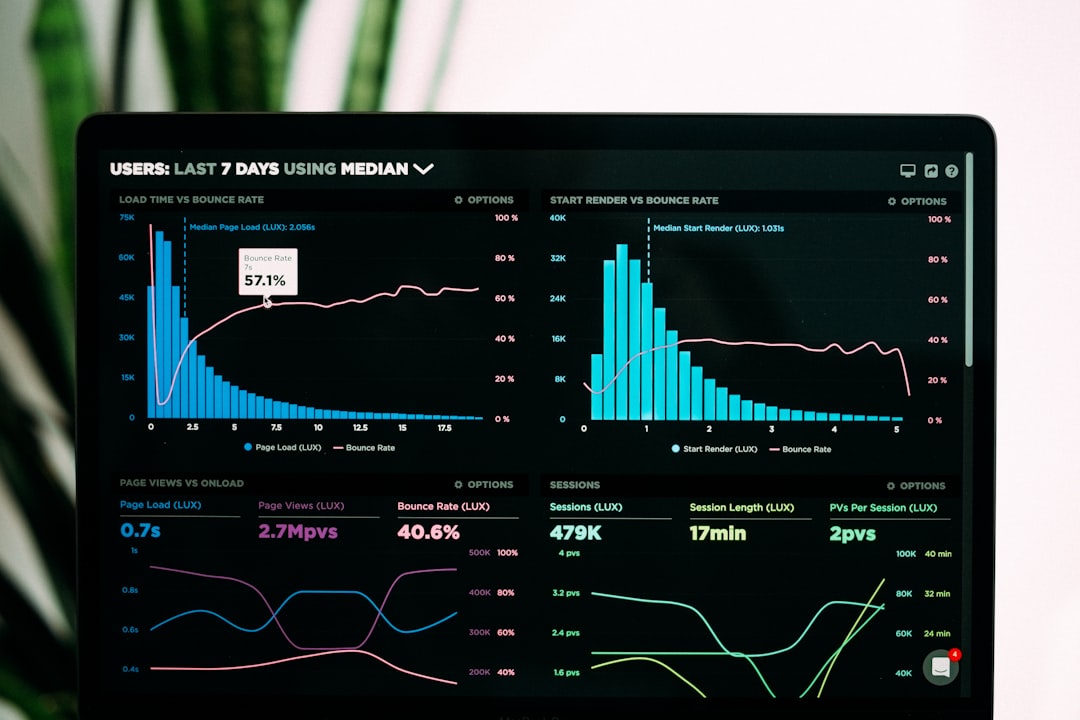
HR leaders need numbers. Benefitfocus offers reporting tools to track enrollment, participation, costs, and plan trends.
For example, HR might see that only 18% of eligible employees enrolled in a voluntary accident plan. That insight can lead to better education next year.
7. Mobile Access
Employees expect everything on their phones. Benefitfocus supports mobile-friendly access, so employees can review and manage benefits without being stuck at a desk.
This is helpful for deskless workers, retail teams, healthcare staff, manufacturing workers, and remote employees.
Benefitfocus Pricing
Benefitfocus does not usually publish simple pricing on its website. That means you will not see a neat plan like “$8 per employee per month” sitting on a pricing page.
Instead, pricing is typically custom. It may depend on:
- Company size.
- Number of employees.
- Number of benefit plans.
- Carrier integrations.
- Implementation needs.
- Support level.
- Extra modules or services.
This is common for enterprise benefits software. Large employers often need special setup, data mapping, testing, integrations, and training.
Simple tip: Before asking for a quote, list your must-have features. Also count your eligible employees, benefit plans, carriers, and payroll systems. This will make the pricing call much less painful.
Benefits Administration: How It Helps HR
Benefits administration is the boring phrase for a very important job. It means managing who gets what benefit, when they get it, how much it costs, and which carrier needs the data.
Benefitfocus helps HR teams by centralizing this work. Instead of managing email threads, PDFs, spreadsheets, payroll updates, and carrier portals separately, HR can use one platform as the main hub.
The main benefits include:
- Less manual work: Employees enter their own elections online.
- Fewer errors: Rules and workflows help catch mistakes.
- Better employee experience: Workers can compare options more clearly.
- Cleaner data: Enrollment and eligibility details live in one place.
- Improved reporting: HR can track what is happening in real time.
Imagine an HR team of four supporting 1,500 employees. Before Benefitfocus, they may spend weeks chasing forms and updating carriers. With a benefits admin platform, much of that work can move into automated workflows. HR still works hard, of course. But there is less spreadsheet wrestling.
What Is Good About Benefitfocus?
Benefitfocus has several clear strengths.
- Strong benefits focus: It is built specifically for benefits administration.
- Good for complexity: It can support large groups and many plan types.
- Employee self-service: Employees can manage enrollment themselves.
- Carrier data exchange: Integrations can reduce manual file handling.
- Useful reporting: HR can see trends and participation data.
It also gives benefits teams a more professional enrollment experience. That matters. Benefits are a big part of employee satisfaction. If enrollment is frustrating, employees remember.
What Could Be Better?
No software is perfect. Benefitfocus may have a few drawbacks, depending on your company.
- Pricing is not transparent: You need a quote.
- Implementation can take time: Large benefits systems are not instant.
- May be too much for small businesses: Smaller teams may prefer a simpler HR platform.
- Learning curve: HR admins may need training to use all features well.
This is not unusual. Enterprise software often has power and complexity in the same box. Like a fancy espresso machine, it can do a lot. But you must learn the buttons.
Top Benefitfocus Competitors
Benefitfocus is not the only player in the benefits game. Here are several competitors to consider.
1. Workday
Workday is a major HR, finance, and workforce platform. Its benefits tools are part of a broader HR suite. It is a strong choice for large companies that want benefits under the same roof as HR, payroll, talent, and analytics.
2. UKG
UKG offers HR, payroll, workforce management, and benefits features. It is often used by companies that need strong employee management and scheduling tools along with benefits.
3. ADP Workforce Now
ADP Workforce Now is popular with small and mid-size businesses. It combines payroll, HR, benefits, and compliance tools. It may feel more familiar for companies already using ADP payroll.
4. Paycom
Paycom focuses on payroll and HR in a single system. It includes benefits administration and employee self-service. It can be a good option for businesses that want one database for many HR tasks.
5. PlanSource
PlanSource is another benefits administration platform. Like Benefitfocus, it focuses heavily on enrollment, benefits shopping, and carrier connections. It is a direct competitor in many buying decisions.
6. bswift
bswift offers benefits administration and enrollment tools for employers and benefits consultants. It is often considered by larger organizations with complex benefits needs.
Final Verdict
Benefitfocus is a strong benefits administration platform for companies that need serious enrollment tools, carrier connections, and benefits reporting. It is especially useful for mid-size and large employers with complex plans.
It may not be the best fit if you want simple public pricing or a lightweight tool for a small team. But if your HR department is buried in forms, files, and benefit questions, Benefitfocus could be a very helpful upgrade.
Bottom line: Benefitfocus is like a control center for employee benefits. It helps HR stay organized. It helps employees make better choices. And it can turn open enrollment from a yearly circus into something much closer to a smooth parade.