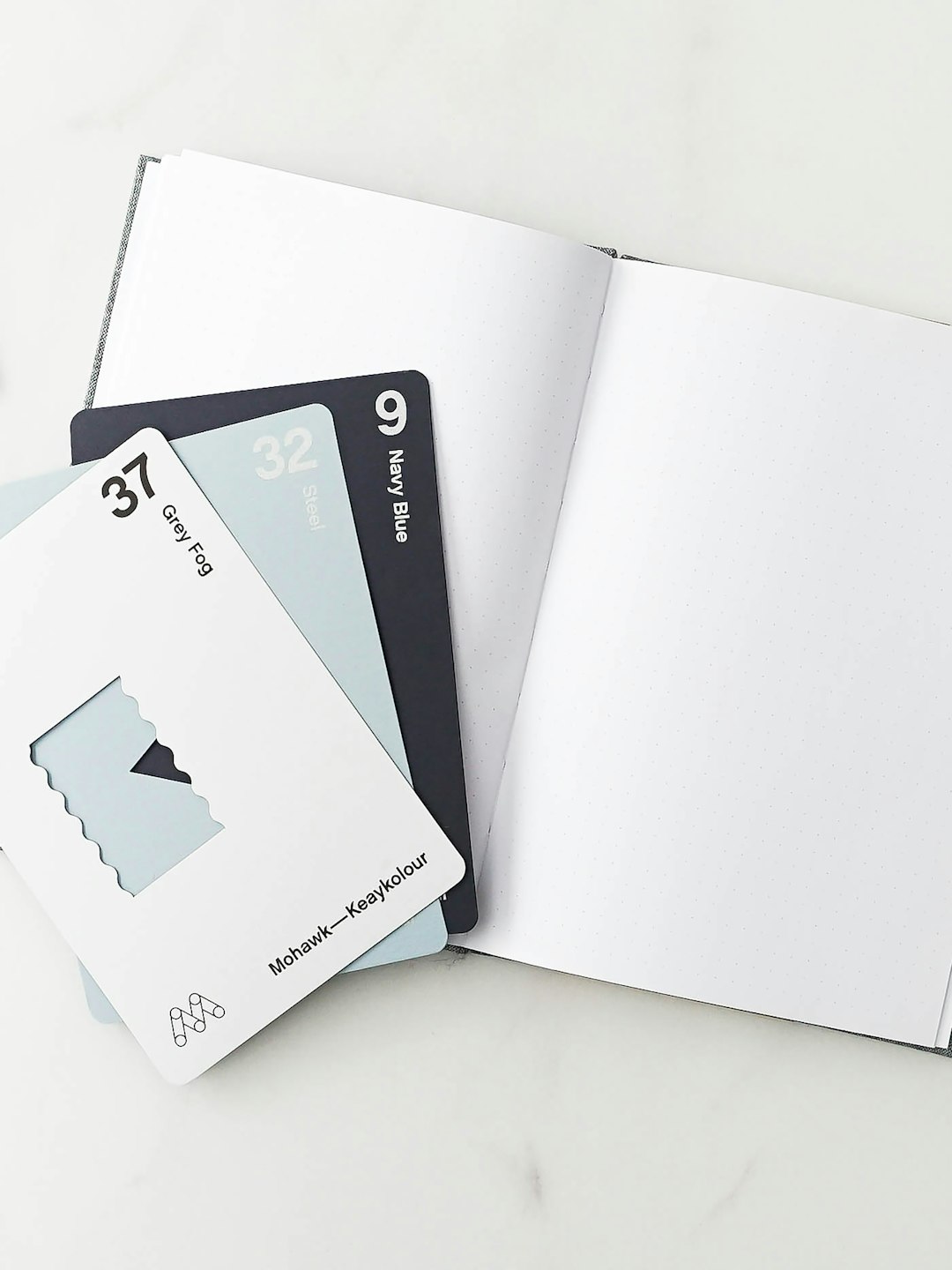
For many professionals, a business card is still the smallest and most practical piece of branding they will ever hand to a client. Even in a digital-first market, a well-designed card can make a company feel more memorable, trustworthy, and prepared. The best business card makers turn a simple idea into a polished printed product by combining templates, customization tools, paper choices, and reliable delivery.
TLDR: The best business card maker depends on whether a person values premium materials, fast turnaround, template variety, or budget pricing. Moo stands out for luxury finishes, Vistaprint is the best all-around option, and Canva is ideal for easy design control. For local pickup, Staples and Office Depot are practical choices, while GotPrint and PsPrint offer strong value for bulk orders.
What Makes a Business Card Maker Worth Using?
A strong business card maker does more than print a name, logo, and phone number. It helps users move from a rough concept to a card that feels intentional. The most useful platforms provide professional templates, intuitive editing tools, quality paper stocks, clear pricing, proofing options, and dependable shipping.
The best services also understand that different businesses need different impressions. A creative consultant may want a bold square card with a matte finish, while a law firm may prefer a traditional white card with embossed lettering. A good provider gives both customers the ability to create something appropriate without forcing them through a complicated design process.
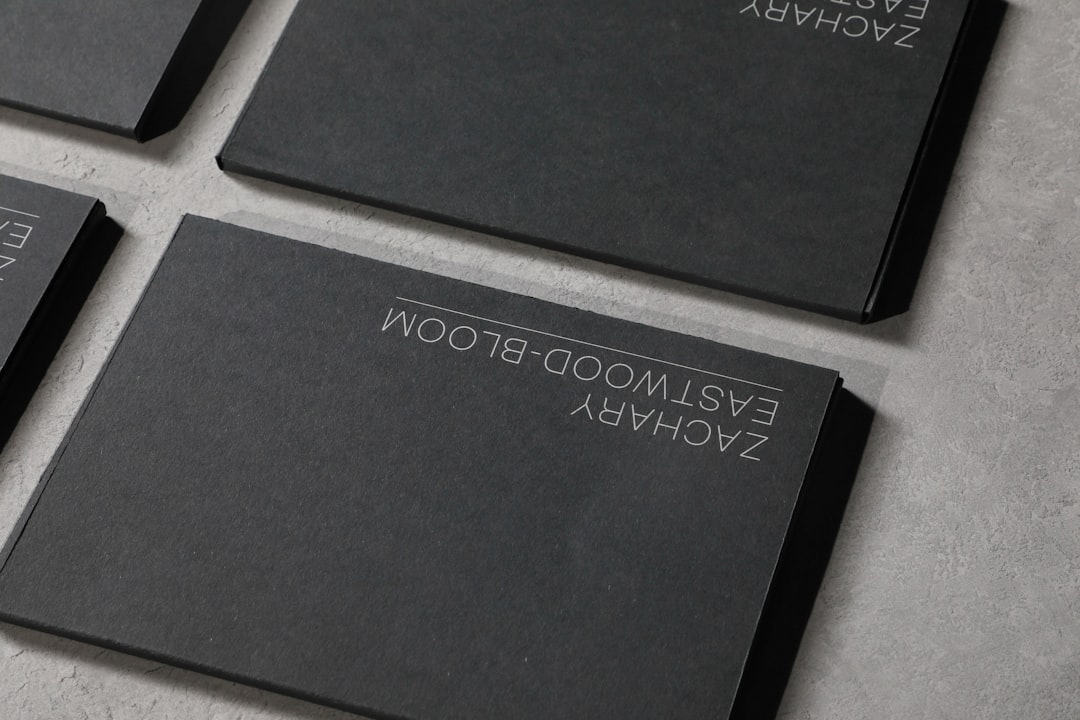
1. Vistaprint: Best Overall Business Card Maker
Vistaprint remains one of the most recognized names in online printing, and for good reason. It offers a balanced combination of affordability, design variety, customization, and dependable print quality. For small businesses, freelancers, and startups, it is often the safest first choice.
The platform provides hundreds of templates across industries, including real estate, beauty, consulting, food service, healthcare, and personal branding. Users can upload a logo, adjust colors, change fonts, and select from several shapes and finishes. Standard cards are affordable, while upgraded options include soft touch, foil accents, raised print, recycled paper, and ultra-thick stock.
Best for: small businesses that want a reliable, flexible provider without overcomplicating the order process.
- Pros: large template library, good pricing, many paper options, frequent discounts.
- Cons: premium finishes can increase the price quickly, and some templates feel common.
2. Moo: Best for Premium and Creative Cards
Moo is ideal for professionals who want their cards to feel more like a design object than a simple contact slip. Its biggest strength is quality. Moo cards often have a refined look and feel, with sharp print results, rich colors, and elegant paper stocks.
One of Moo’s standout features is the ability to print multiple designs in a single pack. This is especially useful for photographers, artists, designers, and agencies that want to feature different portfolio images or campaign visuals. Moo also offers options such as luxury paper, cotton paper, rounded corners, gold foil, silver foil, spot gloss, and letterpress.
The tradeoff is cost. Moo is typically more expensive than budget-focused printers, but many users find the quality worth the investment. For brands where first impressions are critical, the extra cost can be justified.
Best for: designers, luxury brands, consultants, creatives, and anyone who wants a memorable tactile experience.
- Pros: excellent print quality, premium materials, elegant finishes, multiple designs per order.
- Cons: higher pricing and fewer bargain options.
3. Canva: Best for Easy Custom Design
Canva is one of the easiest ways to design a business card, especially for people who are not professional designers. Its drag-and-drop editor makes it simple to experiment with layouts, icons, colors, photos, and typography. Users can start from a template or build a card from scratch.
Canva is particularly useful because it combines design and printing in one place. A business owner can create social media graphics, flyers, presentations, and business cards with a consistent visual identity. This makes it easier to maintain brand consistency across marketing materials.
Its print quality is generally good, though it may not match the luxury feel of a premium printer such as Moo. However, for accessible design tools and convenient ordering, Canva is a strong choice.
Best for: entrepreneurs, content creators, and small teams that want creative control without learning advanced design software.
- Pros: beginner-friendly editor, stylish templates, easy brand consistency, direct printing.
- Cons: fewer specialty finishes than dedicated premium printers.
4. Zazzle: Best for Template Variety and Personalization
Zazzle is known for its huge marketplace of user-created designs. Its business card selection is broad and highly varied, ranging from minimalist corporate cards to colorful, artistic, and niche-specific templates. A person searching for a card that matches a very specific style may find more unusual options on Zazzle than on traditional print sites.
The customization process is straightforward, and many templates can be edited with names, logos, contact details, taglines, and background colors. Zazzle is also a good option for individuals who want personality in their cards, such as handmade sellers, event planners, beauty professionals, coaches, and boutique owners.
Best for: users who want many design styles and do not mind browsing through a large marketplace.
- Pros: massive design selection, creative styles, strong personalization options.
- Cons: quality and design polish can vary depending on the template creator.
5. Adobe Express: Best for Brand-Friendly Digital Design
Adobe Express is a useful choice for those who want attractive design tools connected to a trusted creative ecosystem. It is simpler than professional Adobe applications but still offers polished templates and strong layout features. Users can create clean cards quickly, especially when they already have brand colors, logos, and fonts prepared.
Adobe Express is well suited for designing a print-ready card that can be downloaded and sent to a preferred printer. While it may not be the most complete printing service by itself in every region, it works well as a design platform for people who care about visual quality and flexibility.
Best for: users who want modern templates and downloadable designs for printing elsewhere.
- Pros: clean design interface, professional-looking templates, useful for broader branding work.
- Cons: printing options can be less central than design features.
6. Staples and Office Depot: Best for Fast Local Pickup
For professionals who need cards quickly, Staples and Office Depot are practical options. Their biggest advantage is convenience. Many locations provide same-day or next-day pickup on standard business card orders, which can be helpful before networking events, conferences, interviews, or client meetings.
The design tools are usually simple, and the template selections are adequate for basic needs. These services may not offer the most luxurious finishes or the most original templates, but they solve an important problem: speed. When a business owner realizes at the last minute that the card box is empty, local office printers can be a lifesaver.
Best for: urgent orders, local pickup, and straightforward business card designs.
- Pros: fast turnaround, physical store support, simple ordering.
- Cons: fewer premium design and finish options than specialized online printers.
7. GotPrint: Best for Budget and Bulk Orders
GotPrint is a strong option for businesses that need affordable cards in larger quantities. It is often chosen by teams, sales departments, event staff, and companies that regularly reorder printed materials. Its pricing can be very competitive, especially for standard cards.
The platform offers multiple sizes, paper stocks, and coating options, including glossy, matte, and uncoated finishes. While the design experience may feel more utilitarian than Canva or Moo, GotPrint performs well for customers who already have a finished design file or who need practical cards at a lower cost.
Best for: cost-conscious businesses and bulk printing needs.
- Pros: affordable pricing, good for volume orders, several print options.
- Cons: design tools are less polished than some competitors.
8. PsPrint: Best for Marketing-Focused Printing
PsPrint is another dependable choice for organizations that need more than only business cards. It offers a wide range of marketing materials, including brochures, postcards, stickers, labels, and presentation folders. This makes it appealing for businesses that want to coordinate their printed branding across several formats.
Its business card options include standard and custom shapes, multiple coatings, and professional paper choices. PsPrint is particularly useful for users who know their specifications and want consistent print production from one supplier.
Best for: businesses planning broader print marketing campaigns.
- Pros: broad print catalog, reliable quality, useful customization options.
- Cons: may feel less beginner-focused than template-heavy platforms.
How to Choose the Right Business Card Maker
The best choice depends on the goal of the card. If a company wants a professional card at a fair price, Vistaprint is a balanced pick. If the card needs to feel premium and unforgettable, Moo is the better fit. If the priority is easy design, Canva is hard to beat.
Before ordering, a business should consider several practical questions:
- Budget: Is the goal to save money or create a premium impression?
- Quantity: Are only 50 cards needed, or will the company order thousands?
- Turnaround: Is there enough time for shipping, or is local pickup necessary?
- Design skill: Does the user need templates, or is there already a finished design?
- Finish: Should the card include foil, texture, raised print, rounded corners, or recycled paper?
Design Tips Before Sending a Card to Print
A business card should be attractive, but it must also be readable. The most common mistake is trying to include too much information. A strong card usually includes a name, title, company name, phone number, email address, website, and possibly a social handle or QR code. Excessive text can make even a beautiful design feel cluttered.
Typography matters as much as graphics. Small, thin fonts may look elegant on screen but become difficult to read in print. Colors should also be checked carefully, especially when using dark backgrounds or very light text. Whenever possible, a user should review a digital proof and confirm that the file includes proper bleed areas for clean trimming.
Paper choice also affects the impression. A thicker card generally feels more substantial, while a matte finish can feel modern and understated. Glossy coatings may make colors pop, but they can also show fingerprints. Recycled paper can communicate an eco-conscious brand identity, especially for companies focused on sustainability.
Final Verdict
There is no single best business card maker for every situation. Vistaprint is the top all-around recommendation because it balances price, choice, and usability. Moo is best for premium impact, while Canva is the best option for people who want flexible, beginner-friendly design tools.
For fast local service, Staples and Office Depot remain convenient. For budget-conscious bulk orders, GotPrint and PsPrint deserve consideration. The right provider is the one that matches the brand’s budget, timeline, and desired first impression.
FAQ
What is the best business card maker overall?
Vistaprint is often the best overall choice because it offers a strong mix of templates, customization, pricing, paper options, and reliable delivery.
Which business card maker has the best quality?
Moo is widely regarded as one of the best options for premium quality, especially for luxury paper stocks, foil details, and creative finishes.
What is the easiest business card maker for beginners?
Canva is one of the easiest platforms for beginners because its drag-and-drop editor is simple, visual, and supported by many modern templates.
Where can someone get business cards printed quickly?
Staples and Office Depot are good choices for fast local pickup, with some locations offering same-day or next-day service.
Which service is best for cheap business cards?
GotPrint is a strong budget option, particularly for larger orders. Vistaprint also frequently offers discounts that can make standard cards affordable.
Should a business choose matte or glossy business cards?
Matte cards tend to look modern and professional, while glossy cards make colors appear brighter. The better choice depends on the brand style and how the card will be used.
Are premium finishes worth the cost?
Premium finishes such as foil, raised print, and thick paper can be worth it when a business wants to create a high-end impression. For everyday networking, a clean standard card may be enough.
What information should be on a business card?
A business card should usually include the person’s name, company name, role, phone number, email, website, and logo. A QR code or social handle may also be useful if it supports the brand’s goals.