
Face swap apps are no longer just for silly selfies. They can now handle dancing, talking, side angles, hair movement, and fast camera cuts. Reface is fun and fast, but it is not always the best choice for clean video results. If you want sharper faces and smoother motion tracking, you have better options.
TLDR: Reface is great for quick laughs, but it can struggle with complex motion and high quality video. The platforms below offer better control, cleaner face blending, and stronger tracking for moving faces. Some are easy web tools. Others are powerful apps for creators who want pro level results.
Why look beyond Reface?
Reface is built for speed. That is its superpower. Open the app, pick a clip, swap a face, and laugh.
But speed has limits.
When a face turns sideways, jumps, dances, or moves through shadows, basic face swap apps can wobble. You may see blurry cheeks. The mouth may drift. The forehead may look pasted on. The face can also flicker from frame to frame.
High quality motion tracking means the swapped face stays locked in place. It follows the head. It respects lighting. It keeps expressions. It does not melt when someone smiles.
That is what separates a toy from a real production tool.
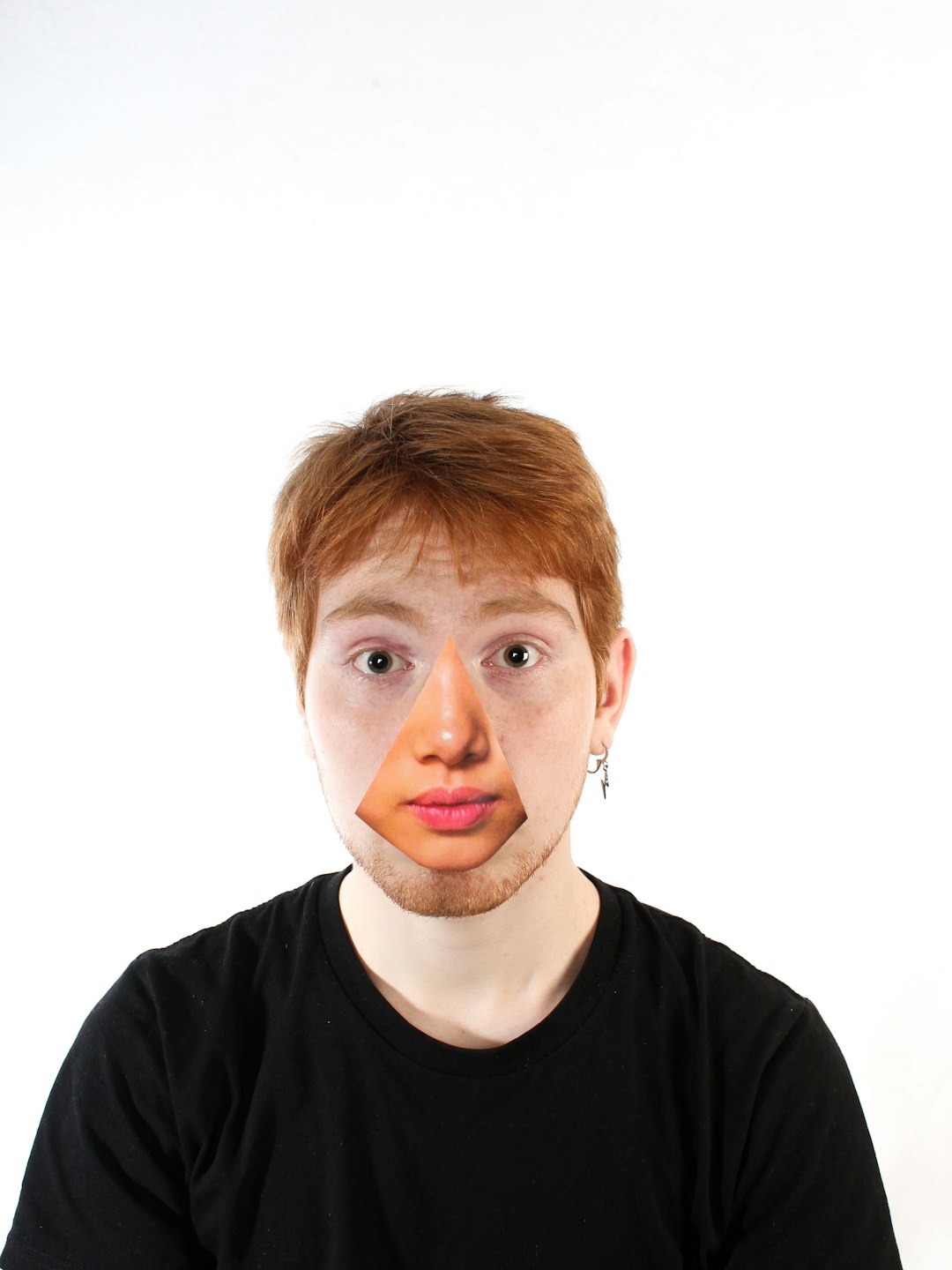
Before we start: use face swaps responsibly
Face swap tools are powerful. So use them with care.
- Get consent before using another person’s face.
- Do not create fake news, scams, or harmful deepfakes.
- Label AI generated content when needed.
- Follow the rules of each platform.
Fun is good. Fraud is not.
1. FaceFusion
Best for: creators who want control without going full scientist.
FaceFusion is one of the strongest Reface alternatives for video face swaps. It is popular because it gives you much more control over the final look. You can adjust face detection, enhancement, frame handling, and output settings.
It is not as simple as pressing one big magic button. But it is also not impossible. If you can install software and follow a tutorial, you can use it.
The big win is motion stability. FaceFusion can keep a face more consistent across many frames. That means less flicker. Less sliding. Less “why is the eyebrow visiting another country?”
It also works well with face enhancers. These can sharpen details after the swap. That helps with eyes, lips, and skin texture.
- Pros: strong tracking, lots of settings, good quality, active community.
- Cons: needs setup, works best with a good GPU.
- Better than Reface because: you can tune the result instead of accepting whatever the app gives you.
2. DeepFaceLab
Best for: serious editors who want the highest possible realism.
DeepFaceLab is the heavyweight champion. It is not the easiest tool. It is not the fastest tool. But when used well, it can create some of the most realistic face swaps available.
This is the tool people talk about when they mean classic high quality deepfake production. It can train a model on a specific face. That makes it very powerful for repeated use in longer videos.
DeepFaceLab is great at matching identity, angles, and expressions. It gives you detailed control over masks. Masks decide which parts of the face are replaced. A good mask can save a shot. A bad mask can make the face look like wet paper.
It takes time to learn. You may need to extract faces, clean data, train, preview, adjust, and render. That sounds like homework. It kind of is. But the reward can be excellent.
- Pros: top tier realism, deep control, strong for complex scenes.
- Cons: steep learning curve, slow workflow, needs powerful hardware.
- Better than Reface because: it is built for quality, not just quick entertainment.
3. DeepSwap
Best for: people who want a simple web based tool with better polish.
DeepSwap is a browser based face swap platform. You upload media, choose a face, and let the tool process it. It is much easier than DeepFaceLab. You do not need to build a workflow or train a model by hand.
For many users, DeepSwap is a nice middle ground. It is simple like Reface, but often better for longer clips and cleaner output. It can handle video, photos, and GIF style content.
The motion tracking is usually smoother than quick mobile apps. It can also keep facial structure more stable in many clips. This is helpful for talking head videos, short skits, and social content.
Still, it is a web service. You have less manual control than with desktop tools. If a shot fails, you may not be able to fix every tiny detail.
- Pros: easy to use, no install, good for quick video swaps.
- Cons: limited advanced controls, quality depends on the footage.
- Better than Reface because: it gives cleaner web based results for many video projects.
4. Akool Face Swap
Best for: business videos, ads, training clips, and polished content.
Akool offers AI face swap tools made for creators and teams. It feels less like a meme app and more like a content production platform. That matters if you are making brand videos, product demos, or creator content.
Akool is useful when you need a face swap that holds up in a cleaner, more professional setting. It can work well with talking faces, presenter videos, and marketing clips.
The platform also focuses on visual quality. It aims to keep the swap natural, with decent blending around the face. This helps reduce the “sticker face” problem.
Reface is fun at parties. Akool is better when your boss might see the video.
- Pros: polished output, useful for teams, browser based.
- Cons: may require paid plans for serious use.
- Better than Reface because: it is built for higher quality content workflows.
5. Magic Hour
Best for: social creators who want fast video face swaps with style.
Magic Hour is a creative AI video platform with face swap features. It is designed for people who want to make content quickly, but still care about the final look.
The interface is simple. That is a big plus. You do not need to become a machine learning engineer. You upload a video, choose your face source, and generate.
Magic Hour can be a strong choice for short clips, UGC style ads, memes, and creator experiments. It also sits in a sweet spot between ease and quality. The platform handles the hard parts in the background.
Motion tracking can be stronger than basic mobile swaps, especially when the source clip is clear. Good lighting helps. Clear faces help. Wild spinning camera moves do not help. They rarely help anyone.
- Pros: clean interface, fast workflow, good for social video.
- Cons: not as customizable as open source tools.
- Better than Reface because: it offers a more creator focused video workflow.
6. HeyGen
Best for: avatar content, presenter videos, and business friendly AI video.
HeyGen is best known for AI avatars and video translation. It also offers face related AI video features that can be useful for creators who want polished presenter style content.
HeyGen is not just about swapping a face onto a random movie clip. It is more about making realistic video communication. Think training videos. Sales videos. Explainers. Localized content.
That makes it different from Reface. Reface is about instant entertainment. HeyGen is about production. It focuses on keeping faces, speech, and presentation looking clean.
If your goal is a professional video where the person on screen needs to look stable and believable, HeyGen is worth a look. Its strength is not chaos. Its strength is controlled, polished output.
- Pros: professional feel, strong for presenter content, useful business tools.
- Cons: less suited to wild meme swaps or complex action scenes.
- Better than Reface because: it is designed for polished AI video, not just novelty clips.
7. Remaker AI
Best for: quick web based face swaps with solid results.
Remaker AI is another easy platform for face swapping. It supports photo and video style workflows, depending on the feature set available at the time. It is popular because it is simple and fast.
For users who do not want to install anything, Remaker AI is friendly. You work in the browser. You upload files. You generate. Done.
Its video face swapping can produce better results than many mobile first apps when the clip is suitable. The best clips have clear faces, steady lighting, and not too much motion blur.
Like other web tools, it is not perfect. If the subject turns too far away, any AI can struggle. But for simple talking clips and short social videos, it can be very handy.
- Pros: easy browser workflow, fast, beginner friendly.
- Cons: limited fine tuning, results vary by clip.
- Better than Reface because: it can offer cleaner output without needing advanced setup.
Quick comparison
- Highest quality: DeepFaceLab.
- Best open source balance: FaceFusion.
- Easiest web option: DeepSwap or Remaker AI.
- Best for business videos: Akool or HeyGen.
- Best for social creators: Magic Hour.
Tips for better face swap motion tracking
Even the best AI tool needs good source material. Give the software a fighting chance.
- Use clear footage. Blurry faces are hard to track.
- Choose good lighting. Shadows can confuse the model.
- Avoid extreme angles. Side profiles are harder.
- Use a high quality face image. Sharp input gives sharper output.
- Keep clips short at first. Test before making a long render.
- Watch the eyes. If the eyes work, the whole swap feels better.
Also, do not judge a platform from one bad clip. Face swapping depends heavily on the source video. A messy clip can make a great tool look bad.
So, which one should you pick?
If you want the best quality and you enjoy technical work, choose DeepFaceLab. It is powerful, but it asks for patience.
If you want strong quality with more modern convenience, try FaceFusion. It is a great step up from Reface.
If you want an easy browser tool, start with DeepSwap, Magic Hour, or Remaker AI. They are simple and fast.
If you are making business or presenter videos, look at Akool and HeyGen. They are built for cleaner professional use.
Reface is still fun. It is great for a quick laugh. But if you care about smooth motion, stable faces, and sharper results, these seven platforms give you more room to create.
In short, the best face swap tool is the one that matches your goal. Meme? Use a simple tool. Marketing video? Use a polished platform. Film style edit? Go advanced.
And remember: the face should move like it belongs there. If it floats around like a haunted sticker, it is time to upgrade.