
Spreadsheets used to be boring. Rows, columns, formulas. Lots of coffee. And plenty of headaches. But now, AI-powered spreadsheet tools are changing everything. They help you clean data, analyze trends, and even predict the future. All without writing complex formulas. If you like the idea of smarter spreadsheets, this guide is for you.
TLDR: AI spreadsheet tools make data analysis faster and easier. They automate formulas, generate insights, and even explain your data in plain English. Tools like Airtable, Zoho Sheet, Coda, SheetAI, Arcwise AI, and Sourcetable offer powerful features similar to Rows. If you want less manual work and more smart insights, these tools are worth a try.
Let’s jump into six AI spreadsheet tools like Rows that can automate your data analysis and make your life simpler.
1. Airtable
Airtable is not just a spreadsheet. It feels more like a mix between a spreadsheet and a database. But don’t worry. It is still simple to use.
What makes Airtable powerful is its AI automation. You can:
- Automatically categorize data
- Generate summaries
- Extract key insights
- Build custom workflows
For example, imagine you upload a list of customer feedback. Airtable’s AI can group comments by theme. It can detect positive or negative sentiment. It can even create a summary report.
No complex formulas needed.
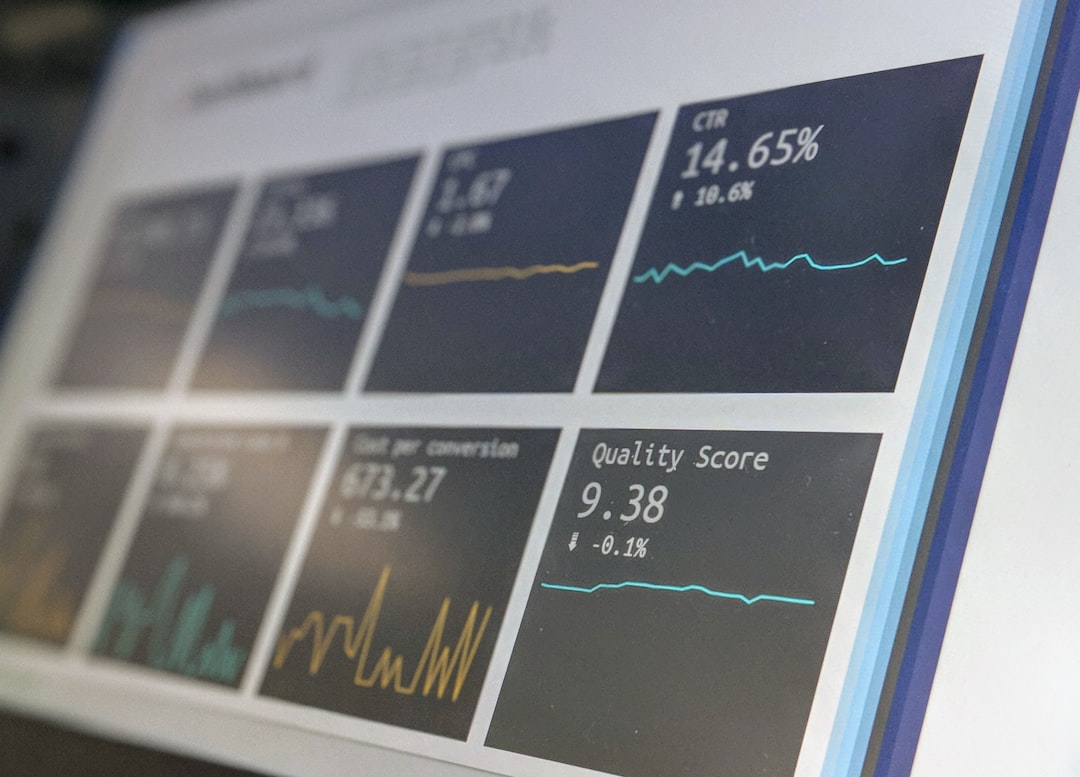
Airtable also integrates with tools like Slack and Google Drive. That means your data moves automatically. No copying and pasting.
Best for: Teams that manage projects, content calendars, or customer data.
2. Zoho Sheet
Zoho Sheet is a classic spreadsheet with a powerful AI assistant built in. The assistant is called Zia.
Zia can:
- Answer questions about your data
- Create charts instantly
- Spot inconsistencies
- Suggest formulas
Let’s say you have sales data from the last year. You can simply type: “What were the highest sales months?” Zia will analyze the data and show the answer.
That’s it. No advanced Excel skills required.
Zoho Sheet is great for small businesses. Especially if you already use other Zoho software. Everything connects smoothly.
Bonus: It offers real-time collaboration. Your team can work together without chaos.
3. Coda
Coda is where documents and spreadsheets meet. It looks like a doc. It works like a spreadsheet. And it thinks like an AI assistant.
With Coda AI, you can:
- Generate summaries from tables
- Automatically update reports
- Create action items from data
- Analyze trends with simple commands
Imagine running a marketing campaign. You track clicks, conversions, and costs. Coda can summarize the campaign performance in seconds. It can even write a short performance report for you.
That means less time analyzing. More time improving strategy.

Coda is also flexible. You can turn your sheets into apps. Yes, actual mini-apps. Without coding.
Best for: Teams that love clean documents but need smart data tools.
4. SheetAI
SheetAI is built specifically to bring AI into spreadsheets like Google Sheets. It works as an add-on. And it is surprisingly powerful.
You can use AI formulas like:
- =AI(“Summarize this text”)
- =AI(“Extract emails from this column”)
- =AI(“Classify this feedback”)
Yes, it really is that simple.
Instead of writing long formulas, you describe what you want. The AI does the rest.
This is perfect for people who already live inside Google Sheets. You don’t need to switch platforms. You just upgrade what you already use.
Pro tip: It’s great for content teams. You can generate product descriptions, summarize reviews, or clean messy datasets instantly.
5. Arcwise AI
Arcwise AI turns your spreadsheet into a smart data analyst.
It connects directly to your database. Then it lets you ask questions in plain English.
For example:
- “Why did revenue drop last quarter?”
- “Which marketing channel performs best?”
- “Show me unusual spending patterns.”
Arcwise doesn’t just show numbers. It explains what is happening. That’s the magic.

It is especially useful for startups and data teams. You don’t need a full-time analyst to understand trends. The AI helps translate complex data into clear answers.
Best for: Companies that rely heavily on databases but want simple insights.
6. Sourcetable
Sourcetable focuses on automation. It pulls live data from different apps into one spreadsheet-style interface.
It connects with tools like:
- Stripe
- Shopify
- HubSpot
- Google Analytics
Instead of exporting CSV files every week, Sourcetable updates everything automatically.
But here’s where AI shines.
You can ask questions about your live data. You can generate reports instantly. You can spot trends without manual sorting.
Sourcetable is like having a constantly updating command center for your business metrics.
Perfect for: Founders and marketers who want real-time dashboards without technical setup.
What Makes These Tools Similar to Rows?
Rows made spreadsheets smarter by connecting live data and adding built-in integrations. The tools above follow the same idea.
Here is what they all have in common:
- Automation: Less manual data entry.
- AI Assistance: Ask questions in plain English.
- Integrations: Connect to other apps easily.
- Collaboration: Work with teams in real time.
They turn spreadsheets from static tables into dynamic systems.
Why AI Spreadsheets Matter
Data is everywhere.
Sales numbers. Website traffic. Customer feedback. Inventory lists.
But raw data alone is useless. You need insights.
AI helps you:
- Save time
- Reduce errors
- Spot trends faster
- Make confident decisions
Instead of spending hours building pivot tables, you get answers in seconds.
That changes how teams work.
It also levels the playing field. You don’t need to be a data scientist anymore. You just need to ask good questions.
How to Choose the Right Tool
Not all tools are perfect for everyone. Here’s a simple guide.
Choose Airtable if:
- You manage structured projects
- You like visual layouts
- You want database-style organization
Choose Zoho Sheet if:
- You want a traditional spreadsheet feel
- You like built-in AI assistants
- You already use Zoho apps
Choose Coda if:
- You want docs and data combined
- You build internal workflows
- You love flexibility
Choose SheetAI if:
- You live in Google Sheets
- You want AI formulas inside cells
- You prefer simple add-ons
Choose Arcwise AI if:
- You work with databases
- You want deep analysis
- You need explanation, not just charts
Choose Sourcetable if:
- You track business metrics
- You want live data sync
- You hate exporting reports
The Future of Spreadsheets
Spreadsheets are not going away. They are evolving.
In the future, you won’t write long formulas. You will have conversations with your data.
You won’t clean messy spreadsheets manually. AI will fix them instantly.
You won’t wonder what the numbers mean. The system will explain them clearly.
That means faster decisions. Smarter teams. Better businesses.
And fewer late nights staring at confusing cells.
Final Thoughts
AI spreadsheet tools like Rows are redefining data analysis. They remove complexity. They boost productivity. And they make working with numbers surprisingly fun.
Whether you choose Airtable, Zoho Sheet, Coda, SheetAI, Arcwise AI, or Sourcetable, the key advantage is the same.
Automation plus intelligence.
If you deal with data regularly, trying one of these tools could transform your workflow.
Because in 2026, spreadsheets should work for you. Not the other way around.