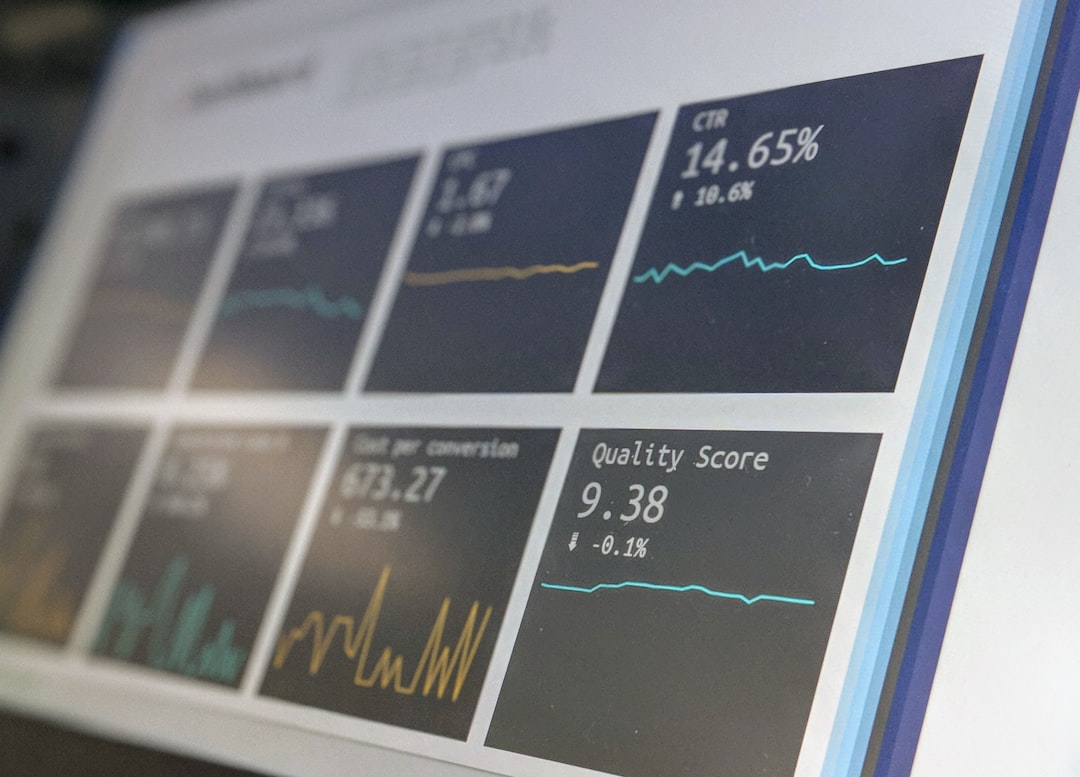
Virtualization is now a foundation of modern IT operations, and Microsoft Hyper-V remains a common choice for organizations that need reliable, scalable, and cost-effective infrastructure. However, as virtual environments grow, they can become difficult to manage without clear visibility into host performance, virtual machine health, storage utilization, and network behavior. WhatsUp Gold helps IT infrastructure teams monitor Hyper-V environments with a practical, centralized approach designed to support uptime, performance, and operational control.
TLDR: WhatsUp Gold provides IT teams with centralized monitoring for Hyper-V hosts, virtual machines, storage, network connections, and performance metrics. It helps teams detect problems early through dashboards, alerts, and dependency-aware visibility. For organizations running critical workloads on Hyper-V, WhatsUp Gold can reduce troubleshooting time and improve infrastructure reliability. Its value is strongest when used as part of a broader monitoring strategy across physical, virtual, and network assets.
Why Hyper-V Monitoring Matters
Hyper-V environments introduce a layer of abstraction between physical hardware and business applications. While that abstraction improves flexibility, it also creates monitoring challenges. A slow application may be caused by a virtual machine resource constraint, an overloaded host, a storage bottleneck, network congestion, or a failing physical component. Without the right monitoring platform, identifying the root cause can consume valuable time.
For IT infrastructure teams, the goal is not simply to know whether a server is online. The real objective is to understand why performance is changing, where risk is developing, and which systems require action before users are affected. WhatsUp Gold supports this goal by discovering, mapping, and monitoring both physical and virtual infrastructure from a unified interface.
Centralized Visibility Across Hyper-V Infrastructure
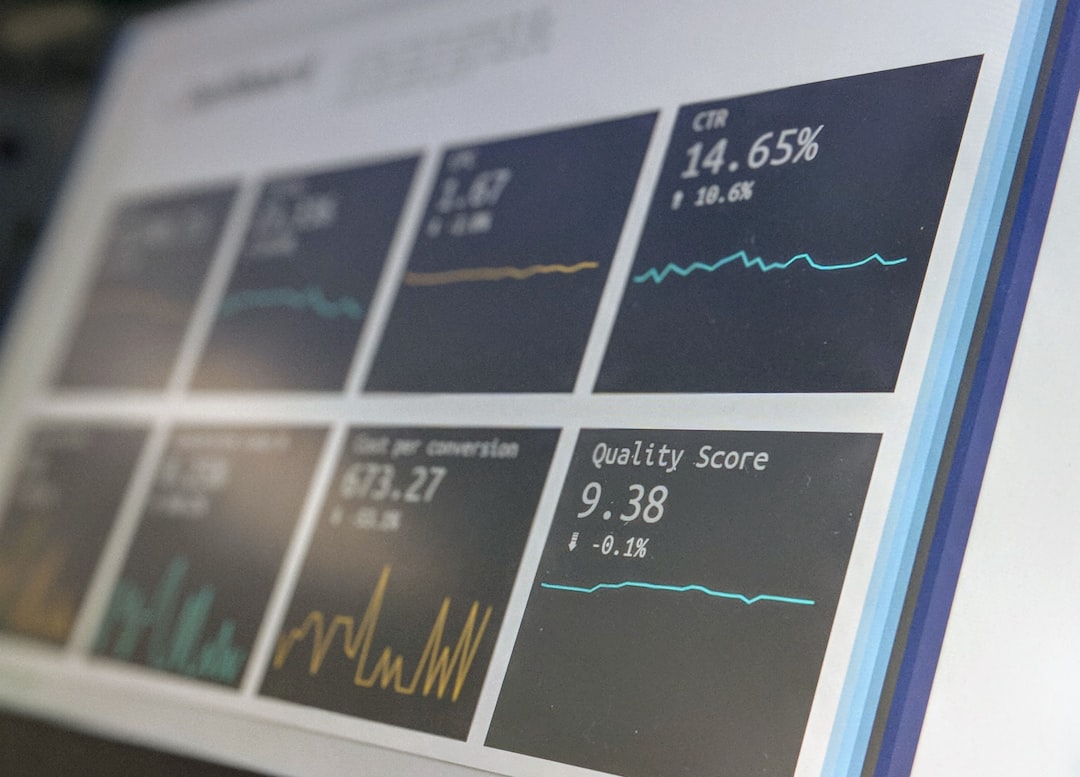
One of the most important WhatsUp Gold Hyper-V monitoring features is centralized visibility. Instead of checking individual Hyper-V hosts, virtual machines, and network devices separately, teams can view infrastructure status from a single monitoring console. This is especially useful for organizations managing multiple hosts, clusters, departments, or branch locations.
With centralized monitoring, IT teams can track the health and availability of key Hyper-V components, including:
- Hyper-V host servers and their overall availability.
- Virtual machines running business applications and services.
- CPU, memory, disk, and network usage across physical and virtual layers.
- Storage dependencies that affect virtual machine performance.
- Network paths connecting users, applications, and virtual infrastructure.
This broad view helps IT teams understand how systems relate to each other. When a problem occurs, the team can quickly determine whether the issue is isolated to one virtual machine or connected to a larger infrastructure condition.
Automated Discovery and Mapping
Manual documentation of a Hyper-V environment can become outdated quickly. New virtual machines are created, hosts are added, workloads are migrated, and network configurations change. WhatsUp Gold helps address this challenge through automated discovery and mapping capabilities.
Automated discovery can identify devices and services across the IT environment, including virtualization hosts and related systems. Once discovered, assets can be represented in maps and dashboards that show relationships between infrastructure elements. This is valuable for teams that need to maintain accurate visibility without relying entirely on manual inventory updates.
Maps are particularly useful for incident response. A visual topology can help administrators see whether a virtual machine issue is connected to a host, switch, storage device, or upstream network dependency. For larger teams, this shared visual context also improves communication during troubleshooting.
Host Performance Monitoring
Hyper-V hosts carry the workload of multiple virtual machines, which makes host performance monitoring essential. If a host becomes resource constrained, many services may experience performance degradation at the same time. WhatsUp Gold enables teams to monitor host-level metrics so they can detect pressure points before they develop into outages.
Important host metrics typically include:
- CPU utilization: High sustained CPU usage may indicate workload imbalance or insufficient host capacity.
- Memory consumption: Memory contention can affect multiple virtual machines and reduce application responsiveness.
- Disk activity: Heavy read and write operations can reveal storage bottlenecks or inefficient workloads.
- Network throughput: Monitoring traffic patterns helps identify congestion, saturation, or unusual data movement.
- Availability status: Teams can verify whether hosts are reachable and operating as expected.
Monitoring these host metrics helps infrastructure teams make better decisions about capacity planning, resource allocation, and maintenance scheduling. It also allows teams to build a baseline of normal activity, making unusual behavior easier to detect.
Virtual Machine Monitoring
While host monitoring is critical, IT teams also need direct visibility into individual virtual machines. A host may appear healthy while a specific virtual machine is experiencing resource limitations, service failures, or OS-level problems. WhatsUp Gold helps teams monitor virtual machines as individual assets, making it easier to focus on the systems that support business-critical applications.
Virtual machine monitoring can help answer important operational questions:
- Is the virtual machine running and reachable?
- Is CPU or memory usage consistently high?
- Is disk space approaching a critical threshold?
- Are key services available?
- Is network connectivity stable?
This level of visibility is important for service assurance. For example, if a database server running as a virtual machine begins consuming unusual resources, IT teams can investigate before dependent applications slow down. Similarly, if a web server becomes unreachable, alerts can help teams respond before customers or employees report the issue.
Alerting and Notification Features
Monitoring is only useful if the right people are informed at the right time. WhatsUp Gold provides alerting and notification capabilities that help infrastructure teams respond promptly to Hyper-V issues. Alerts can be configured around performance thresholds, availability changes, service failures, or other monitored conditions.
Effective alerting reduces operational noise. Instead of overwhelming teams with low-value notifications, well-configured monitoring should focus attention on events that require action. WhatsUp Gold supports this by allowing organizations to define thresholds and notification policies that align with their operational priorities.
Common Hyper-V alert scenarios may include:
- A Hyper-V host becomes unreachable.
- A virtual machine stops responding.
- CPU utilization exceeds a defined threshold for an extended period.
- Available memory drops below an acceptable level.
- Disk space on a virtual machine approaches capacity.
- Network traffic exceeds expected levels.
When alerts are properly tuned, IT teams can move from reactive troubleshooting to proactive operations. This is especially important for environments where virtualization supports revenue-generating applications, healthcare systems, financial platforms, education services, or internal productivity tools.
Dashboards for Operational Awareness
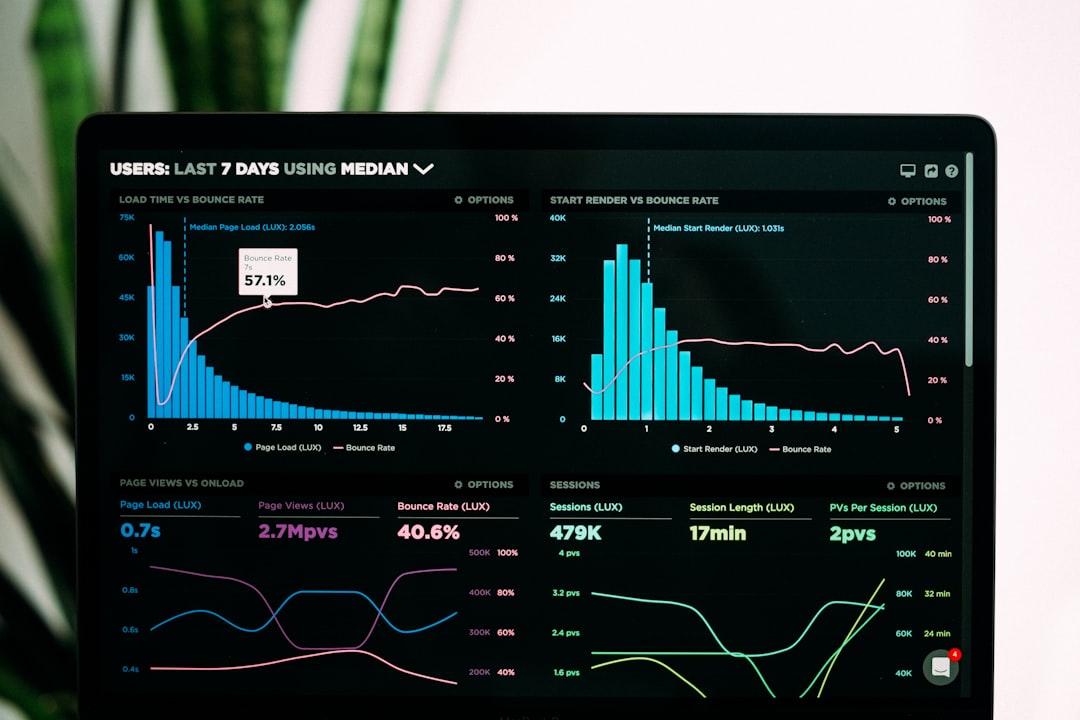
Dashboards are central to how infrastructure teams understand the current state of their environment. WhatsUp Gold dashboards can provide at-a-glance visibility into system status, performance trends, and active alerts. For Hyper-V environments, this means administrators can quickly review host health, virtual machine performance, and infrastructure availability from one place.
A well-designed dashboard supports different operational roles. A network administrator may focus on connectivity and throughput. A systems administrator may track CPU, memory, and service availability. An IT manager may want a higher-level view of risk, uptime, and incident volume. WhatsUp Gold can support these perspectives by presenting monitoring data in a clear and actionable format.
Dashboards also improve accountability. When teams share a common source of truth, there is less confusion about whether an issue is related to systems, networks, storage, or applications. This clarity shortens response times and supports more disciplined operations.
Capacity Planning and Trend Analysis
Hyper-V monitoring is not only about immediate incident response. It is also about planning for future demand. As organizations add applications, users, and workloads, virtual infrastructure can become strained. WhatsUp Gold helps teams identify trends that may indicate the need for additional host resources, storage capacity, or network improvements.
Capacity planning is more accurate when it is based on real performance data. For example, if CPU utilization is gradually increasing across a cluster, the team can plan upgrades before saturation occurs. If disk usage is growing rapidly on several virtual machines, storage expansion can be scheduled in a controlled way. If network throughput is spiking during certain business periods, teams can investigate whether traffic patterns are expected or problematic.
By analyzing trends over time, IT teams can make better budget recommendations and reduce the likelihood of emergency purchases. This supports both technical reliability and financial discipline.
Dependency Awareness and Faster Troubleshooting
One of the most challenging aspects of virtualization troubleshooting is understanding dependencies. A business service may depend on a virtual machine, which depends on a Hyper-V host, which depends on storage, switches, routers, DNS, authentication services, and power infrastructure. When something fails, symptoms may appear far away from the root cause.
WhatsUp Gold can help teams reduce troubleshooting time by providing visibility into related infrastructure components. If multiple virtual machines report problems at the same time, administrators can check whether they share a common host or network path. If application performance drops during high storage activity, the team can investigate disk latency or storage utilization. If alerts occur after a network change, dependency views can help narrow the investigation.
This capability is especially valuable for lean IT teams that manage a wide range of responsibilities. Instead of spending time manually checking each layer of the environment, teams can use monitoring data to focus on the most likely cause.
Support for Hybrid Infrastructure Monitoring
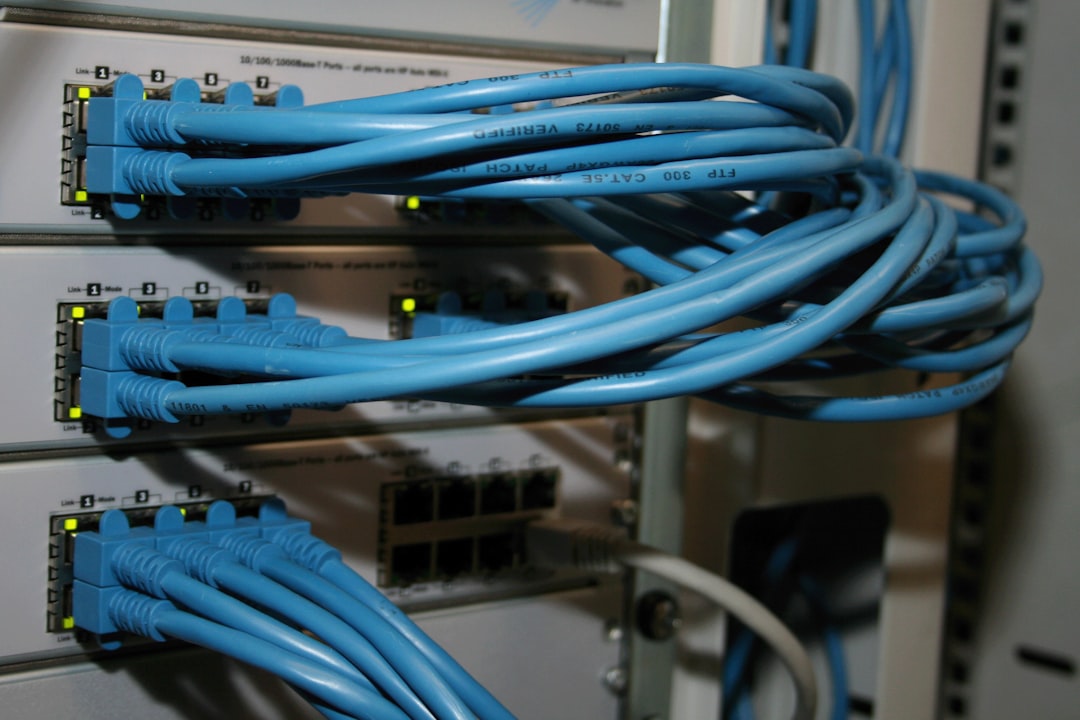
Many organizations do not run Hyper-V in isolation. Their environments often include physical servers, switches, routers, firewalls, storage systems, cloud services, and business applications. A monitoring tool that only covers virtualization may leave gaps. WhatsUp Gold is designed to monitor a broader IT infrastructure, making it useful for teams that need visibility beyond Hyper-V.
This broader monitoring approach is important because Hyper-V performance often depends on non-virtual components. For instance, a virtual machine may slow down because of a physical switch issue, a storage array problem, or a WAN bottleneck. By monitoring multiple infrastructure layers, WhatsUp Gold helps teams connect performance symptoms with underlying causes.
Reporting for Compliance and Management
Infrastructure teams often need to provide evidence of uptime, performance, and operational activity. Reports can help communicate technical conditions to management, auditors, and service owners. WhatsUp Gold reporting features allow teams to review historical performance, availability, alerts, and trends.
For Hyper-V environments, reporting may support:
- Service level reviews for critical workloads.
- Capacity planning discussions with leadership.
- Incident analysis after outages or performance events.
- Compliance documentation where monitoring records are required.
- Operational improvement through long-term performance analysis.
Reliable reporting helps translate infrastructure data into useful business information. It also allows IT leaders to justify investments in hardware, licensing, staff, and resilience improvements.
Best Practices for Monitoring Hyper-V with WhatsUp Gold
To get the greatest value from WhatsUp Gold Hyper-V monitoring, organizations should approach implementation carefully. Monitoring should be accurate, actionable, and aligned with business priorities.
- Define critical workloads first: Identify which virtual machines support essential business services and monitor them closely.
- Set realistic thresholds: Avoid thresholds that are too sensitive or too lenient. Use baselines to guide configuration.
- Monitor both hosts and guests: Host-level health and virtual machine-level performance are both necessary for complete visibility.
- Include network and storage dependencies: Hyper-V performance depends heavily on supporting infrastructure.
- Review alerts regularly: Remove noise, refine escalation paths, and ensure alerts still match operational needs.
- Use reports for planning: Treat historical data as a resource for capacity and budget decisions.
Conclusion
WhatsUp Gold offers practical Hyper-V monitoring features for IT infrastructure teams that need dependable visibility into virtualized environments. By monitoring hosts, virtual machines, performance metrics, dependencies, alerts, dashboards, and trends, it helps teams detect issues earlier and respond with better context. Its broader infrastructure monitoring capabilities also make it useful for organizations where Hyper-V depends on physical networks, storage, and other systems.
For teams responsible for maintaining uptime and performance, the value of WhatsUp Gold lies in operational clarity. It helps transform complex virtualization environments into monitored, understandable, and manageable infrastructure. In a serious IT environment where downtime can affect productivity, revenue, and trust, that visibility is not optional; it is a core requirement for responsible infrastructure management.