Running a WordPress site can feel deceptively simple at first: publish posts, add plugins, adjust a theme, and watch traffic grow. But as your website becomes more important to your business, the behind-the-scenes work becomes more complex. A reliable WordPress management service helps keep your site secure, fast, updated, backed up, and ready to support your goals.
TLDR: Choose a WordPress management service that offers security monitoring, backups, updates, performance optimization, expert support, and clear reporting. For example, if a small online store loses even two hours of uptime during a sales campaign, it could miss dozens of orders; a managed service with uptime monitoring can detect and resolve issues quickly. Look for transparent pricing, real human support, and services that match your website’s size and complexity.
Why WordPress Management Matters
WordPress powers a huge portion of the web, which makes it flexible, popular, and well supported. It also makes it a common target for security threats, spam, outdated plugins, and performance problems. A WordPress management service is designed to handle routine maintenance and technical tasks so you can focus on content, customers, products, or strategy.
Good management is not just about fixing problems after they happen. It is about preventing issues before they affect visitors. That includes monitoring your site, applying updates carefully, catching suspicious activity, testing changes, and making sure your pages load quickly.
1. Strong Security Protection
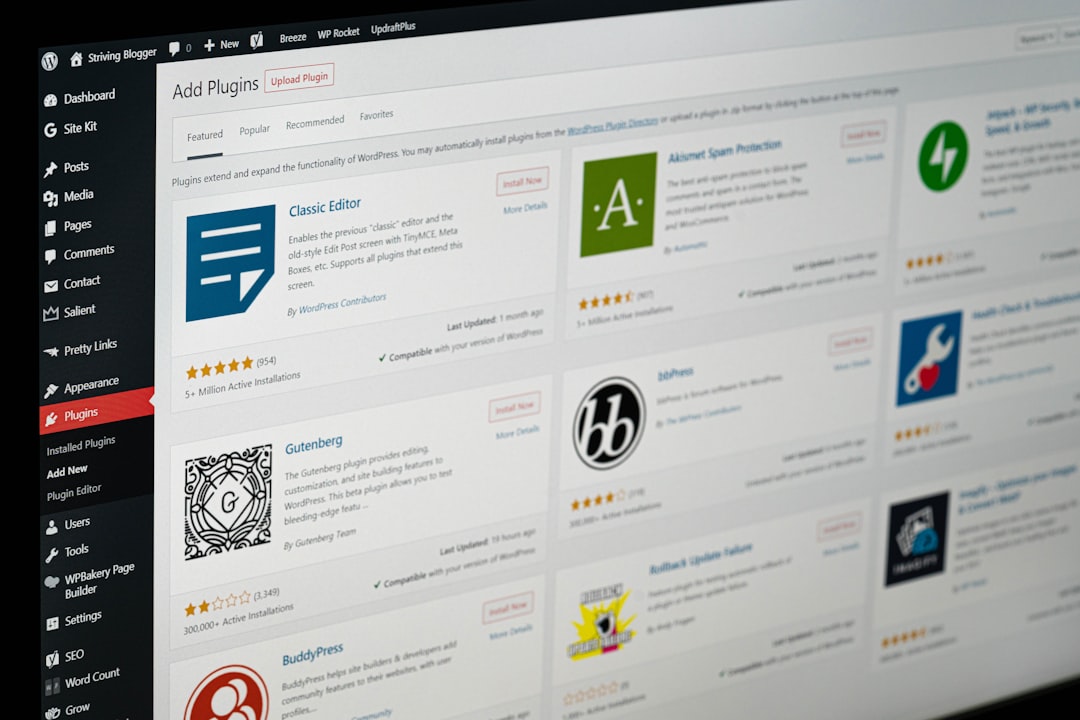
Security should be one of the first things you evaluate. A quality WordPress management service should include regular malware scans, firewall protection, suspicious login monitoring, and support for security hardening. Ask whether the provider actively monitors threats or simply scans the site once in a while.
Important security features to look for include:
- Malware scanning and removal if your site is infected.
- Login protection to reduce brute force attacks.
- Plugin and theme vulnerability monitoring before outdated software becomes a risk.
- SSL support to keep data encrypted and build visitor trust.
- Security reports that explain what was checked and what was fixed.
If your website collects customer data, accepts payments, or runs membership features, security becomes even more important. In that case, do not settle for vague promises like “we keep your site safe.” Look for specific processes and response times.
2. Reliable Backups and Easy Restoration
Backups are your safety net. Even the best-maintained WordPress site can run into trouble from plugin conflicts, accidental deletions, server problems, or cyberattacks. A management service should provide automated backups and, just as importantly, an easy way to restore them.
Look for backup plans that include:
- Daily backups for active business sites.
- Real-time or hourly backups for ecommerce or membership sites.
- Off-site storage so backups are not stored only on the same server.
- One-click or assisted restoration when something goes wrong.
A backup is only useful if it works. Ask whether the provider tests backups or verifies that files and databases can be restored successfully. This is especially important for stores, booking sites, and websites that change frequently.
3. Careful Updates for WordPress Core, Themes, and Plugins
Updates are necessary for security and compatibility, but careless updating can break a site. A strong WordPress management service should update WordPress core files, plugins, and themes in a controlled way.
The best providers do more than click “update.” They may use staging environments, perform visual checks, review error logs, and confirm that important features still work after updates. For example, if you run an online shop, the checkout page, cart, payment gateway, and product pages should be tested after major updates.
Ask whether updates are automatic, manual, or reviewed by a technician. Automatic updates can be useful for minor patches, but more complex sites often need human oversight.
4. Performance Optimization
Site speed affects user experience, search visibility, and conversions. Visitors are impatient, and even a few extra seconds of loading time can reduce engagement. A WordPress management service should help your site load quickly on desktop and mobile devices.
Performance services may include:
- Caching configuration to serve pages faster.
- Image optimization to reduce file sizes without noticeably lowering quality.
- Database cleanup to remove unnecessary overhead.
- Script and style optimization to reduce loading delays.
- Content delivery network support for faster global access.
Do not rely only on promises like “faster websites.” A professional service should be able to show performance metrics, such as page load time, Core Web Vitals, or before-and-after speed scores. Clear numbers make it easier to understand whether the service is delivering real improvement.
5. Uptime Monitoring and Emergency Response
If your website goes down, you want to know immediately. Uptime monitoring checks your site at regular intervals and alerts the management team if it becomes unavailable. This is especially valuable for businesses that rely on leads, bookings, or online sales.
Response time matters. Some services include 24/7 monitoring but only respond during business hours. Others provide emergency support at any time. If your website is mission-critical, confirm what “monitoring” actually means and how quickly someone will act.
It is also worth asking whether they troubleshoot the cause of downtime or simply notify you. The difference between “your site is down” and “we found the issue and fixed it” is significant.
6. Expert Support You Can Actually Reach
Support quality can make or break your experience. A low-cost plan may look appealing, but if support takes days to answer or provides generic replies, you may end up wasting time and losing confidence.
Look for support that is:
- Responsive, with clear expected reply times.
- Knowledgeable, especially with WordPress-specific problems.
- Available through useful channels, such as email, ticket systems, chat, or phone.
- Proactive, offering recommendations rather than only reacting to issues.
A good provider should communicate clearly without overwhelming you with technical jargon. They should be able to explain what happened, what they did, and what you should consider next.
7. Transparent Pricing and Scope
WordPress management services vary widely in price. Some plans are basic and cover updates only, while others include security, speed optimization, content edits, hosting support, and development time. The key is to understand exactly what is included.
Before choosing a plan, review:
- How many websites are covered.
- Whether malware removal is included or billed separately.
- How many support requests you can submit each month.
- Whether small content edits are included.
- What counts as emergency support and whether it costs extra.
Be cautious with plans that seem extremely cheap but leave out essential services. At the same time, do not pay for advanced features you do not need. A simple brochure site and a high-traffic ecommerce site require very different levels of care.

8. Reporting and Accountability
Monthly reporting is a sign of professionalism. It helps you see what the management service is doing and whether your site is improving. Reports might include completed updates, backup status, uptime statistics, security scan results, speed metrics, and recommendations.
These reports do not need to be complicated. In fact, the best ones are usually clear and practical. They should help you answer simple questions: Is my site secure? Is it faster? Were there any issues? What should we improve next?
9. Scalability for Future Growth
Your needs may change over time. A personal blog can become a content platform. A small business site can add booking tools, ecommerce, or membership features. Choose a WordPress management service that can grow with you.
Scalability may include support for higher traffic, more frequent backups, advanced security, custom development, analytics integration, or dedicated account management. Even if you do not need those services now, it is helpful to know they are available later.
Final Thoughts
The right WordPress management service should feel like a dependable technical partner, not just a monthly expense. It should protect your site, improve performance, reduce stress, and give you confidence that important maintenance tasks are handled properly.
When comparing providers, focus on security, backups, updates, speed, uptime monitoring, support, pricing transparency, and reporting. A well-managed WordPress site is easier to grow, safer to operate, and more enjoyable for visitors to use. Choose a service that matches your current needs while giving you room to expand as your website becomes more valuable.