

The best Vmaker AI alternative depends on what you record most: tutorials, sales demos, training videos, social clips, or marketing assets. Video is now a serious business channel, not a nice extra; Wyzowl reports that 91% of businesses use video as a marketing tool [source: Wyzowl].
TLDR: If you want one tool for screen recording and editing, pick Camtasia or Descript. If you want quick captions and social content, try VEED, Kapwing, or OpusClip. For example, a marketing team can record a 12-minute product demo, cut it into five short clips, add captions, and publish them across LinkedIn, YouTube Shorts, and TikTok in under one afternoon. That can matter when short-form platforms reward frequent posting and fast testing.
What to Look for in a Vmaker AI Alternative
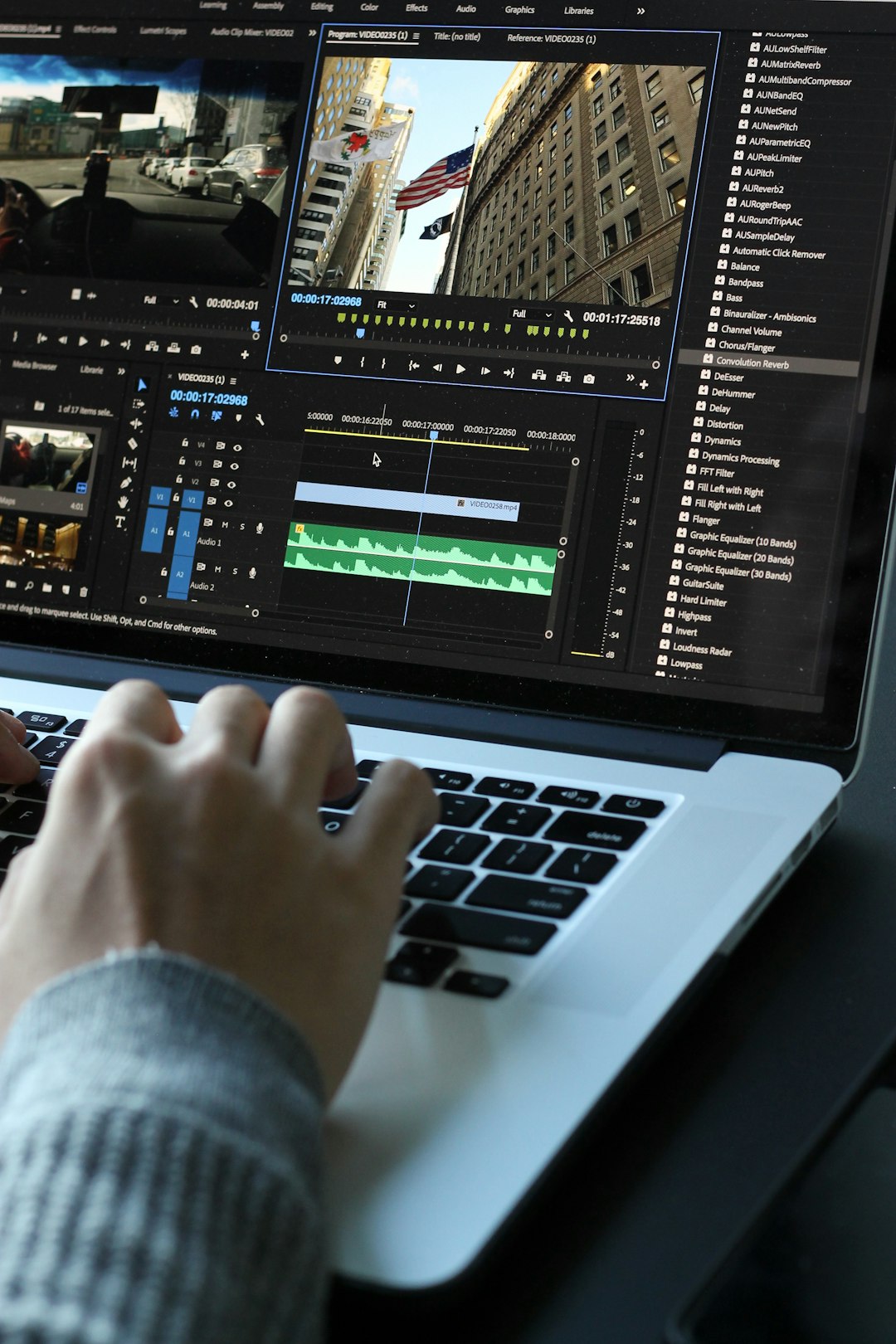
Vmaker AI is useful for recording screens, webcams, and simple explainers. Still, some teams need deeper editing, better brand control, stronger caption tools, or faster repurposing. The right choice should reduce manual work, not add another clunky step.
- Screen recording: clean webcam and screen capture, good audio, simple sharing.
- AI captions: accurate subtitles, speaker labels, translations, and easy styling.
- Repurposing: turning long videos into short clips for social media.
- Marketing controls: brand colors, templates, CTAs, and export presets.
- Team workflow: comments, shared folders, permissions, and approvals.
1. Descript: Best for Editing Screen Recordings Like a Document
Descript is one of the strongest Vmaker AI alternatives if you care about clean editing. It transcribes your recording, then lets you cut video by editing text. Delete a sentence from the transcript, and the video changes too.
This is ideal for product walkthroughs, customer onboarding, internal training, and podcast-style videos. Its filler word removal is also useful. Cutting “um,” “uh,” and long pauses can make a rough recording feel polished quickly.
Best for: training teams, creators, SaaS demos, and interview-based marketing.
Weak spot: advanced visual editing is not as deep as a traditional editor.
2. Camtasia: Best for Professional Screen Tutorials
Camtasia is a reliable option for people who record a lot of software tutorials. It has been used for years by educators, product teams, and training departments. The editor gives you callouts, cursor effects, zooms, annotations, transitions, and quizzes.
It feels more serious than many browser-based tools. That is useful when you need structured training content, not just quick social clips. The catch is that it can feel heavy. Exports may take longer than expected, especially on older machines.
Best for: software tutorials, employee training, help center videos, and course content.
Weak spot: it is not the fastest pick for short-form social content.
3. VEED: Best for Captions and Quick Marketing Videos
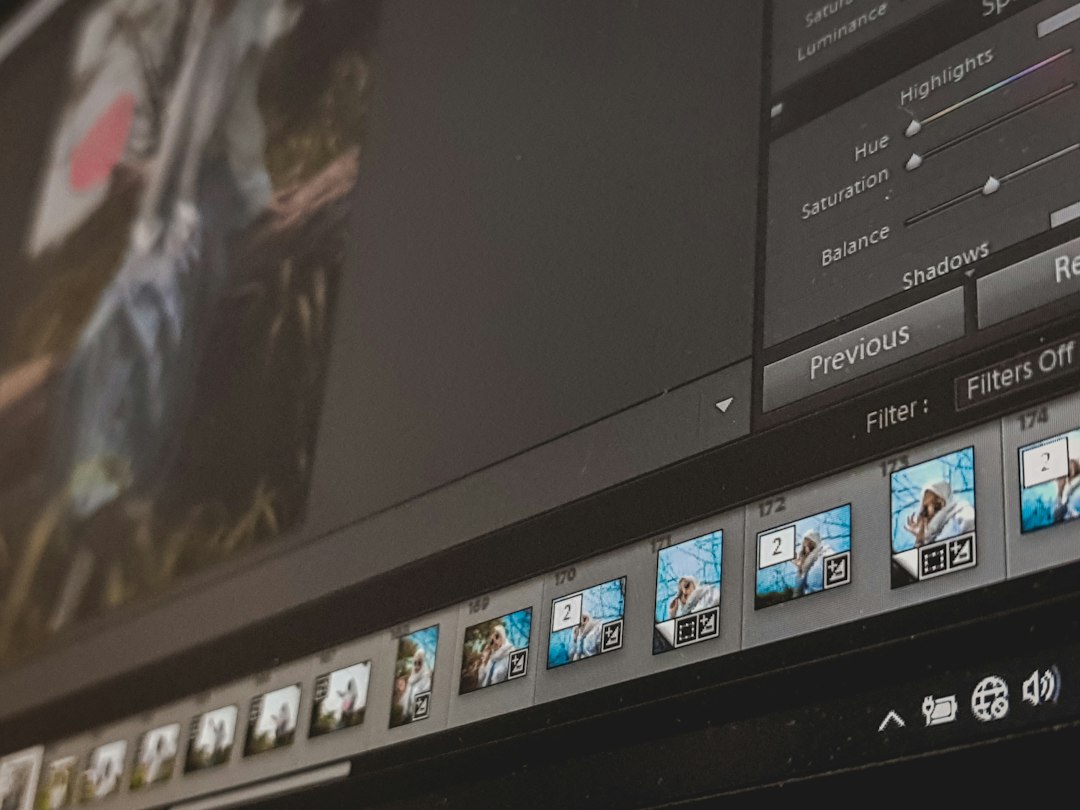
VEED is a strong browser-based tool for captions, subtitles, resizing, and quick edits. It works well when your main goal is to turn a recording into something ready for LinkedIn, TikTok, Instagram, or YouTube.
The caption styling is simple. You can add brand colors, adjust text size, and create videos that look consistent. This helps if your team publishes often. Honestly, it feels like some browser editors make you wait for every small change. VEED is usually smooth, but upload and processing times can still slow you down on larger files.
Best for: marketers, content teams, founders, and social media managers.
Weak spot: complex edits can get messy compared with desktop software.
4. Kapwing: Best for Collaborative Repurposing
Kapwing is built for teams that create lots of web-first content. It supports subtitles, resizing, templates, trimming, brand kits, and simple collaboration. It is especially handy when several people need to review a video before it goes live.
Use it to turn a webinar into short clips, crop a screen recording into a vertical format, or create captioned product updates. For teams working across social channels, that is useful. YouTube has said Shorts average over 70 billion daily views [source: YouTube], so repurposing long videos into short clips is not just busywork.
Best for: agencies, social teams, teachers, and small marketing teams.
Weak spot: performance can dip with longer or more complex projects.
5. Loom AI: Best for Fast Async Communication
Loom AI is less of a full editor and more of a fast communication tool. It is great for async updates, bug reports, sales follow-ups, hiring feedback, and quick internal training.
Its AI features can create titles, summaries, chapters, and action items. That saves time when people do not want to watch a full seven-minute recording. In work settings, this is practical. A manager can send a product update, and the team can scan the summary first.
Best for: remote teams, sales reps, support teams, and product managers.
Weak spot: not built for detailed video editing or polished marketing assets.
6. OpusClip: Best for Turning Long Videos into Short Clips
OpusClip is made for repurposing. Upload a long video, and it finds short segments that may work well on social media. It can add captions, reframe shots, score clips, and prepare vertical exports.
This is useful for webinars, interviews, podcasts, and product demos. Expect to review the clips before posting, though. AI can pick useful moments, but it does not always understand your brand tone or legal limits.
Best for: creators, webinar hosts, podcast teams, and growth marketers.
Weak spot: human review is still needed before publishing.

Which Tool Should You Choose?
- Choose Descript if transcript-based editing is your main need.
- Choose Camtasia if you create polished tutorials and training videos.
- Choose VEED if captions and branded social videos matter most.
- Choose Kapwing if your team repurposes content together.
- Choose Loom AI if fast internal communication is the goal.
- Choose OpusClip if you want clips from webinars, podcasts, or demos.
Bottom line: Vmaker AI is good for simple recording workflows, but it is not the only serious option. If you need better editing, captions, repurposing, or marketing output, these six tools are worth testing with one real project before you commit.