NBA 2K26 is designed to deliver a seamless basketball simulation experience, but technical hiccups can sometimes interrupt gameplay. One of the more frustrating issues players encounter is Error Code FEE12EA9. This error typically appears when the game struggles to connect to online servers or verify game data. Fortunately, it can be resolved quickly with the right troubleshooting steps.
TL;DR: NBA 2K26 Error Code FEE12EA9 is usually linked to server connectivity issues, corrupted game files, or outdated software. Players can fix it by checking server status, restarting their network, verifying game files, or reinstalling updates. Clearing cache and ensuring the console or PC is fully updated also helps. Most cases are resolved within 15–30 minutes using these steps.
Understanding what triggers this error is the first step toward fixing it effectively. In most cases, it appears when players attempt to access online modes such as MyCareer, MyTeam, or online matches. Below is a complete breakdown of the causes and the fastest solutions available.
What Causes NBA 2K26 Error Code FEE12EA9?
Before applying fixes, it helps to understand the root causes. This error commonly stems from one or more of the following:
- Server connectivity problems
- Corrupted or missing game files
- Outdated game patches
- Console or PC system update issues
- Network configuration conflicts
Because the error is generally tied to online features, connection stability is often the primary concern.
How to Fix NBA 2K26 Error Code FEE12EA9 Quickly
1. Check NBA 2K26 Server Status
The first and easiest step is checking whether the issue is on the server side. If servers are down for maintenance or experiencing outages, players won’t be able to connect regardless of their network settings.
- Visit the official NBA 2K server status page
- Check social media announcements
- Look at community forums for outage reports
If servers are down, the only solution is to wait until service is restored.
2. Restart the Game and Console/PC
Temporary glitches can trigger the FEE12EA9 error. A simple restart often clears minor software conflicts.
- Close NBA 2K26 completely
- Shut down the console or PC (not rest mode)
- Unplug it for 2–3 minutes
- Restart and relaunch the game
This refreshes system memory and network modules.
3. Restart the Router and Modem
Network instability is one of the most common causes of this error. Restarting the router can refresh the IP address and reconnect to the ISP.
- Turn off the router and modem
- Wait 3–5 minutes
- Power them back on
- Reconnect to the internet
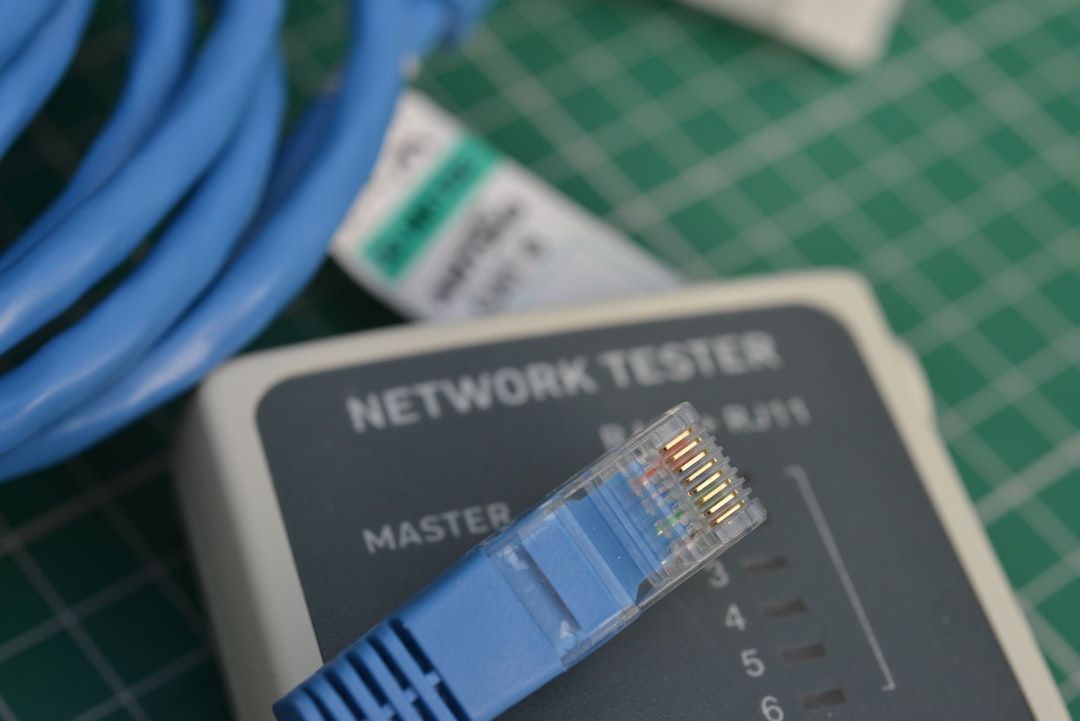
For best results, players should use a wired Ethernet connection instead of Wi-Fi, as it provides greater stability.
4. Verify Game Files (PC Only)
Corrupted files can prevent the game from verifying online credentials properly.
On Steam:
- Open Steam Library
- Right-click NBA 2K26
- Select Properties
- Click Installed Files
- Choose Verify Integrity of Game Files
On other platforms: Use the built-in verification or repair feature.
This process replaces missing or damaged files automatically.
5. Install the Latest Updates
Running an outdated version of NBA 2K26 can trigger connectivity mismatches with live servers.
- Check for game updates
- Check for console firmware updates
- Update graphics drivers (PC players)
Developers often release patches specifically addressing connectivity issues.
6. Clear Cache
Cached data can sometimes interfere with server authentication.
Console Cache Clearing (General Method):
- Power off the console
- Unplug it for 2–5 minutes
- Reconnect and restart
PC Cache Clearing:
- Clear temporary files using Disk Cleanup
- Restart the system
This simple step has resolved the error for many users.
7. Reinstall NBA 2K26 (Last Resort)
If none of the quick fixes work, a fresh installation may be necessary.
- Uninstall NBA 2K26
- Restart the device
- Reinstall the game
- Download the latest updates
While time-consuming, reinstalling removes all corrupted data completely.
Quick Fix Comparison Chart
| Fix Method | Time Required | Difficulty | Effectiveness |
|---|---|---|---|
| Check Server Status | 2–5 minutes | Very Easy | High if servers are down |
| Restart Game/Console | 5 minutes | Very Easy | Moderate |
| Restart Router | 10 minutes | Easy | High |
| Verify Game Files | 10–20 minutes | Medium | High |
| Clear Cache | 5–10 minutes | Easy | Moderate to High |
| Reinstall Game | 1–2 hours | Medium | Very High |
Additional Tips to Prevent Error Code FEE12EA9
Once the issue is fixed, players can reduce the risk of it occurring again by following these preventative measures:
- Use wired internet whenever possible
- Avoid interrupting game updates
- Enable automatic system updates
- Regularly power cycle network equipment
- Keep storage space available on the device
Stable connectivity and updated software are key to smooth online performance.
Frequently Asked Questions (FAQ)
What does NBA 2K26 Error Code FEE12EA9 mean?
It usually indicates a problem connecting to NBA 2K26 online servers or verifying game files. The issue is commonly related to network instability or outdated software.
Is Error Code FEE12EA9 caused by a ban?
No, this error is typically technical rather than disciplinary. Account bans usually display different error messages.
Can slow internet cause Error Code FEE12EA9?
Yes. Slow or unstable internet connections can prevent proper communication with NBA 2K servers, triggering this error.
How long does it take to fix Error Code FEE12EA9?
Most players resolve the problem within 15 to 30 minutes by restarting their network, verifying game files, or installing updates.
Should the game be reinstalled immediately?
No. Reinstallation should be used as a last resort after trying quicker troubleshooting steps such as restarting hardware and clearing cache.
Will clearing cache delete saved data?
No. Clearing cache removes temporary files but does not delete saved game progress stored locally or in the cloud.
NBA 2K26 Error Code FEE12EA9 can be frustrating, especially during competitive online sessions. However, in most situations, it is not a serious issue. By systematically checking server status, refreshing the network, and ensuring all updates are installed, players can quickly return to the court without long delays. A stable internet connection and regularly updated system remain the best long-term solutions for avoiding this error in the future.