Stop an Apple Pay scam attempt by ending contact, locking down the payment method, and reporting the transaction through your card issuer or Apple Cash support. Do not “verify” codes, resend money, refund a stranger, or move the chat to text. Fraud is not rare: U.S. consumers reported losing more than $10 billion to fraud in 2023, according to the FTC [source: FTC]. Apple Pay is secure by design, but scams usually target the person holding the phone, not the wallet software.
TLDR: If someone pressures you to pay with Apple Pay, stop and check the request outside the chat. Apple Pay protects card details with device tokens and Face ID, but it cannot save you from willingly sending money to a fake seller or fake support agent. For example, if a “buyer” sends an extra $300 and asks for a refund, that is likely a refund scam. In many cases, Apple Pay card purchases can be disputed through your bank, while peer to peer payments such as Apple Cash can be much harder to recover.
What “Apple Pay scam” usually means
An Apple Pay scam is rarely a hack of Apple Pay itself. Most cases are social engineering. A scammer tricks you into approving a payment, sending Apple Cash, sharing a code, or believing a fake receipt.
Common examples include:
- Fake marketplace sales: A seller asks for Apple Cash before shipping an item.
- Overpayment scams: A buyer “accidentally” pays too much, then asks you to send money back.
- Fake Apple support: Someone claims your account is locked and asks for a verification code.
- Phishing links: A text says your Apple Pay account needs review.
- Rental or ticket scams: You pay fast, then the listing disappears.
Honestly, it feels like the worst scams are the simple ones. They do not need malware. They just need panic, pressure, and a payment button.
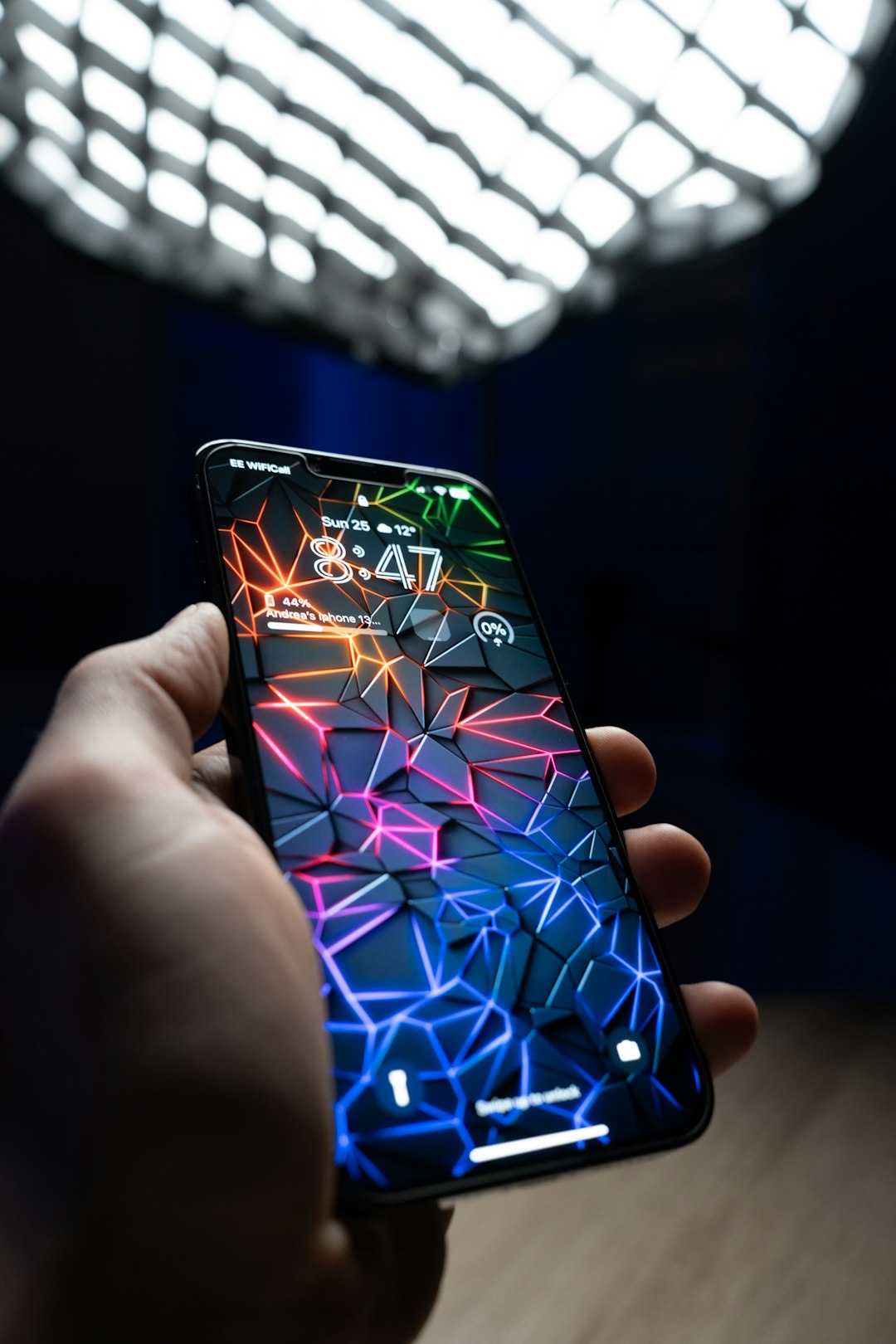
Fix it fast: what to do first
- Stop talking to the person. Do not argue. Do not explain. Save screenshots.
- Do not send a “refund.” Wait until the payment fully clears with your bank.
- Open Wallet and check the transaction. Look at the merchant, amount, and card used.
- Call the card issuer. Use the number on the back of your card, not a link from a message.
- If Apple Cash was used, contact Apple support. Ask if the payment can be reviewed or canceled.
- Change your Apple ID password if you shared any code, link, or login details.
- Turn on two factor authentication if it is not already active.
If your iPhone is lost or stolen, mark it as lost in Find My and remove cards from Wallet. Apple explains that Apple Pay uses a device specific number instead of your real card number [source: Apple]. That is useful, but it does not reverse a payment you approved.
Why Apple Pay is secure, but not scam proof
Apple Pay has strong payment security. Your actual card number is not stored on the phone or shared with the merchant. Payments usually require Face ID, Touch ID, or a passcode. Each transaction uses a unique security value.
That protects you from many card theft risks. A cashier cannot copy your card number from an Apple Pay tap. A hacked store terminal should not receive your real card number. That is a big win.
The problem is consent. If you approve a payment to a scammer, the system sees it as authorized. That is where recovery gets messy.
Apple Pay vs PayPal vs Google Pay vs other wallets
Apple Pay works best as a secure card replacement. If you use it at a real store or trusted website, you keep your card details private. Disputes usually go through the bank that issued your card.
PayPal has a different strength. It may offer buyer protection for eligible purchases. The catch is obvious: if someone tells you to use “Friends and Family,” you may lose that protection. It drives me crazy that scammers still use this trick because it works too often.
Google Pay also uses tokenized card payments and device security. It is similar to Apple Pay for tap to pay and online checkout. It helps hide card details, but it will not judge whether a seller is real.
Venmo, Cash App, Zelle, and similar apps are often riskier for purchases from strangers. They are built for people you know. Some have purchase modes, but many everyday transfers are treated more like cash.
Image not found in postmetaRed flags that should stop the payment
- The person says payment must happen right now.
- They ask for Apple Cash instead of a normal checkout page.
- They send a screenshot as “proof” of payment.
- They ask you to return extra money.
- They ask for a one time code from Apple, your bank, or your carrier.
- The deal is far below market price.
- They refuse to meet, call, or use a protected platform.
How to make Apple Pay safer
Use these habits every time:
- Use credit cards with Apple Pay for online purchases when possible. Credit cards often have stronger dispute rights than debit cards.
- Keep Apple Cash for trusted contacts. Treat unknown people as high risk.
- Check the domain name before paying on a website.
- Never share verification codes. No real support agent needs them.
- Set transaction alerts with your bank.
- Update iOS so Wallet and security fixes stay current.
Expect to waste a few minutes checking details. That is still better than spending weeks trying to recover money from a fake seller.
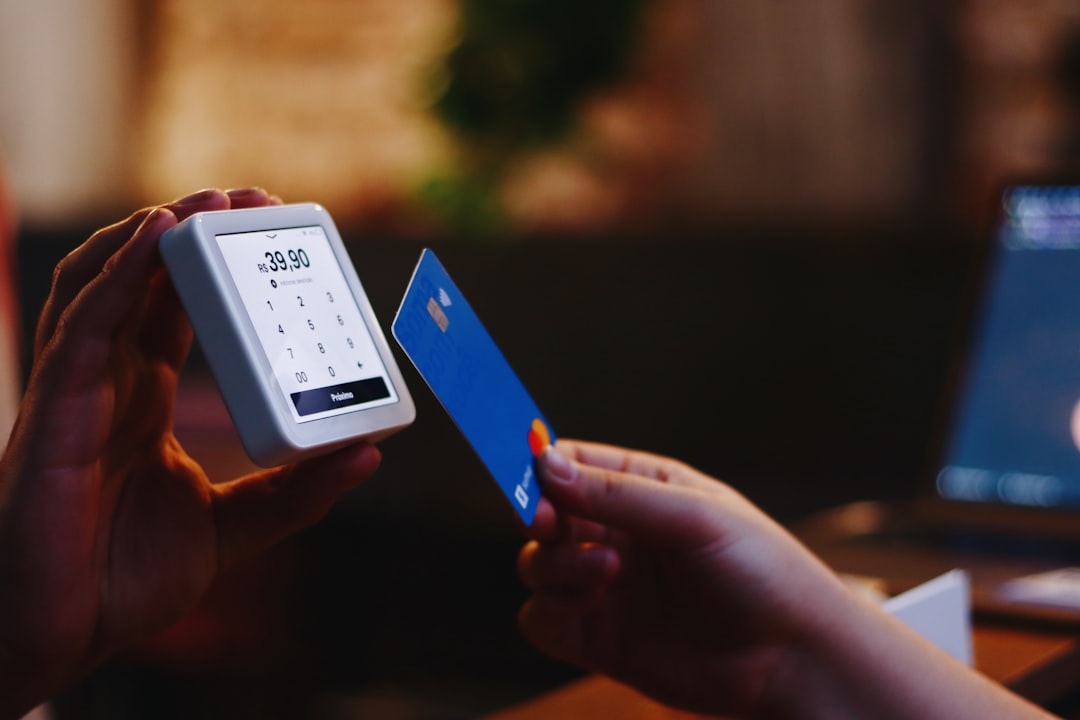
What to report and where
Report the scam to your bank, Apple, the marketplace used, and local consumer fraud agencies. If you are in the U.S., you can also report fraud to the FTC. Include screenshots, phone numbers, usernames, email addresses, receipt IDs, and the exact payment time.
The safest rule is simple: Apple Pay is excellent for secure checkout, but poor choices can still create real losses. Use it with trusted merchants, use credit cards when you can, and never let pressure decide when you pay.