Creating a fully automated home is no longer a luxury reserved for high-end properties and tech enthusiasts. With the rapid development of smart devices and increased competition among manufacturers, home automation has become accessible to virtually any budget. From simple voice-controlled lighting to advanced security systems and energy-saving routines, homeowners can build a system that fits their lifestyle and financial comfort zone.
TLDR: A fully automated home can be built on any budget by starting small and expanding over time. Focus on high-impact devices like smart lighting, plugs, and thermostats before moving to advanced systems. Choose compatible platforms to ensure smooth integration. With the right planning, automation can increase comfort, security, and energy efficiency without overspending.
Understanding Home Automation Basics
Home automation refers to the use of internet-connected devices to control household systems such as lighting, heating, security, and entertainment. These devices are typically managed via a smartphone app, tablet, or voice assistant. The core of most systems is a smart hub or voice assistant that allows multiple devices to communicate with each other.
At its simplest, automation allows homeowners to:
- Control devices remotely
- Create schedules for appliances and systems
- Set up routines that trigger multiple actions at once
- Monitor energy usage and security in real time
Contrary to popular belief, automation does not require rewiring an entire house or making expensive renovations. Many systems are plug-and-play and designed for renters and homeowners alike.
Step 1: Start with a Clear Plan
Before purchasing any devices, it is essential to define goals. Does the household want to improve security? Save energy? Increase convenience? Identifying priorities helps prevent unnecessary spending.
A helpful approach is to break down automation into categories:
- Lighting
- Climate control
- Security
- Entertainment
- Appliances
Starting with one category keeps the project manageable and budget-friendly.
Step 2: Begin with Budget-Friendly Devices
Homeowners on a tight budget can begin automation for under the cost of a single major appliance. Some of the most affordable entry points include:
Smart Plugs
Smart plugs transform ordinary devices into smart ones. By connecting lamps, coffee makers, or fans to a smart plug, users can remotely control power and create schedules.
Smart Bulbs
Smart lighting offers immediate impact. Users can dim lights, change colors, or automate schedules. Motion-based automation can also reduce electricity consumption.
Voice Assistants
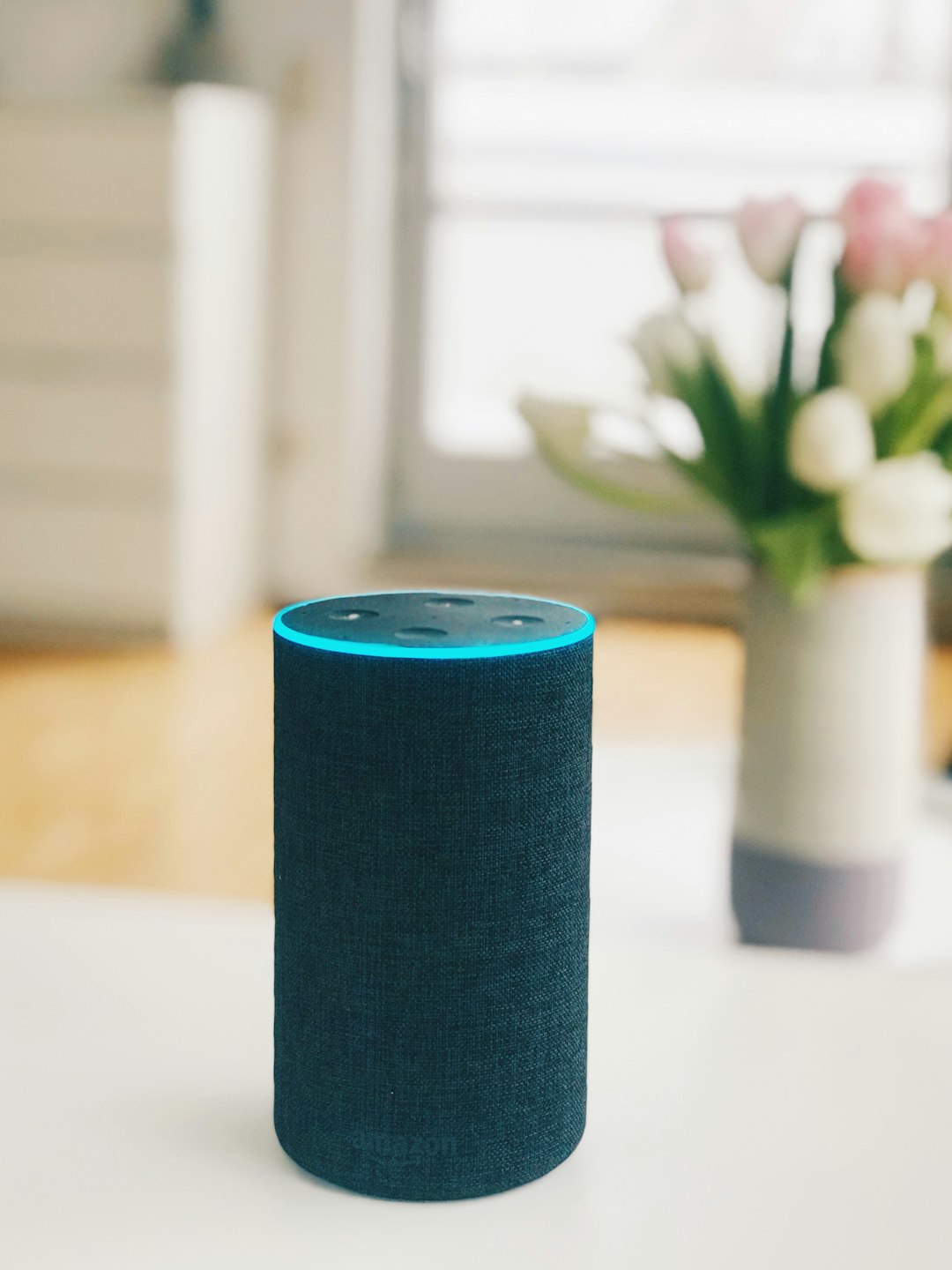
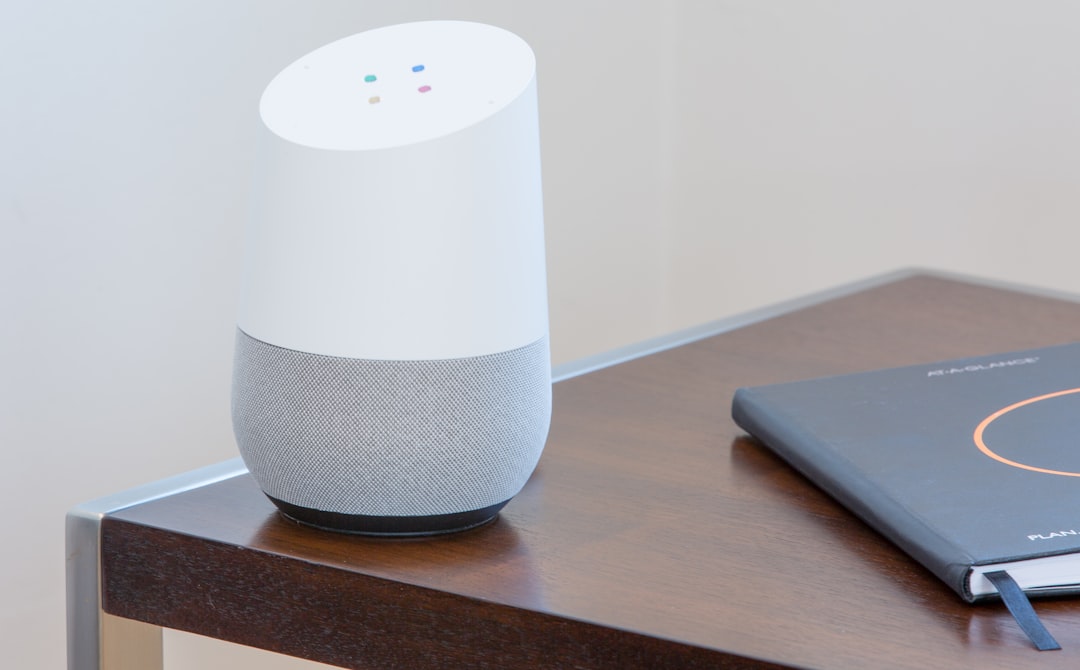
A voice assistant acts as the control center, enabling hands-free commands and coordinating automation between devices.
These devices are inexpensive, easy to install, and compatible with most major ecosystems.
Step 3: Choose a Compatible Ecosystem
One of the most common mistakes beginners make is purchasing incompatible devices. To avoid frustration, homeowners should select a primary platform before expanding. Most smart devices specify which systems they support.
Choosing one ecosystem ensures:
- Seamless communication between devices
- Simpler app management
- Reduced technical issues
- Easier scalability over time
Compatibility becomes increasingly important as the system grows more advanced.
Step 4: Automate Lighting for Immediate Results
Lighting automation delivers high convenience at low cost. Automatic schedules can turn lights on at sunset and off at sunrise. Motion sensors can illuminate hallways at night. Remote access ensures lights are never left on unnecessarily.
Examples of simple lighting automations include:
- A “Good Morning” routine that turns on bedroom lights gradually
- An “Away Mode” that simulates occupancy
- Motion-activated bathroom lighting
These small upgrades significantly enhance comfort and security.
Step 5: Improve Climate Control
For those with moderate budgets, a smart thermostat is one of the most impactful investments. It learns usage patterns and adjusts heating or cooling automatically.
Benefits include:
- Energy savings through optimized scheduling
- Remote temperature control
- Usage reports to track efficiency
Even renters can use smart radiator valves or portable smart AC controllers to achieve similar results.
Step 6: Strengthen Home Security
Security automation can scale according to budget. Entry-level setups may include a video doorbell or a single indoor camera. More advanced systems can integrate door sensors, motion detectors, and automated locks.
Key security features include:
- Real-time mobile alerts
- Cloud video storage
- Remote lock control
- Automated alarm triggers
Security systems offer peace of mind and may even lower home insurance premiums.
Step 7: Create Smart Routines
Automation becomes truly powerful when devices interact with each other. Instead of controlling each device manually, users can create routines that trigger multiple actions at once.
For example:
- Leaving Home Routine: Lights turn off, thermostat adjusts, doors lock.
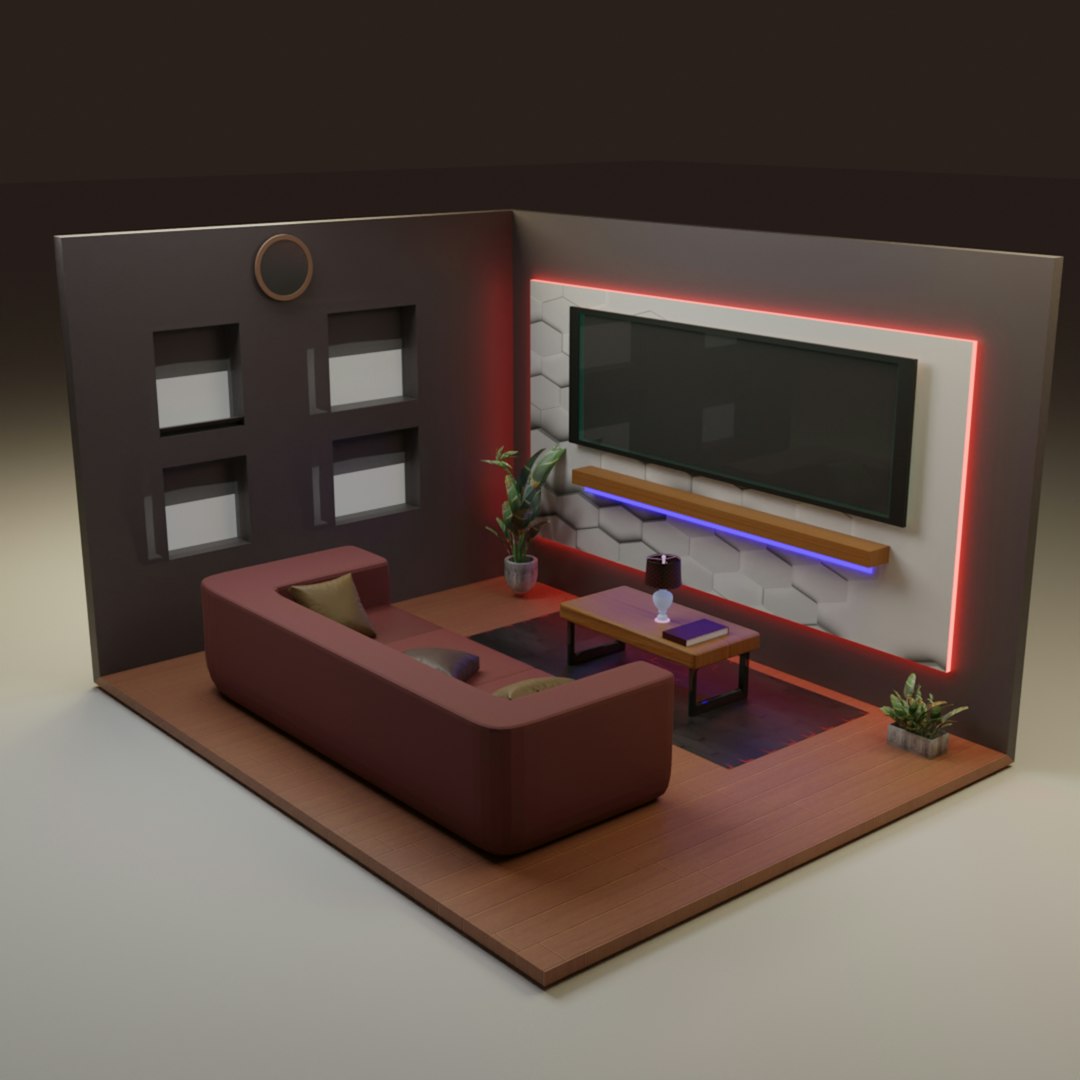
- Movie Night Routine: Lights dim, blinds close, TV turns on.
- Bedtime Routine: Security system arms, hallway lights turn off, thermostat shifts to night mode.
These routines cost nothing beyond existing devices but dramatically improve daily convenience.
Step 8: Expand with Advanced Automation
Once the foundational system is in place, homeowners can gradually add advanced features:
- Automated blinds
- Smart irrigation systems
- Whole-home audio systems
- Energy monitoring panels

Expanding slowly spreads out costs while maintaining system compatibility.
Tips for Automating on a Tight Budget
Automation does not need to strain finances. Practical strategies include:
- Buying during sales such as holiday promotions
- Choosing multipurpose devices
- Prioritizing high-impact rooms like living rooms and entrances
- Using DIY installation instead of professional services
It is also wise to focus on long-term savings. Devices that reduce energy consumption often pay for themselves over time.
Security and Privacy Considerations
With increased connectivity comes responsibility. Homeowners should:
- Use strong, unique passwords
- Enable two-factor authentication
- Keep firmware updated
- Secure their home Wi-Fi network
Maintaining cybersecurity ensures automation enhances life without introducing vulnerabilities.
How Much Does a Fully Automated Home Cost?
The cost can vary greatly based on ambition and scale:
- $100–$300: Basic lighting and smart plugs
- $300–$1,000: Lighting, thermostat, and entry-level security
- $1,000+: Comprehensive automation with integrated systems
Importantly, a home does not need every feature to be considered “fully automated.” Even a small number of well-integrated devices can deliver a complete smart living experience.
Conclusion
Building a fully automated home is a journey rather than a one-time purchase. By starting with affordable devices and expanding gradually, homeowners can create a personalized system that enhances comfort, saves energy, and boosts security. Strategic planning, ecosystem compatibility, and budget-conscious purchasing allow automation to remain accessible to everyone. With thoughtful implementation, even modest investments can transform an ordinary home into a smart, responsive environment.
Frequently Asked Questions (FAQ)
1. Can renters create a fully automated home?
Yes. Many smart devices are wireless and do not require permanent installation. Smart plugs, bulbs, cameras, and portable thermostats are renter-friendly options.
2. Does home automation require professional installation?
No. Most modern smart devices are designed for easy DIY installation. More complex systems may benefit from professional help, but it is not required for basic automation.
3. Is home automation expensive to maintain?
Maintenance costs are typically low. Some devices may have optional subscription services for cloud storage or advanced features, but many functions work without recurring fees.
4. What if the internet goes down?
Some automation features may be limited without internet access, but many systems still function locally through Bluetooth or internal network connections.
5. How secure are smart home systems?
They are secure when properly configured. Using strong passwords, enabling two-factor authentication, and keeping devices updated significantly reduces risks.
6. Can automation actually save money?
Yes. Smart thermostats, lighting schedules, and energy monitoring systems can lower utility bills over time, making home automation both convenient and cost-effective.