A better NAT type usually comes from fixing the router first, not from installing another “gaming optimizer.” Consoles and PC games often label NAT as Open, Moderate, or Strict, and Xbox support explains that Strict NAT can stop players from joining or hosting some multiplayer sessions [source: Xbox].
TLDR: The safest order is simple: check the router, enable UPnP if the network is trusted, then use port forwarding only for one device that needs a fixed setup. For example, a player with Strict NAT in a 4-player co-op game may fail to join 2 out of 3 lobbies, while Open NAT usually connects faster and hosts more reliably. Network utility apps can help test ports, but they rarely fix the real router rule. If two consoles share one home network, UPnP is often less annoying than manual ports.
What NAT Type Means for Gaming
NAT means Network Address Translation. It lets many home devices share one public internet address. That is normal. The problem starts when a game needs direct contact with other players, voice chat servers, or matchmaking hosts.
- Open NAT: Best for hosting, joining, and chat.
- Moderate NAT: Usually works, but some lobbies may fail.
- Strict NAT: Most limited. Hosting and party chat may break.
It drives players crazy that the same game can work one night and fail the next. Often, the router changed a lease, rebooted, or assigned a new local IP address to the console.

Step 1: Fix Basic Router Settings First
The router should be checked before anything else. A weak Wi Fi signal or double NAT can look like a NAT problem. Double NAT happens when two devices act as routers, such as an ISP modem router plus a personal router.
For a cleaner setup, the player should:
- Restart the modem, router, and gaming device.
- Check that the console or PC has a stable local IP address.
- Look for double NAT warnings in the console network test.
- Set the ISP gateway to bridge mode, if another router is used.
- Update router firmware.
Honestly, it feels like half of NAT troubleshooting is waiting 90 seconds for a router admin page to load, then finding the same setting under a strange name. “Gaming mode,” “port mapping,” and “virtual server” can all refer to similar features.
UPnP: Easiest for Most Homes
UPnP, or Universal Plug and Play, lets a console or PC ask the router to open ports when needed. For many home gamers, this is the easiest choice. It works well when several devices play online at the same time.
Best use case: one home has two Xbox consoles, a gaming PC, and a Switch. Manual forwarding can become messy because the same port cannot always be assigned to more than one device. UPnP handles that better.
The catch is security. UPnP trusts devices inside the home network. If a laptop is full of malware, that malware may ask the router to open ports. For a clean home network, UPnP is usually fine. For shared housing, office networks, or unknown devices, it may be a bad idea.
Port Forwarding: More Control, More Work
Port forwarding tells the router to send certain traffic to one device. It can help when UPnP fails or when a player wants a fixed rule for a console or game server.
A solid port forwarding setup needs three things:
- A reserved local IP: For example, the console always gets 192.168.1.50.
- The right ports: These depend on the platform and game.
- Only one target device: Forwarding the same port to two consoles often fails.
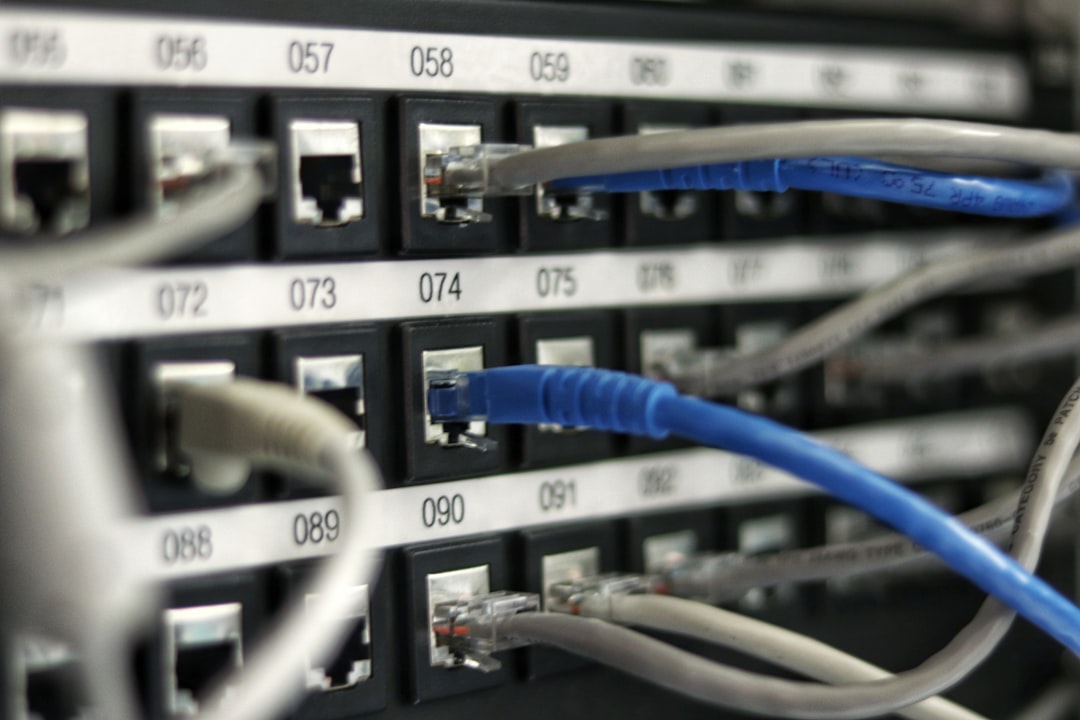
Port forwarding is best for a single main gaming device. It is less fun when the household has many consoles. Expect to waste time on small mistakes, such as typing TCP when the game needs UDP, or forwarding to an old IP address.
DMZ: A Last Resort
Some guides suggest placing a console in the DMZ. This sends most inbound traffic to that device. It may improve NAT, but it is blunt. It should not be used for a Windows gaming PC unless the user knows the risk.
For consoles, DMZ is less risky than for a PC, but still not the first pick. UPnP or port forwarding is cleaner.
Network Utilities: Helpful, but Not Magic
Network utilities can test open ports, scan local IP addresses, and show whether the public IP matches the router WAN address. They are good for diagnosis. They are not magic fixes.
Useful tools may show:
- Whether double NAT exists.
- Which device has which local IP address.
- Whether a port looks open from outside.
- Whether packet loss is causing lag instead of NAT.
Some “gaming booster” apps promise lower ping and better matchmaking. Most cannot change router NAT unless they control the router. A proper router rule beats a flashy app almost every time.
Recommended Order for Changing NAT Type
- Run the console or PC network test.
- Restart modem, router, and gaming device.
- Remove double NAT if present.
- Enable UPnP on a trusted home network.
- Reserve the gaming device’s local IP address.
- Use port forwarding if UPnP fails.
- Use DMZ only as a short test or last resort.
FAQ
What NAT type is best for gaming?
Open NAT is best. It allows the widest range of multiplayer, hosting, and voice chat connections.
Is UPnP better than port forwarding?
For most homes, yes. UPnP is easier when several consoles or PCs play online. Port forwarding is better for one fixed device.
Is port forwarding safe?
It can be safe when only needed ports are opened to a trusted device. It should not be used carelessly on a poorly secured PC.
Can a VPN fix NAT type?
Usually no. Many VPNs make NAT stricter. Some special gaming VPNs may help in certain cases, but they can add latency.
Why did NAT type change by itself?
The router may have rebooted, changed the device IP address, disabled UPnP, or received new ISP settings. A reserved local IP often prevents repeat problems.