
The best way to build an AI worker service with Lindy and Relevance AI is to split the system into two roles: use Lindy for business-facing automation and handoffs, and use Relevance AI for specialized agents, tools, knowledge retrieval, and repeatable task execution. This gives you a service that can read requests, decide what to do, call the right systems, produce work, and escalate when human judgment is needed.
TLDR: Lindy is useful for coordinating workflows across email, calendars, CRMs, forms, and support tools, while Relevance AI is strong for building focused AI agents that perform research, classification, enrichment, and decision support. A practical example is a sales operations worker that qualifies inbound leads, enriches company data, drafts a reply, and updates HubSpot. In a 1,000-lead monthly pipeline, even a 35% reduction in manual review time can save 40 to 60 staff hours per month. Start with one narrow job, measure accuracy, then expand.
What an AI worker service actually is
An AI worker service is not just a chatbot. It is a structured service that performs work across business systems. It receives an input, applies rules or reasoning, uses tools, writes results somewhere, and sends updates to people.
A good AI worker can:
- Understand requests from email, forms, chat, tickets, or CRM records.
- Choose an action based on intent, priority, data quality, and business rules.
- Use integrations such as Gmail, Slack, Notion, HubSpot, Salesforce, Airtable, Google Sheets, or Zendesk.
- Call specialist agents for research, summarization, scoring, drafting, or data cleanup.
- Escalate exceptions to a human with context and a suggested next step.
Lindy and Relevance AI fit this pattern well because they solve different problems. Lindy acts like the action layer. Relevance AI acts like the specialist worker layer. Together, they can form a controlled automation service instead of a loose collection of prompts.
Where Lindy fits
Lindy is well suited for workflow automation that touches business tools. It can monitor triggers, process messages, move data, and coordinate tasks. Think of it as the operator that watches the queue and makes sure work moves forward.
Common Lindy jobs include:
- Reading inbound sales or support emails.
- Booking meetings and checking calendars.
- Creating CRM records.
- Sending Slack updates to teams.
- Drafting replies for approval.
- Routing work based on rules.
Lindy is strongest when the workflow needs to interact with people. For example, it can ask a manager for approval before a refund is processed. It can remind an account executive that a hot deal has no next step. It can detect that a customer is upset and push the case to a senior support queue.
The catch is that automation builders often underestimate the boring parts. Field names never match cleanly. One system says “Company Name,” another says “Account,” and another allows blank records. Expect to waste time on field mapping and test cases. That work is not glamorous, but it protects the service from bad data.
Where Relevance AI fits
Relevance AI is a strong choice for building agents that perform focused knowledge work. These agents can be designed for research, reasoning, document analysis, enrichment, classification, or scoring. They can also use tools and knowledge sources to produce structured outputs.
Useful Relevance AI agents might include:
- Lead research agent: Finds company size, industry, funding, hiring signals, and target fit.
- Support triage agent: Classifies urgency, product area, sentiment, and probable cause.
- Content review agent: Checks tone, claims, compliance rules, and missing details.
- Data cleanup agent: Standardizes names, tags records, and flags incomplete fields.
- Proposal agent: Creates a first draft from CRM notes, pricing rules, and templates.
Relevance AI should not be treated as a magic decision maker. It works best when the task has a clear input, a defined output, and a simple pass or fail review process. If the output must be perfect every time, keep a human approval step.
A practical build pattern
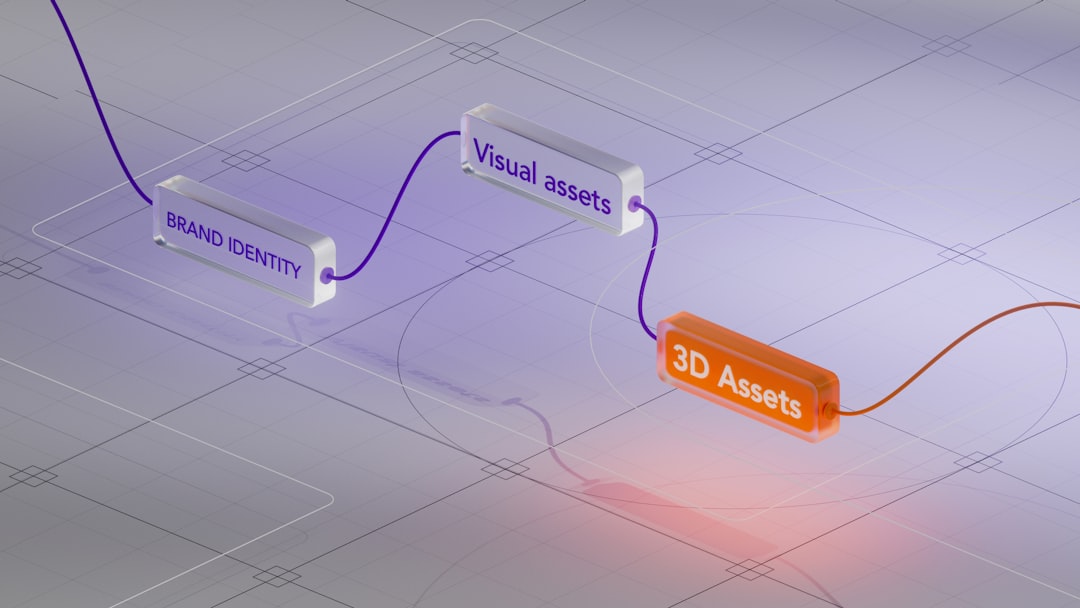
A reliable AI worker service usually follows a simple structure:
- Trigger: A new email, form entry, CRM update, ticket, or scheduled job starts the process.
- Precheck: Lindy verifies required fields and removes obvious duplicates.
- Agent task: Relevance AI runs the specialist agent, such as lead scoring or case classification.
- Decision: Lindy applies business rules to the agent output.
- Action: The workflow updates records, sends messages, creates tasks, or drafts documents.
- Human review: High-risk, low-confidence, or expensive actions go to a person.
- Logging: Every decision, output, and exception is stored for audit and improvement.
This structure keeps the system understandable. It also makes failures easier to fix. If a lead is scored incorrectly, you can see whether the issue came from missing input data, agent reasoning, prompt design, or the final rule set.
Example: sales qualification worker
A sales qualification worker is a sensible first project because the process is repetitive and measurable. The workflow can start when a new website form is submitted.
Lindy receives the form data and checks for required fields. It then sends the company name, email domain, job title, and user message to a Relevance AI lead research agent. The agent returns firmographic data, a fit score, buying signals, objections, and a recommended next action.
Lindy then applies rules. If the score is above 80, it creates a high-priority CRM task and drafts a personalized email for the sales rep. If the score is between 50 and 80, it adds the lead to a nurture sequence. If the score is below 50, it tags the record and sends a polite self-serve reply.
The value is easy to track. Measure response time, conversion to meeting, rep review time, and false positives. A company with 250 inbound leads per week may cut first-review time from 6 minutes to 2 minutes per lead. That is about 16 hours saved weekly, before counting faster response times.
Example: support triage worker
Support teams can use the same pattern. Lindy detects a new Zendesk or Intercom ticket. Relevance AI classifies the ticket by product area, severity, sentiment, and likely root cause. Lindy then assigns the case, drafts an answer, and flags urgent cases.
Honestly, it feels like many support automations fail because they try to answer everything. That is risky. A better design is to let the AI worker handle routing, summaries, and first drafts. Keep refund approvals, legal complaints, security issues, and angry enterprise customers under human control.
Integrations to prioritize
Do not connect every tool on day one. Start with the systems where work already happens. For most teams, that means:
- Email and calendar: Gmail, Outlook, Google Calendar, or Microsoft Calendar.
- CRM: HubSpot, Salesforce, Pipedrive, or Close.
- Support: Zendesk, Intercom, Freshdesk, or Help Scout.
- Data storage: Airtable, Google Sheets, Notion, or a database.
- Team alerts: Slack or Microsoft Teams.
Use clear naming for fields, agents, and workflows. Add version numbers when prompts change. Keep a test workspace. Small habits like these avoid confusion later.
Governance, safety, and quality control
A serious AI worker service needs guardrails. Set confidence thresholds. Store logs. Define which actions the system can take without approval. Limit access to sensitive data. Review outputs weekly during the early phase.
Use these controls:
- Approval gates for payments, legal language, hiring decisions, and account changes.
- Fallback paths when data is missing or the agent is uncertain.
- Audit logs that show inputs, outputs, actions, and timestamps.
- Prompt change records so teams know what changed and why.
- Performance dashboards for accuracy, time saved, error rate, and escalation rate.
Best business use cases
The strongest use cases share three traits. They happen often, use known data, and tolerate review before final action. Good candidates include lead enrichment, meeting preparation, ticket routing, invoice checks, renewal reminders, market research summaries, recruiting screen notes, and customer health alerts.
Avoid starting with vague executive tasks such as “run operations” or “manage strategy.” They sound impressive but become messy fast. Start with one repeatable job. Define success. Then add more tasks once the worker proves it can perform with consistency.
Final recommendation
Build the first AI worker service as a narrow production system, not a demo. Use Lindy to coordinate triggers, integrations, routing, and human approvals. Use Relevance AI to create specialist agents that produce structured, reviewable work. Measure time saved, accuracy, escalation rate, and business impact. If the first workflow saves 10 hours per week and keeps errors under an agreed threshold, expand it with care.