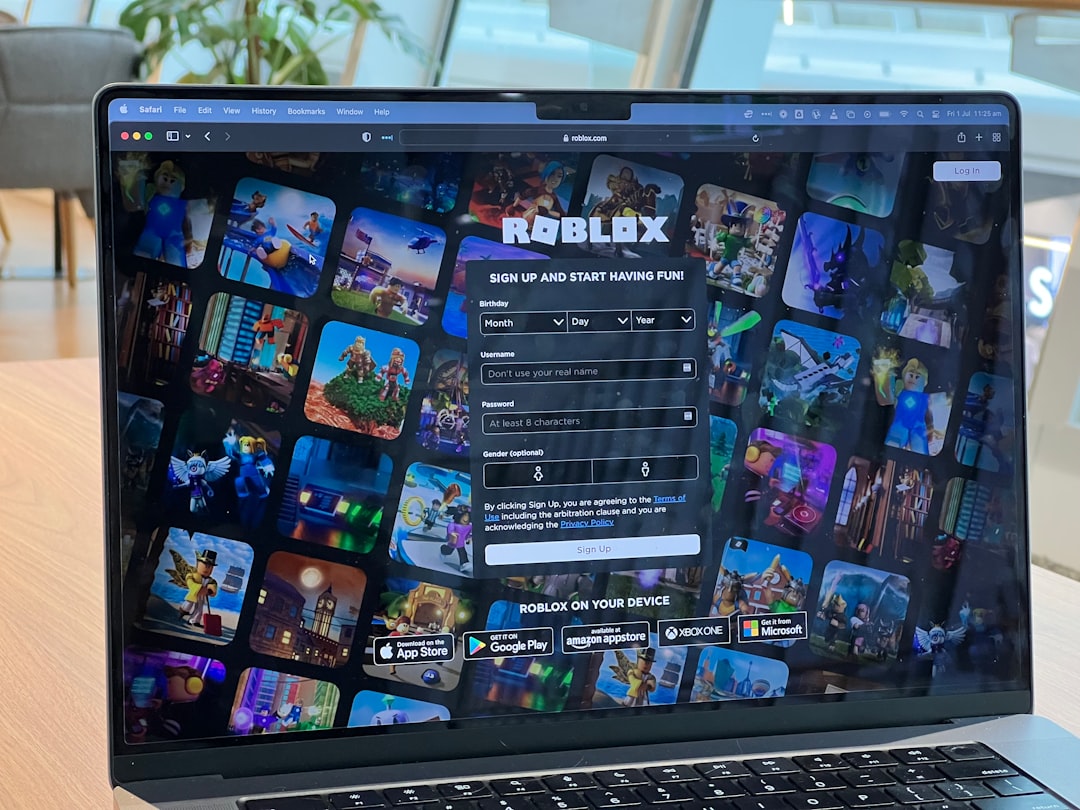
Roblox is designed to be easy to install and run, but power users often want more control over how the client looks, launches, and behaves. Bloxstrap is one of the most widely discussed third-party bootstrapper alternatives for Roblox on Windows, offering extra customization options while still launching the official Roblox client. This review looks at what Bloxstrap does well, where users should be cautious, and which alternatives may be worth considering.
TLDR: Bloxstrap is a serious option for Roblox players who want more launch control, custom themes, FastFlag management, Discord Rich Presence, and client behavior tweaks. For example, a user who switches between different Roblox configurations several times a week can save time by using profiles instead of manually changing settings. It is most useful for experienced Windows users, while casual players may only use 20–30% of its features. As with any third-party tool, it should be downloaded only from its official source and kept updated.
What Is Bloxstrap?
Bloxstrap is an open-source alternative bootstrapper for Roblox. In simple terms, it helps launch Roblox while giving users extra control over settings that are not normally exposed in the standard Roblox launcher. It does not replace Roblox itself, and it does not provide Robux, exploits, cheats, or gameplay advantages.
Its main appeal is customization. Many Roblox users want a cleaner startup experience, different visual styling, or better integration with services like Discord. Bloxstrap addresses those needs with a practical interface and a feature set aimed at players who are comfortable changing system-level application settings.

Main Features of Bloxstrap
Bloxstrap includes several features that make it more flexible than the default Roblox launcher. The most important ones include:
- Custom themes: Users can adjust the appearance of the launcher interface, making it feel more personal and less generic.
- FastFlag editor: Bloxstrap allows users to manage Roblox FastFlags, which are internal configuration values used by Roblox to enable or disable certain client behaviors.
- Discord Rich Presence: Players can show additional Roblox activity details in Discord, depending on how they configure the feature.
- Custom launch options: Users can control how Roblox starts, including some client-related preferences.
- Multiple channels: Bloxstrap may allow access to different Roblox deployment channels, depending on what Roblox currently makes available.
- Activity tracking options: Some configurations can improve how users monitor or display their Roblox sessions.
These features are useful, but they also require responsibility. Changing settings without understanding them can lead to instability, unexpected performance issues, or the need to reset the configuration.
Roblox Customization Options
The strongest reason to use Bloxstrap is the level of customization it provides. Roblox’s official launcher is intentionally simple, but that simplicity can feel limiting. Bloxstrap fills the gap by giving users more control over presentation and launch behavior.
Theming is one of the easiest features to understand. Users can change the visual style of the launcher, which is helpful for those who prefer a darker interface, a cleaner layout, or a more personalized look. While this does not change the core Roblox game interface, it improves the experience around launching and managing the client.
FastFlags are more advanced. They can affect rendering, user interface elements, testing features, or client behavior. However, Roblox can change or remove these flags at any time. A setting that works today may stop working after an update. For this reason, FastFlags should be treated as experimental, not guaranteed functionality.
Discord Rich Presence is another popular option. For users active in communities, it can make Roblox sessions more visible and social. For example, a player managing a small development group may want Discord friends to see when they are testing a Roblox experience. This is not essential, but it adds polish to the daily workflow.
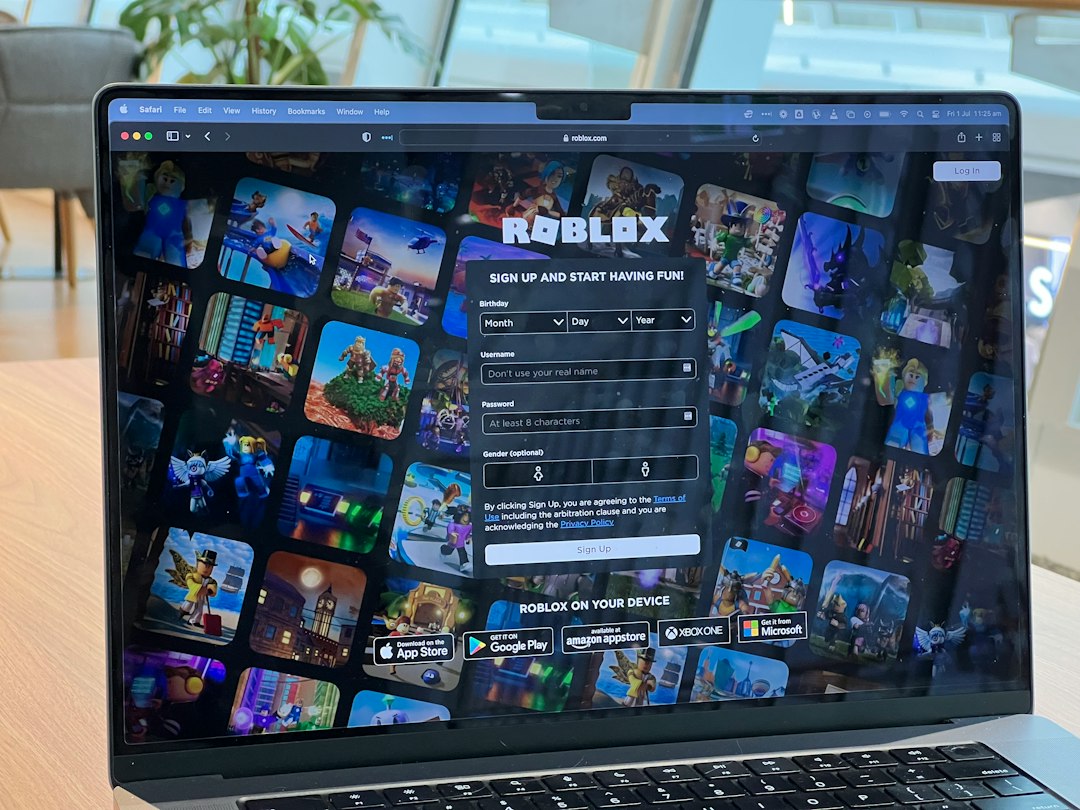
Performance and Stability
Bloxstrap is not primarily a performance booster. Some users may experience smoother behavior after adjusting specific settings, but it should not be advertised as a guaranteed way to increase frames per second. Roblox performance still depends on hardware, internet quality, game optimization, and Roblox client updates.
In general, Bloxstrap is best understood as a configuration and customization layer. If configured carefully, it can make the Roblox launch experience cleaner and more efficient. If configured carelessly, especially with experimental FastFlags, it can introduce problems that the default launcher would not have.
For most users, the safest approach is to change one setting at a time and test Roblox afterward. This makes it much easier to identify which option caused a problem if something breaks.
Is Bloxstrap Safe?
Bloxstrap is commonly considered safer than many random Roblox “enhancement” tools because it is open-source and focused on launching the official Roblox client. Still, safe use depends on where you download it from and how you configure it.
Users should avoid unofficial reposts, modified installers, and download links shared through unknown videos or social media accounts. Third-party Roblox tools are often copied and repackaged with unwanted software. The safest practice is to use the official project source, verify that it is maintained, and update only through trusted channels.
It is also important to understand Roblox’s platform rules. Bloxstrap is not a cheat tool, but modifying client behavior can still create risk if users apply settings that interfere with normal Roblox functionality or violate platform expectations. Anyone using Bloxstrap should avoid exploit-related scripts, modified clients, or anything that promises competitive advantages.
Pros and Cons
Here is a balanced summary of where Bloxstrap performs well and where it may not be ideal.
- Pros:
- More customization than the default Roblox launcher.
- Useful FastFlag management for advanced users.
- Discord Rich Presence support.
- Open-source nature improves transparency.
- Good choice for users who frequently adjust Roblox settings.
- Cons:
- Not necessary for casual Roblox players.
- FastFlag changes can break after Roblox updates.
- Wrong settings may cause instability.
- Requires careful downloading from trusted sources.
- Does not guarantee better performance.
Best Alternatives to Bloxstrap
Bloxstrap is not the only option, and some users may be better served by simpler alternatives. The right choice depends on the level of control you need.
- Official Roblox Launcher: The safest and simplest option. It is best for users who just want Roblox to work without extra configuration or maintenance.
- Roblox Microsoft Store App: This version can be useful for users who prefer installing apps through the Windows Store environment. However, it may behave differently from the standard desktop client.
- Manual Roblox settings and system tweaks: Some performance and usability improvements can be handled through Windows graphics settings, driver updates, privacy settings, or in-game Roblox options.
- Community configuration guides: Experienced users sometimes share recommended FastFlag lists or optimization steps. These should be treated carefully because outdated advice can cause problems.
Who Should Use Bloxstrap?
Bloxstrap is best suited for Roblox users who want deeper control over the launch experience. This includes developers, testers, community managers, and players who regularly adjust settings or want Discord integration. It is also a strong fit for users who like open-source tools and are comfortable troubleshooting occasional issues.
On the other hand, if you only play Roblox occasionally, Bloxstrap may be unnecessary. The official launcher is more straightforward and requires less maintenance. A user who plays once or twice a month probably does not need custom channels, FastFlags, or launcher themes.
Final Verdict
Bloxstrap is a capable and well-regarded Roblox bootstrapper for Windows users who want more customization and control. Its strongest features are theme support, FastFlag management, Discord Rich Presence, and flexible launch behavior. It gives serious Roblox users tools that the official launcher does not provide.
However, Bloxstrap should be used with realistic expectations. It is not a magic performance tool, not a cheat platform, and not required for enjoying Roblox. Its value depends on whether you actually need the extra configuration options.
For advanced users, Bloxstrap is worth considering. For casual players, the official Roblox launcher remains the safer and simpler choice. The best approach is to start with minimal changes, keep backups of important settings, and avoid any configuration you do not fully understand.