
Automation has become the backbone of modern digital workflows. Whether you are a solo creator, a startup founder, or part of an enterprise IT team, automating repetitive tasks saves time, reduces errors, and unlocks scalability. While n8n has gained popularity as a flexible workflow automation tool, it is far from the only option available—especially for users looking for powerful no-code solutions that do not require configuring nodes or self-hosted infrastructure. If you are exploring alternatives, this guide breaks down four compelling options that can elevate your automation strategy.
TLDR: If you’re considering alternatives to n8n for no-code automation, there are several powerful platforms worth exploring. Zapier is ideal for simplicity and app variety, Make offers visual complexity and flexibility, Pabbly Connect is budget-friendly with strong core features, and Microsoft Power Automate excels in enterprise environments. The best choice depends on your technical skills, integration needs, and budget. Each platform offers unique strengths for automating workflows without writing code.
Why Look for an Alternative to n8n?
n8n is known for its flexibility and open-source nature, but it can feel technical for beginners. It often requires self-hosting knowledge, manual configuration, and some understanding of logic flows. Many businesses prefer tools that offer:
- Fully hosted SaaS platforms (no server setup required)
- Pre-built templates for fast deployment
- User-friendly visual builders
- Broader native app integrations
- Strong customer support
Below are four powerful no-code automation platforms that serve as strong alternatives to n8n.
1. Zapier
Zapier is arguably the most well-known automation platform in the no-code space. With support for thousands of applications, it allows users to create automated workflows called “Zaps” using simple trigger-and-action logic.

Why Choose Zapier?
- Massive App Library: Over 5,000 integrations, including Slack, Gmail, Shopify, Notion, and Salesforce.
- Ease of Use: Clean interface designed for non-technical users.
- Multi-Step Workflows: Create complex automations with conditional logic and filters.
- AI and Webhooks: Advanced capabilities without heavy setup.
Zapier shines when you want to automate common business tasks quickly—like adding new leads to a CRM, posting social media updates, or generating invoices.
Best For:
Small to medium-sized businesses, marketers, and non-technical teams who want fast, reliable automation.
Potential Drawbacks:
- Can become expensive at high task volumes
- Limited customization compared to open-source platforms
2. Make (Formerly Integromat)
Make offers a powerful visual automation builder with more granular control than Zapier, while still remaining no-code friendly. Instead of simple linear workflows, Make allows users to design branching scenarios with advanced logic.

Why Choose Make?
- Visual Scenario Builder: Create detailed workflows with branching paths.
- Advanced Logic Controls: Routers, filters, aggregators, and data transformers.
- Cost Efficiency: Often more affordable than competitors for high-volume automation.
- Data Handling: Excellent mapping and transformation tools.
If you found n8n flexible but somewhat technical, Make might be a comfortable middle ground. It gives you significant control without requiring server configuration or code knowledge.
Best For:
Power users, agencies, and teams that need complex multi-step workflows with conditional logic.
Potential Drawbacks:
- Interface may feel overwhelming at first
- Learning curve is steeper than Zapier
3. Pabbly Connect
Pabbly Connect has emerged as a budget-friendly automation alternative. While it may not have the brand recognition of Zapier or Make, it offers strong core functionality at competitive lifetime pricing options.
Why Choose Pabbly Connect?
- Affordable Pricing: Often offers lifetime deals.
- Unlimited Workflows: No caps on automation numbers within plans.
- Multi-Step Automations: Comparable workflow complexity to Zapier.
- Webhook Support: Adds flexibility for custom integrations.
Pabbly Connect is ideal for startups and entrepreneurs who want to automate without committing to expensive monthly subscriptions.
Best For:
Budget-conscious users and small teams needing core automation features.
Potential Drawbacks:
- Smaller app ecosystem compared to Zapier
- Interface less polished
4. Microsoft Power Automate
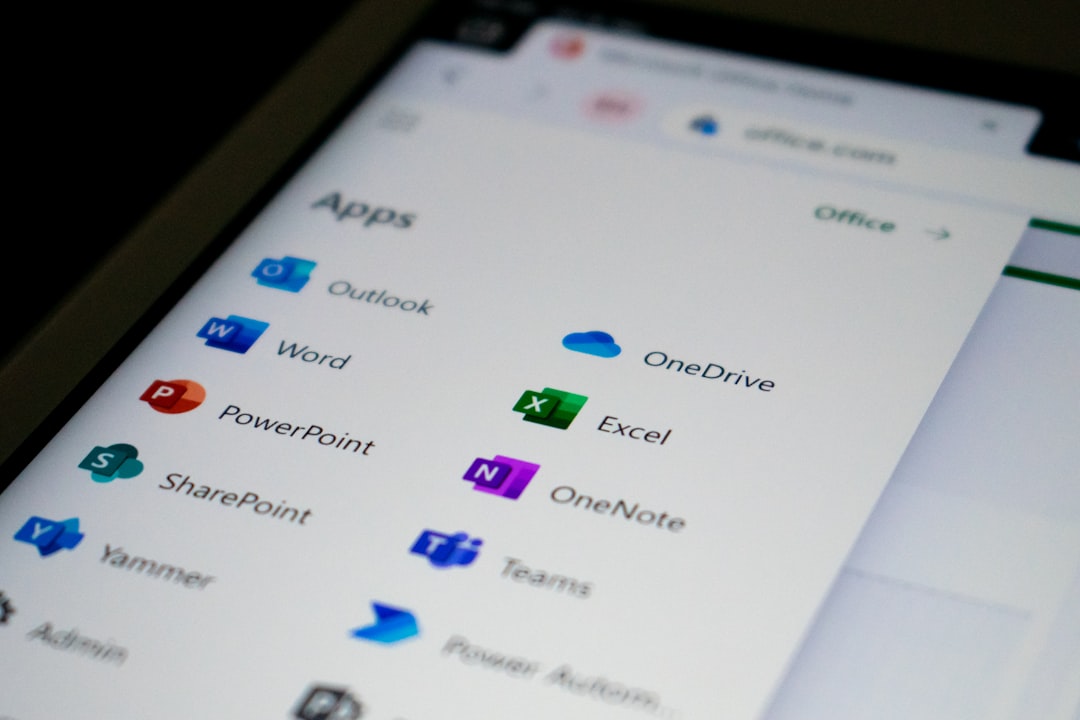
Microsoft Power Automate is a robust automation platform deeply integrated with the Microsoft ecosystem. It supports both no-code and low-code scenarios, making it extremely powerful for enterprise automation.
Why Choose Microsoft Power Automate?
- Deep Microsoft Integration: Works seamlessly with Office 365, SharePoint, Teams, and Dynamics.
- Enterprise-Grade Security: Built for compliance-heavy environments.
- RPA Capabilities: Automate desktop processes.
- AI Builder: Add AI-driven processing without coding.
Unlike most SMB-focused tools, Power Automate is designed with enterprise governance and scalability in mind.
Best For:
Large organizations, IT teams, and businesses operating heavily within Microsoft environments.
Potential Drawbacks:
- More complex interface
- Best value unlocked within Microsoft ecosystem
Comparison Chart
| Feature | Zapier | Make | Pabbly Connect | Power Automate |
|---|---|---|---|---|
| Ease of Use | Very Easy | Moderate | Easy | Moderate to Advanced |
| App Integrations | 5,000+ | 1,500+ | 1,000+ | Strong Microsoft Focus |
| Visual Builder | Linear | Advanced Visual Flow | Linear Multi-Step | Flow-Based |
| Pricing | Subscription | Subscription | Budget and Lifetime Deals | Enterprise Subscription |
| Best For | Small Businesses | Power Users | Budget Users | Enterprises |
How to Choose the Right Alternative
Selecting the best n8n alternative depends heavily on your unique requirements. Here are a few guiding questions:
- Do you prioritize simplicity over flexibility?
- Do you need advanced branching logic?
- Is budget your main constraint?
- Are you already embedded in a specific ecosystem like Microsoft?
For straightforward tasks and quick automation, Zapier is often the fastest solution. If you need more control without coding, Make provides extensive customization. Budget-conscious users may find Pabbly Connect more sustainable. Enterprise environments, meanwhile, will likely benefit most from Power Automate.
The Future of No-Code Automation
No-code automation platforms are evolving rapidly. AI-assisted workflow generation, natural language automation building, and predictive process suggestions are increasingly standard features. The gap between technical and non-technical users continues to shrink.
While n8n remains a powerful open-source contender, the increasing demand for hosted, beginner-friendly automation solutions has opened the door for numerous alternatives. From startup founders automating lead capture to enterprises orchestrating thousands of internal processes, there is now a tool suited for virtually every use case.
The key takeaway: The best automation platform is not necessarily the most powerful one—it’s the one that aligns with your workflow complexity, skill level, and budget.
By evaluating Zapier, Make, Pabbly Connect, and Microsoft Power Automate side by side, you can confidently select an automation partner that accelerates productivity and scales with your needs—without writing a single line of code.