
The Samsung Galaxy Note 8 remains one of the most iconic large-screen smartphones ever released, but like any aging device, it is not immune to display issues. One of the most concerning problems users report is a black spot on the screen. This dark patch can appear suddenly and may grow over time, making everyday tasks frustrating. Understanding the causes and knowing the right solutions can help extend the life of the device and possibly prevent costly repairs.
TLDR: A black spot on a Samsung Note 8 screen is usually caused by physical damage, dead pixels, AMOLED burn-in, or internal display failure. Minor pixel issues may improve with software fixes or pixel-refresh apps, but physical damage often requires screen replacement. Acting quickly can prevent the issue from spreading. Simple troubleshooting steps can help determine whether the problem is hardware or software related.
What Does a Black Spot on the Screen Mean?
A black spot on the Samsung Note 8 screen typically appears as a small dark circle or irregular shape that does not change when the screen content changes. Unlike temporary shadows or smudges, this type of spot remains visible regardless of what is displayed.
In many cases, the issue is related to the AMOLED display panel. The Note 8 uses Super AMOLED technology, which delivers vibrant colors but can be more vulnerable to certain types of damage compared to LCD panels.
Common Causes of Black Spots on Samsung Note 8
1. Physical Impact Damage
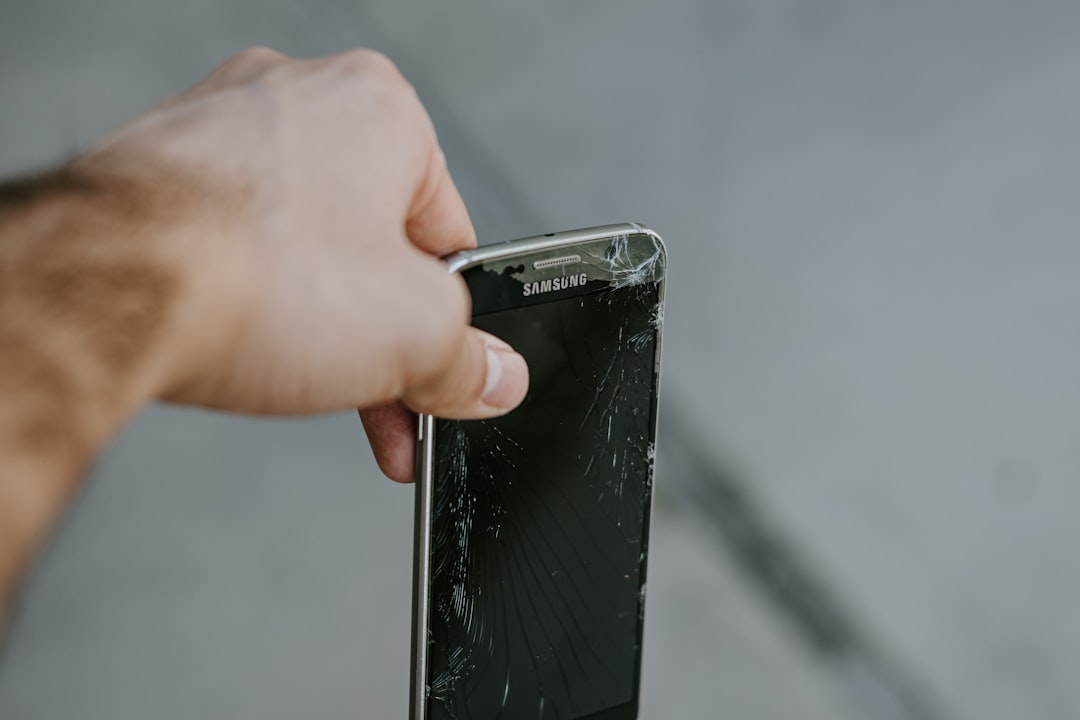
One of the most common causes is dropping the device. Even if the glass is not cracked, the impact can damage internal display layers. AMOLED screens are particularly sensitive, and pressure or shock can damage individual pixels.
- Symptoms: Dark circular blotch that may grow over time
- Cause: Internal pixel damage or display layer rupture
- Solution: Usually requires screen replacement
2. Dead or Stuck Pixels
Dead pixels occur when individual pixels stop lighting up completely. This can appear as tiny black dots on the screen. While one or two dead pixels may not be noticeable, clusters can look like a larger spot.
- Dead pixel: Permanently black
- Stuck pixel: Displays one color consistently
- Possible fix: Pixel-fixing apps or soft reset
3. AMOLED Burn-In
Screen burn-in happens when static images stay displayed for long periods. Over time, uneven pixel wear can create dark areas or ghosting effects.
- Caused by: High brightness and static content
- Common in: Navigation bars or status bars
- Effect: Permanent discoloration patterns
4. Pressure Damage
Placing the phone in tight pockets or under heavy objects can cause pressure spots. AMOLED screens are sensitive, and even non-impact pressure may damage internal pixels.
5. Moisture or Internal Hardware Failure
Though the Note 8 has water resistance, prolonged exposure to moisture may still compromise internal components. Corrosion inside the display assembly can result in blackened areas.
How to Diagnose the Problem
Before assuming the screen is permanently damaged, a few diagnostic steps can help determine the severity:
- Restart the device. Temporary software glitches may be resolved with a reboot.
- Check in Safe Mode. This helps rule out third-party app interference.
- Display test: Dial *#0*# in the phone app to access Samsung’s diagnostic menu.
- Switch backgrounds. Use pure red, green, blue, white, and black images to test pixel behavior.
If the spot remains visible in all modes and colors, it is most likely a hardware issue.
Easy Fixes You Can Try First
1. Soft Reset
A soft reset clears temporary system glitches.
- Hold Power + Volume Down for 10 seconds.
- Wait for the device to restart.
This fix works only for minor software-related display artifacts.
2. Pixel Fixing Apps
There are apps designed to rapidly cycle colors across the screen, potentially reviving stuck pixels. While these do not fix physically damaged pixels, they may help with minor pixel inconsistencies.
3. Adjust Brightness and Display Settings
- Lower overall brightness
- Enable dark mode
- Reduce screen timeout duration
This approach may prevent further burn-in or expansion of existing damage.
4. Factory Reset
A factory reset should only be performed after backing up data.
- Go to Settings > General Management > Reset
- Select Factory Data Reset
If the black spot persists afterward, it confirms a hardware problem.
When Screen Replacement Is Necessary
Unfortunately, physical AMOLED damage cannot be repaired through software. If the black spot grows, spreads like ink, or begins affecting touch sensitivity, screen replacement is the only permanent solution.
Because the Note 8 features a curved edge display, replacement should ideally be handled by professionals.
DIY Repair vs Professional Repair
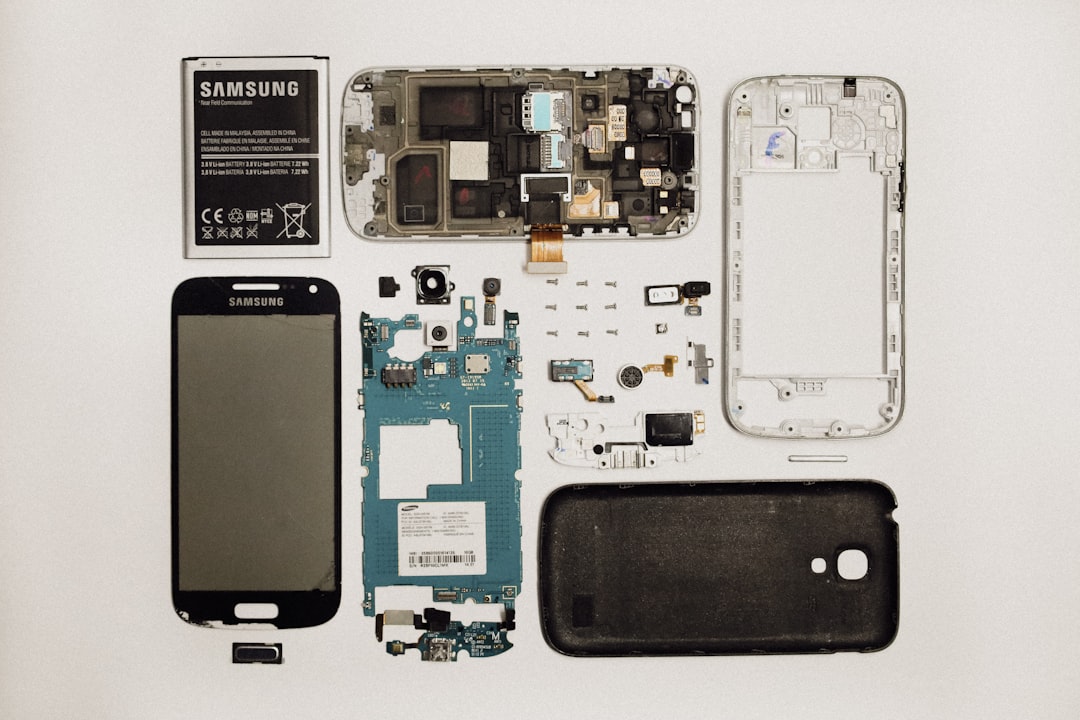
Some users consider replacing the screen themselves. However, the Note 8’s design makes this process complex.
| Option | Cost | Difficulty | Risk Level | Warranty Impact |
|---|---|---|---|---|
| Pixel Fixing App | Low or Free | Easy | Very Low | No Impact |
| Factory Reset | Free | Moderate | Low | No Impact |
| DIY Screen Replacement Kit | Medium | High | High | Voids Warranty |
| Professional Repair Service | High | Easy for User | Low | Depends on Provider |
Professional repairs are recommended if the user lacks experience with delicate electronics.
How Much Does Samsung Note 8 Screen Repair Cost?
Since the device is no longer new, official repair prices vary widely:
- Third-party repair: Moderate cost
- Certified service centers: Higher cost
- DIY kit: Cheaper upfront but risky
In some cases, upgrading to a newer phone may be more cost-effective than replacing the display.
How to Prevent Black Spots in the Future
- Use a high-quality protective case.
- Add a tempered glass screen protector.
- Avoid sitting on the phone.
- Keep brightness at moderate levels.
- Do not leave static images displayed for hours.
Preventative measures are especially important for AMOLED displays.
Is It Safe to Keep Using the Phone?
If the black spot is small and stable, the phone can continue functioning normally. However, if it spreads like liquid ink, that indicates pixel death spreading across the panel. In such cases, backing up data is strongly recommended.
Spreading black spots often signal worsening internal display damage.
Frequently Asked Questions (FAQ)
1. Why is the black spot on my Samsung Note 8 growing?
The most common reason is internal AMOLED damage caused by impact. When pixels die in clusters, the damaged area can expand gradually.
2. Can a black spot disappear on its own?
If caused by a software glitch or stuck pixel, it might improve. However, physical damage or dead pixels are permanent.
3. Does insurance cover black spot screen damage?
If the issue resulted from accidental damage and the device is insured, coverage may apply. Warranty coverage usually excludes accidental drops.
4. Is a black spot the same as screen burn-in?
No. Burn-in causes faded or ghost images, while black spots are usually completely dark and unresponsive areas.
5. Can I fix a black spot by pressing on it?
No. Applying pressure may temporarily change its appearance but can actually worsen internal damage.
6. How do I know if it’s hardware or software?
If the spot remains in Safe Mode and after a factory reset, it is almost certainly a hardware issue.
7. Should I replace the screen or buy a new phone?
If repair costs approach the value of a newer device, upgrading may be the smarter financial decision.
8. Can water cause black spots on AMOLED?
Yes. Even water-resistant devices can suffer internal damage if moisture enters and corrodes display components.
Final Thoughts
A black spot on the Samsung Note 8 screen can range from a minor pixel issue to significant internal display damage. While simple troubleshooting steps may resolve software-related problems, most persistent spots are caused by physical AMOLED failure. Acting promptly, diagnosing correctly, and choosing the right repair approach can save both time and money. With careful handling and preventative measures, users can reduce the risk of facing this issue again.