
A proxy server is working correctly only when it changes the visible IP address, handles the right protocol, prevents DNS or browser leaks, and stays stable under normal load. A quick IP check is not enough. Browsers can still expose connection details through WebRTC APIs [source: MDN], so a proper test should cover more than one layer.
TLDR: The best proxy check uses several tools, not just one website. For example, a team testing 100 residential proxies might find that 8 pass a basic IP check but fail DNS or WebRTC tests. A simple stack could be IPinfo for IP data, BrowserLeaks for browser exposure, DNSLeakTest for resolver checks, curl for command-line proof, and Wireshark for packet-level review.
1. IPinfo: Fast IP and Location Checks
IPinfo is one of the fastest ways to confirm whether a proxy is changing the public IP. It shows the visible IP address, city, region, country, ASN, and hosting provider. That matters because a proxy may connect, yet still show the wrong region or a datacenter range when a residential IP was expected.
A tester can open IPinfo in a browser while connected through the proxy. The displayed IP should match the proxy provider’s promised endpoint. If a German proxy shows a U.S. IP, something is off. If the ASN belongs to a cloud host, it may not work for sites that block datacenter traffic.
The catch is… cached browser sessions can confuse results. A clean profile or private window helps. Testing the same proxy in two browsers can also save a few annoying minutes.
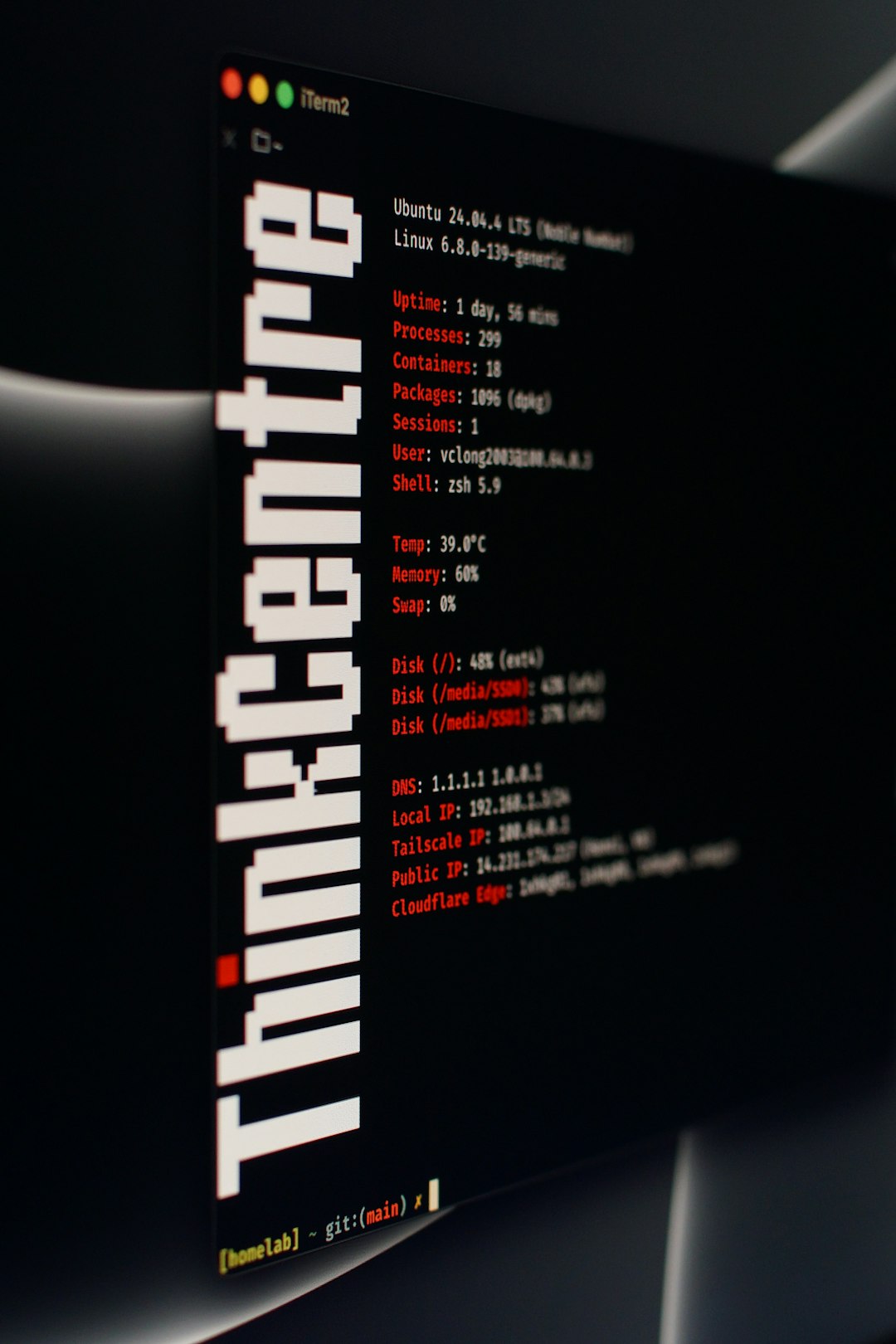
2. BrowserLeaks: Best for WebRTC and Fingerprint Problems
BrowserLeaks checks what the browser exposes beyond the proxy connection. This includes WebRTC details, canvas data, fonts, timezone, headers, and other signals. A proxy can hide the IP at the network level while the browser still leaks clues that point to the real setup.
This tool is useful for marketers, QA teams, fraud analysts, and anyone testing browser-based workflows. If the proxy location says France but the timezone says Singapore, some platforms may flag the session as suspicious.
- Good for: WebRTC checks, fingerprint review, browser mismatch detection.
- Watch for: real IP exposure, wrong timezone, language mismatch, odd screen or font data.
- Best habit: test after changing browser privacy settings or extensions.
3. DNSLeakTest: Checks Where DNS Requests Go
DNSLeakTest shows which DNS servers handle domain lookups during a proxy or VPN session. This is a big deal. If the proxy IP points to Canada but DNS requests go through a local ISP in Spain, the setup is not clean.
A standard test gives a quick answer. An extended test gives a better one. For serious work, the extended option is worth the extra seconds. It helps catch split routing, browser DNS settings, and system resolver issues.
Honestly, it feels like DNS leaks are the boring problem that keeps coming back. They do not always break a page. They just quietly expose the wrong location, then someone spends 30 minutes blaming the proxy provider.
4. curl: Simple Command-Line Proof
curl is a clean way to test a proxy without browser noise. It lets a tester confirm whether HTTP, HTTPS, SOCKS4, or SOCKS5 connections work. It also helps check authentication issues, timeout behavior, and response speed.
Example:
curl -x http://username:password@proxyhost:port https://ipinfo.io/ipIf the command returns the proxy IP, the connection works. If it hangs, rejects credentials, or returns the real IP, the configuration needs review.
curl is also useful for bulk checks. A tester can run the same request across many proxies and record failures. For example, if 12 out of 50 proxies time out after 10 seconds, that is a clear reliability signal. No guessing needed.
5. Wireshark: Deep Traffic Inspection
Wireshark is for cases where basic tools do not explain the issue. It captures network packets and shows where traffic is actually going. This helps confirm whether an app is using the proxy or bypassing it.
This tool is especially helpful when desktop software has its own proxy settings. Some apps obey system proxy settings. Others ignore them. A packet capture makes that visible.
- Use it when: traffic leaks outside the proxy.
- Use it when: an app works in the browser but fails in software.
- Use it when: the proxy provider says everything is fine, but the logs say otherwise.
Quick Proxy Testing Checklist
- Check the visible IP with IPinfo or a similar service.
- Confirm the country and ASN match the proxy type.
- Run a DNS leak test using the extended option.
- Check WebRTC exposure in the browser.
- Test with curl to remove browser-related noise.
- Inspect traffic with Wireshark if results still seem strange.
FAQ
What is the fastest way to check if a proxy works?
The fastest method is to visit an IP lookup site such as IPinfo while connected to the proxy. The visible IP should change from the real connection to the proxy IP.
Why does a proxy show the correct IP but still fail tests?
It may have DNS leaks, WebRTC exposure, bad authentication, blocked ports, or browser fingerprint mismatches. A basic IP check only proves one part works.
Can curl test SOCKS proxies?
Yes. curl supports SOCKS proxies. The tester can use formats such as socks5://proxyhost:port to check the connection.
Is Wireshark needed for every proxy test?
No. Wireshark is best for deeper troubleshooting. Most simple checks can start with IPinfo, BrowserLeaks, DNSLeakTest, and curl.
How often should proxies be tested?
High-use proxies should be tested before each major task. Shared or rotating proxies should be checked more often, since IP quality and routing can change quickly.