
Treat “not provided” as a measurement gap, not a dead end: you can still connect organic search visibility, landing pages, Search Console queries, and conversions into a useful keyword model. The goal is not to recover every hidden query. The goal is to make better SEO decisions with the data Google still gives you.
TLDR: Google Analytics no longer shows most organic search queries because Google protects signed-in search data, so keyword reports often say not provided. Work around it by combining Google Search Console, landing page reports, content groupings, rank tracking, internal site search, and conversion behavior. For example, if Search Console shows a page getting 12,000 impressions for “crm software for agencies” with a 3.1% CTR, and GA4 shows that same page drives 48 demo requests, you can estimate which keyword themes are creating revenue. You will not get perfect query-level data, but you can get close enough to act.
Why “Not Provided” Exists
Google started hiding organic keyword data years ago for users who searched while signed in. Over time, that covered most searches. In Google Analytics, the query that brought someone to your site was replaced with “not provided”.
For marketers, this still feels annoying. You can see that organic traffic increased. You can see that a page converted. But the exact keyword? Gone. Honestly, it feels like someone handed you a sales report with the product names blacked out.
The reason is privacy. Google does not pass the full search query into analytics platforms the way it once did. That means Universal Analytics had limited keyword data, and GA4 is no magic fix. If anything, GA4 makes some SEO workflows feel slower because you often need extra clicks, custom reports, or BigQuery exports to answer questions that used to take seconds.
What You Can Still Measure
You cannot rebuild the old keyword report perfectly. But you can measure enough to guide content, technical SEO, and conversion work. The key is to stop treating keywords as isolated rows and start treating them as query clusters tied to pages.
Useful data still exists in several places:
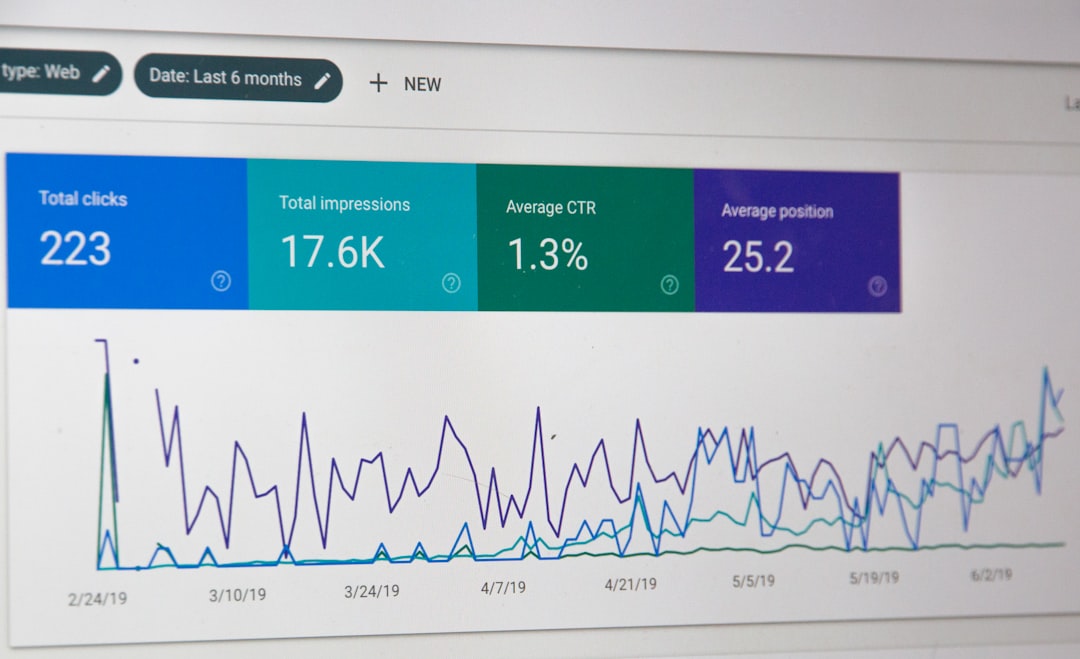
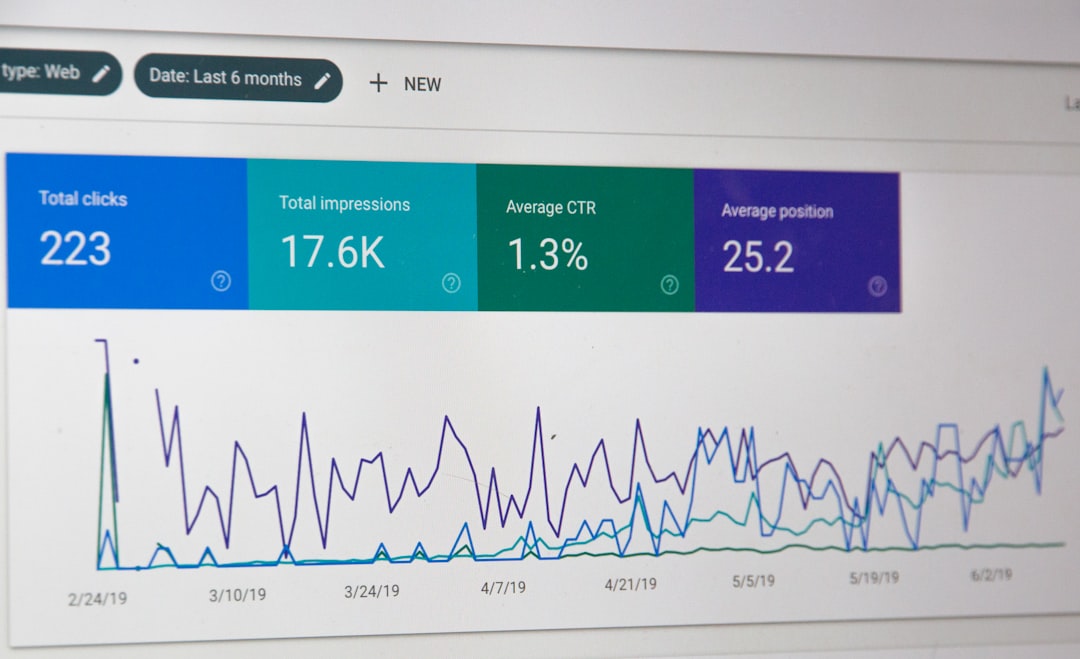
- Google Search Console: Queries, impressions, clicks, CTR, and average position.
- GA4 landing pages: Sessions, engagement, conversions, revenue, and assisted value.
- Rank tracking tools: Daily or weekly keyword position changes.
- Internal site search: Terms users type after landing on your site.
- Paid search data: Query and conversion patterns from Google Ads.
- CRM data: Leads, deals, pipeline value, and closed revenue by landing page.
None of these sources gives the full picture alone. Together, they give you a strong working model.
Start with Landing Pages, Not Keywords
The best workaround starts with the page. In GA4, go to your landing page report and filter for organic search. Look for pages with traffic, engagement, and conversions. These pages are your SEO entry points.
Then open Google Search Console and review the queries for each URL. This connects the missing keyword data back to the page. You will not know which exact user searched which exact term. But you can see which queries likely drove visits to that page.
For example:
- A landing page receives 8,400 organic sessions in GA4.
- It generates 126 newsletter signups and 19 trial starts.
- Search Console shows top queries around “email automation for nonprofits,” “nonprofit email software,” and “donor email campaigns.”
That is enough to make a smart call. The page is probably performing for nonprofit email software intent. You can improve the page for that theme, add comparison sections, answer pricing questions, and build internal links using related language.
Use Search Console Query Data the Right Way
Search Console is the closest thing to a replacement for old organic keyword reports. But it has limits. It samples and filters data. It stores only a limited history unless you export it. It rounds some numbers. It also separates data by property type, country, device, and search appearance.
Expect to waste time on messy exports if you do this manually every month. A better process is to create a repeatable report.
- Export queries by page from Search Console.
- Group similar queries by topic, intent, and modifier.
- Match each URL to GA4 landing page metrics.
- Add conversions such as leads, purchases, form fills, or calls.
- Review movement every 30 days.
Do not obsess over one keyword. A single query may rise or fall for reasons outside your control. Instead, watch clusters. If 40 related phrases all gain impressions, your page is becoming more visible. If clicks are flat while impressions rise, your title tag may need work.
Build Keyword Clusters from Real Queries
Keyword clusters help replace missing query-level data. A cluster is a group of related search terms with the same basic intent. For example, these queries belong together:
- best accounting software for freelancers
- freelance bookkeeping app
- simple invoicing software self employed
- tax tracking tool for contractors
Each query is different, but the user has a similar problem. Grouping them makes reporting cleaner. It also matches how modern search works. Google often ranks one strong page for many close variations.
Use clusters to answer practical questions:
- Which topics bring the most qualified traffic?
- Which pages rank for informational terms but fail to convert?
- Which commercial pages have impressions but weak CTR?
- Which content should be refreshed, merged, or expanded?
Connect Queries to Conversions with a Simple Model
The cleanest model uses three layers: query data, page behavior, and business results.
Here is a simple example:
- Search Console: A guide gets 25,000 impressions and 1,100 clicks from “inventory management spreadsheet” queries.
- GA4: The guide gets 980 organic sessions, with a 62% engagement rate.
- CRM: Visitors from that landing page generate 34 leads, and 5 become sales opportunities.
You still do not know each person’s exact query. But you know the page’s query theme is tied to pipeline. That is useful. You can now add product CTAs, comparison blocks, templates, FAQs, and internal links to sales pages.
Use Paid Search Data Carefully
If you run Google Ads, search term reports can help fill some gaps. Paid data can reveal phrases that convert, objections people have, and modifiers that signal intent. Terms like pricing, alternative, near me, template, and software can change the value of a query fast.
Still, do not copy paid search data into SEO without thinking. Paid rankings, ad copy, and landing pages are not the same as organic results. Use paid search as a clue, not proof.
Mine Internal Site Search and On-Site Behavior
Internal site search is often ignored. That is a mistake. If users land from Google and then search your site, they are telling you what they did not find fast enough.
Track internal search terms in GA4 if your site has a search function. Look for repeated terms after organic landings. If users keep searching for “pricing,” add pricing cues. If they search for “integration,” show integrations earlier. If they search for “case studies,” place proof near the top.
Scroll depth, click events, video plays, file downloads, and form starts can also help. They show whether the page matched the likely query intent.
Create a Monthly SEO Query Dashboard
A good dashboard does not need 40 charts. Keep it focused. Include:
- Top landing pages from organic search
- Conversions by organic landing page
- Search Console clicks and impressions by URL
- Top query clusters by page
- CTR changes for high-impression pages
- Ranking movement for priority terms
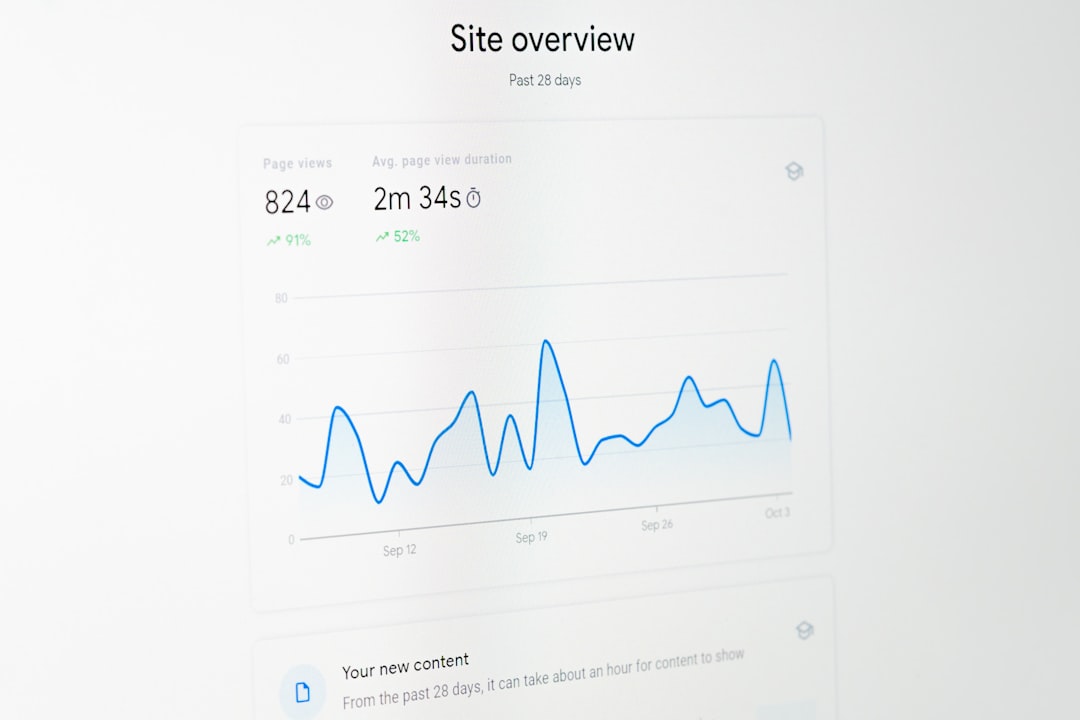
This setup turns “not provided” into a manageable reporting issue. You are no longer asking, “Which exact keyword converted?” You are asking, “Which search intent brought users to this page, and did that page create value?” That is a better question.
Common Mistakes to Avoid
- Reporting only traffic: More visits mean little if leads drop.
- Ignoring impressions: Rising impressions can reveal future growth before clicks arrive.
- Overreacting to average position: It can shift based on country, device, and personalization.
- Mixing all organic traffic together: Brand and non-brand searches behave very differently.
- Skipping exports: Search Console history is limited, so store your own data.
The Practical Takeaway
Google organic keywords marked as not provided are not coming back in the old way. Waiting for them is a waste. The better move is to build a system that combines Search Console queries, GA4 landing page data, conversion events, and CRM outcomes.
You will lose some precision. That part is irritating. But you gain a broader view of search intent and page value. For most SEO teams, that is enough to choose better topics, fix weak pages, improve titles, and prove organic search is doing real business work.