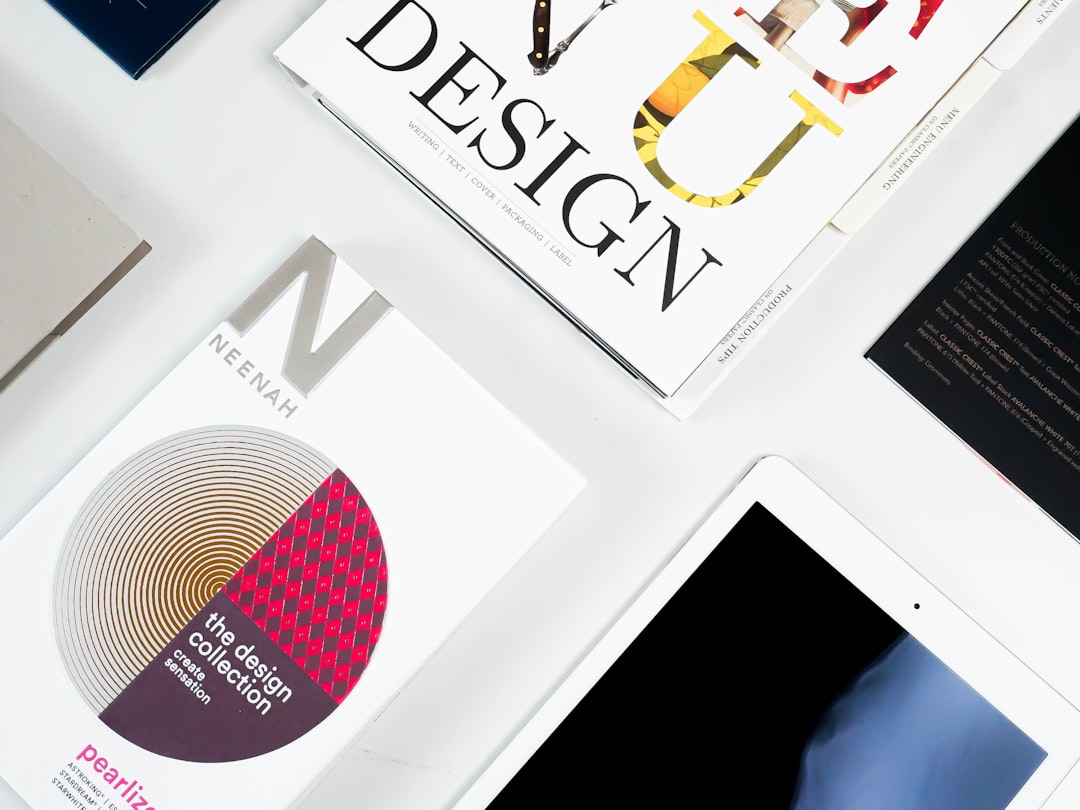
In a digital world, business cards still matter. They are small. But they carry big power. A great business card can open doors, start conversations, and help people remember you. The good news? You no longer need a designer or a print shop down the street. Today, you can create stunning cards online in minutes.
TLDR: Business card makers and generators make it easy to design professional cards fast. Many tools offer templates, drag-and-drop editors, and print services. Canva, Vistaprint, Adobe Express, and others lead the pack. Pick one based on your budget, design skills, and printing needs.
Let’s explore the best tools that help professionals create cards that stand out. Simple tools. Smart designs. Real impact.
Why Business Cards Still Work
Email is fast. LinkedIn is easy. But business cards feel real. When you hand someone a card, you create a moment. It’s personal. It’s direct.
A strong card shows:
- Your brand identity
- Your professionalism
- Your attention to detail
And with modern generators, you don’t need design skills. Just good taste and clear information.
1. Canva – Simple, Creative, Powerful
Canva is a favorite for many professionals. And for good reason. It is easy to use. It is affordable. And it offers thousands of templates.
Why people love it:
- Drag-and-drop editor
- Huge template library
- Free and paid elements
- Team collaboration features
You can customize:
- Fonts
- Colors
- Icons
- Logos
- Photos
Canva also offers printing services. Or you can download your design as a print-ready PDF.
This makes Canva perfect for freelancers, startups, and small businesses. It keeps things simple. But the results look professional.
2. Vistaprint – Design and Print in One Place
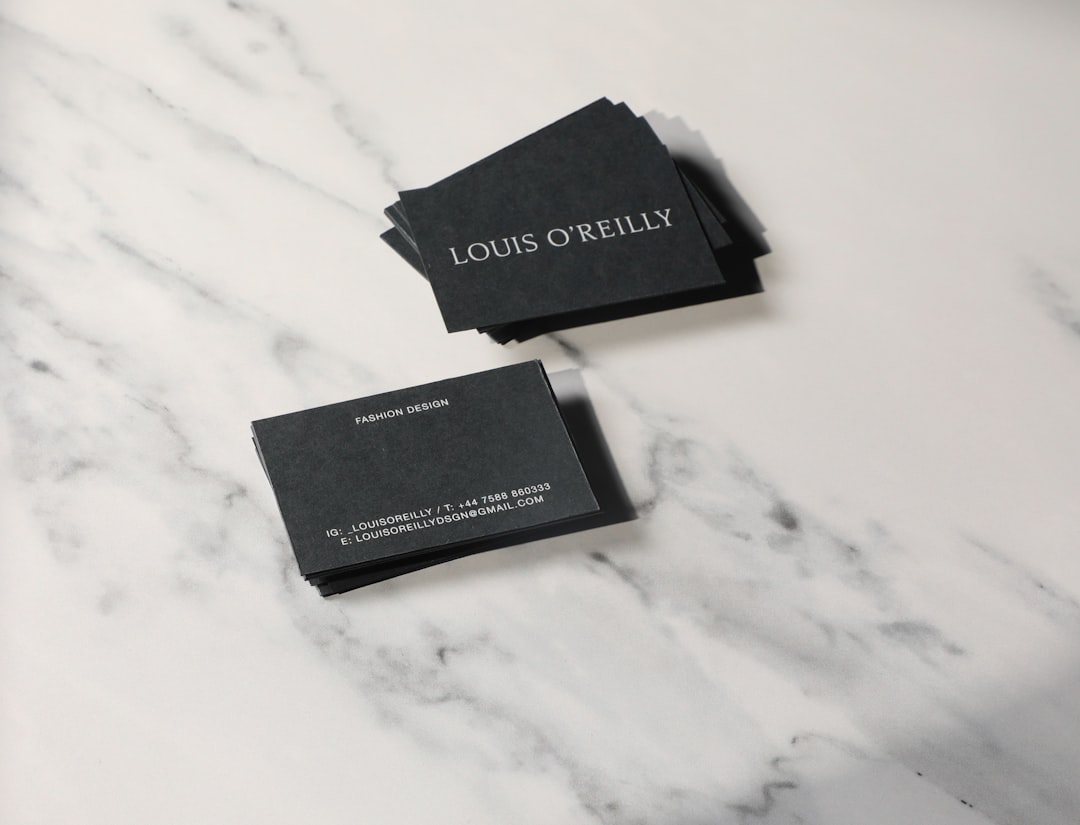
Vistaprint is one of the oldest names in online printing. It focuses heavily on business materials. And it shows.
Best features:
- Wide range of card styles
- Premium paper options
- Foil accents
- Embossed and textured finishes
If you want something tactile and high-end, Vistaprint delivers. The design tool is simple. Not fancy. But practical.
This platform is ideal for:
- Lawyers
- Consultants
- Corporate professionals
- Brick-and-mortar businesses
You design. They print. They ship. Easy.
3. Adobe Express – For Creative Professionals
If you want more control, Adobe Express is a strong option. It sits between beginner tools and professional design software.
It offers:
- Polished templates
- Strong typography tools
- Access to Adobe fonts
- Creative flexibility
The interface feels modern and clean. You can create bold. Artistic. Unique designs.
This tool works well for:
- Designers
- Photographers
- Marketing experts
- Creative agencies
It may require a small learning curve. But the results can look premium.
4. Shopify Business Card Maker – For Entrepreneurs
Shopify offers a free business card generator. It is simple. Very simple.
You enter:
- Name
- Company
- Website
Then it generates a clean layout. You download it. That’s it.
It doesn’t offer deep customization. But it is fast and free. Perfect for new entrepreneurs who need something basic right away.
5. Zazzle – Custom and Unique Styles
Zazzle allows more personality. It feels creative and flexible.
You can choose from:
- Artist-designed templates
- Modern minimal styles
- Colorful and bold layouts
Printing options are impressive. Think:
- Metal cards
- Pearl finishes
- Recycled paper
Zazzle is great if you want something different. Something people remember.
6. Moo – Premium Look and Feel
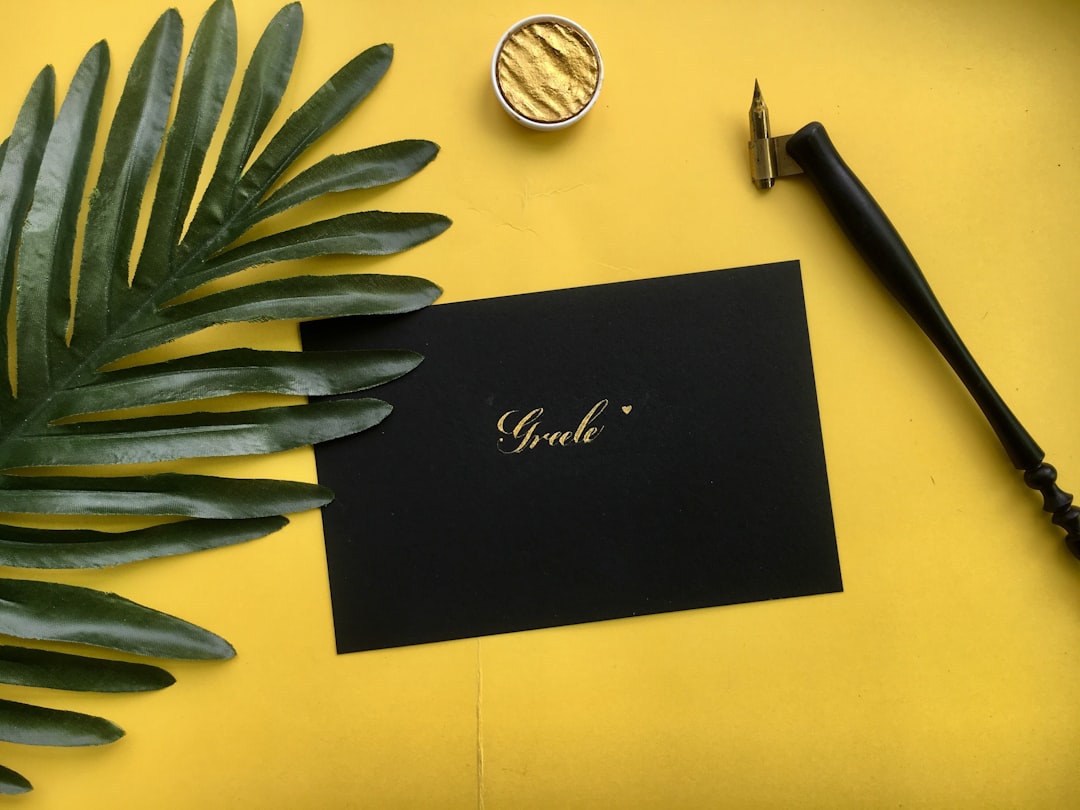
Moo focuses on quality. High-end. Elegant. Sleek.
Standout features:
- Thick premium cardstock
- Unique corner shapes
- Printfinity option (different design on every card)
Yes, it’s more expensive. But you get what you pay for.
Moo is ideal for executives and brand-focused businesses. If your card must impress instantly, this is a strong choice.
7. Business Card Generators with AI Features
AI tools are changing design. Fast.
Some platforms now generate layouts automatically based on your industry and preferences. You answer a few questions. The system creates design options.
Popular AI-enhanced tools include:
- Looka
- Tailor Brands
- BrandCrowd
These tools usually bundle:
- Logo creation
- Brand kits
- Business card designs
This is perfect if you are building a brand from scratch. Everything feels consistent.
What to Look for in a Business Card Maker
Not all tools are the same. Before choosing, ask yourself a few simple questions.
1. How Easy Is It to Use?
A good editor should feel intuitive. You should not need tutorials for basic tasks.
2. Are Templates Professional?
Templates should look modern. Clean spacing. Clear typography. No outdated designs.
3. What Printing Options Are Available?
Paper quality changes everything. Thin cards feel cheap. Thick, textured cards feel premium.
4. Can You Download Print-Ready Files?
Always check if you can export high-resolution PDFs with bleed settings.
5. Does It Match Your Brand?
Your business card should reflect your industry. A lawyer’s card feels different from a graphic designer’s card. Think about tone.
Design Tips for a Powerful Business Card
Even the best generator cannot fix bad design choices. Keep these tips in mind.
- Keep it simple. Too much information feels messy.
- Use readable fonts. Avoid tiny or overly decorative text.
- Stick to 1–2 brand colors.
- Add white space. It makes the design breathe.
- Include only essential details.
Essential information usually includes:
- Name
- Job title
- Company
- Phone number
- Website
You can also add:
- QR code
- Social media handle
- Office address

Are Digital Business Card Generators Worth It?
Many platforms now offer digital-only cards. No printing needed.
You share your card via:
- QR code
- NFC tap
- Direct link
This option is eco-friendly. And easy to update. Tools like HiHello and Blinq focus on digital cards.
But physical cards still have impact. The smartest approach? Use both.
Free vs Paid – What Should You Choose?
Free tools work well for basic needs. They are good for startups and students.
But paid options offer:
- Better templates
- No watermarks
- Premium fonts
- Higher quality downloads
If your brand matters deeply, investing a little more often pays off.
Final Thoughts
Creating a professional business card has never been easier. You no longer need advanced software. Or a graphic design degree.
Today’s business card makers are:
- Fast
- User-friendly
- Affordable
- Flexible
Canva offers creative freedom. Vistaprint handles everything in one place. Adobe Express adds polish. Moo delivers premium quality. AI generators help build full brand kits.
The best choice depends on your needs. Your style. Your budget.
But remember this: a business card is more than paper. It is a small ambassador for your brand. Keep it clean. Keep it clear. Make it memorable.
Because sometimes, big opportunities start with a simple card.