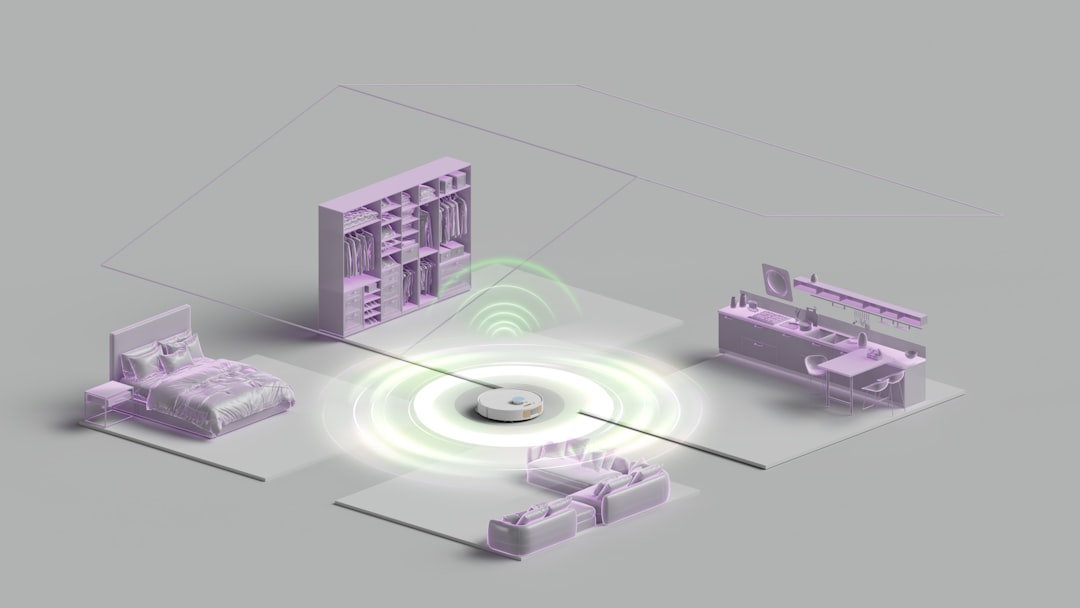
Modern smart homes often rely on multiple cameras, sensors, dashboards, and automation platforms. go2rtc has become a practical media gateway for users who want faster camera streams, lower latency, and flexible compatibility across RTSP, WebRTC, Home Assistant, and other systems.
TLDR: go2rtc helps centralize camera streams and convert them into formats that smart home platforms can use efficiently. For example, a homeowner with six RTSP cameras can route all feeds through go2rtc, then view them in Home Assistant with near real-time WebRTC playback instead of slower snapshot-based previews. In many setups, this can reduce viewing delay from 5–10 seconds to under 1 second, depending on the camera, network, and browser support.
What Is go2rtc?
go2rtc is a lightweight streaming application designed to receive, process, and redistribute media streams. It is commonly used as a bridge between IP cameras and home automation dashboards. The tool supports several streaming protocols, including RTSP, RTMP, WebRTC, HTTP-FLV, MJPEG, and others.
Its main value is flexibility. A camera may only provide an RTSP stream, but a browser-based dashboard may perform better with WebRTC. go2rtc can sit between the camera and the dashboard, taking the original stream and making it available in a more suitable format. This allows users to keep existing cameras while improving viewing speed and compatibility.
Key Features of go2rtc
go2rtc is popular because it solves several common video streaming problems in smart homes and small surveillance systems. Its core features include:
- RTSP stream handling: It can receive RTSP feeds from IP cameras, NVRs, doorbells, and video encoders.
- WebRTC support: It can provide low-latency viewing in browsers and dashboards.
- Stream restreaming: One camera feed can be shared with multiple clients without every client connecting directly to the camera.
- Protocol conversion: It can convert or relay streams between several supported formats.
- Home Assistant integration: It works well with smart home dashboards and camera cards.
- Audio support: Depending on the device, it may support audio streaming and two-way audio scenarios.
- Lightweight deployment: It can run in Docker, as an add-on, or as a standalone service.
For many users, the most important benefit is reduced load on cameras. Some budget IP cameras become unstable when multiple viewers open the stream at the same time. With go2rtc, the camera can serve one stream to the server, while go2rtc distributes that stream to dashboards, phones, tablets, and automation services.
How RTSP Streaming Works with go2rtc
RTSP, or Real Time Streaming Protocol, is widely used by IP cameras. A typical RTSP URL contains the camera address, login credentials, port, and stream path. In a go2rtc configuration, each camera is usually defined as a named stream, making it easier for other systems to reference it.
A simplified configuration may look like this:
streams:
  front_door:
    - rtsp://user:password@192.168.1.50:554/stream1
  garage:
    - rtsp://user:password@192.168.1.51:554/live
After the streams are defined, go2rtc can expose them through supported output methods. A smart home dashboard may request the front_door stream through WebRTC, while another application may still consume it as RTSP. This separation makes stream management cleaner and avoids repeated direct access to the cameras.
RTSP performance depends on network quality, camera encoding, and server resources. H.264 video is usually the safest choice for compatibility. H.265 may save bandwidth, but it can create browser playback issues unless the client supports it properly. For this reason, many home automation setups use H.264 for dashboard viewing and reserve higher-efficiency codecs for recording systems.
Home Automation Integration
go2rtc is often used with Home Assistant, where it improves live camera viewing and creates a better experience for security dashboards. It can be paired with camera cards, alarm panels, doorbell automations, and motion detection workflows.
A common use case involves a front door camera, a motion sensor, and a wall-mounted tablet. When motion is detected near the entrance, Home Assistant can open a dashboard view that displays the go2rtc-powered WebRTC stream. Because WebRTC can be very low latency, the resident sees the visitor almost immediately rather than watching a delayed feed.
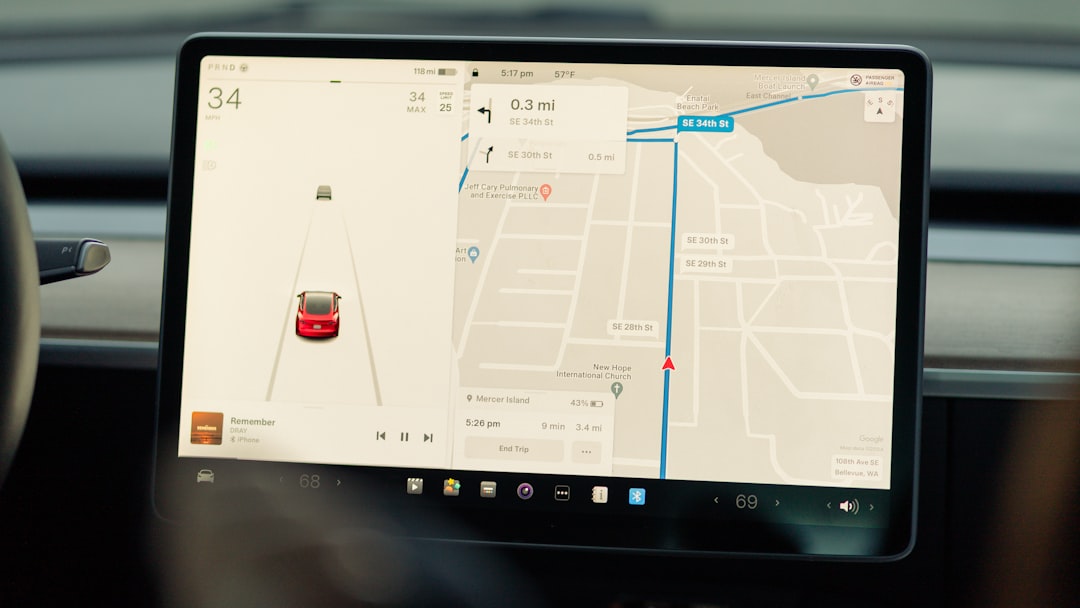
Another common scenario is camera consolidation. A household may have cameras from several brands, each with different mobile apps and streaming behavior. go2rtc can standardize access by placing all feeds behind a single streaming layer. This gives the automation platform a consistent way to display and reference cameras, even if the original devices are different.
Benefits for Smart Security Systems
In smart security, fast video access matters. A delayed stream can make a doorbell notification less useful, especially if the visitor has already walked away. go2rtc helps reduce this problem by offering faster viewing paths and reducing unnecessary connections to camera hardware.
The main benefits include:
- Lower latency: WebRTC playback can provide a near live view when configured correctly.
- Improved reliability: Cameras do not need to serve many clients directly.
- Centralized stream control: Stream names, URLs, and protocols are managed in one place.
- Better dashboard experience: Live feeds load faster and behave more consistently.
- Flexible compatibility: Older RTSP cameras can be used in modern browser-based interfaces.
For example, a small property with eight cameras may use go2rtc to provide all live feeds to a central dashboard. Instead of each dashboard session opening eight direct camera connections, go2rtc can maintain the camera connections and distribute streams more efficiently. This type of architecture can improve stability, especially on networks with limited bandwidth or cameras with weak processors.
Deployment Options
go2rtc can be deployed in several ways. In many smart home environments, it runs as a container because Docker makes upgrades, configuration, and service management easier. It may also be available as an add-on in certain home automation installations, which is convenient for users who prefer a graphical management interface.
Before deployment, administrators should consider where go2rtc will run. A small single-board computer may be enough for simple stream relay tasks, but heavier transcoding can require more CPU power. Ideally, go2rtc should avoid unnecessary transcoding and pass streams through directly when possible. Direct streaming is usually more efficient than converting video codecs in real time.
Image not found in postmetaBest Practices for Configuration
A stable go2rtc setup depends on careful configuration. The following practices can help improve reliability:
- Use static IP addresses for cameras so stream URLs do not change unexpectedly.
- Prefer H.264 for browser and dashboard compatibility.
- Create separate camera accounts with limited permissions where possible.
- Use wired connections for important cameras to reduce Wi-Fi instability.
- Keep stream names simple, such as front_door, driveway, or garage.
- Monitor CPU usage if transcoding, audio conversion, or many simultaneous viewers are involved.
Security is also important. RTSP URLs often contain usernames and passwords, so configuration files should be protected. If remote access is required, it is safer to use a VPN or a secure reverse proxy rather than exposing camera streams directly to the internet.
Common Challenges
Although go2rtc is powerful, some issues can appear during setup. The most common problems include incorrect RTSP paths, unsupported codecs, camera authentication failures, and network packet loss. Many camera brands use different stream URL formats, so finding the correct RTSP path is often the first troubleshooting step.
Audio can also be challenging. Some cameras use audio codecs that browsers do not support well. In such cases, the video may play correctly while audio fails or requires conversion. Two-way audio can be even more device-specific, especially with doorbell cameras and intercom systems.
Another issue is expectations around latency. WebRTC can be very fast, but performance depends on the full chain: camera encoding, server handling, network conditions, browser support, and dashboard implementation. go2rtc improves the streaming path, but it cannot fully overcome poor Wi-Fi, overloaded hardware, or proprietary camera limitations.
FAQ
What is go2rtc used for?
go2rtc is used to receive, manage, and redistribute camera streams. It is especially useful for converting RTSP camera feeds into low-latency formats such as WebRTC for smart home dashboards.
Does go2rtc work with Home Assistant?
Yes. go2rtc is commonly used with Home Assistant to improve live camera viewing, reduce latency, and support more flexible camera integrations.
Can go2rtc reduce camera stream delay?
In many cases, yes. When WebRTC is used correctly, live viewing delay can be much lower than traditional MJPEG or snapshot-based camera displays.
Does go2rtc require Docker?
No. Docker is a popular deployment method, but go2rtc can also run as a standalone service or through supported smart home add-on systems.
Is go2rtc only for RTSP cameras?
No. RTSP is one of its most common uses, but go2rtc supports multiple protocols and can act as a flexible media bridge for different stream types.
Is it safe to expose go2rtc to the internet?
Direct exposure is not recommended unless it is secured properly. A VPN, secure proxy, strong authentication, and careful network rules are safer options for remote access.