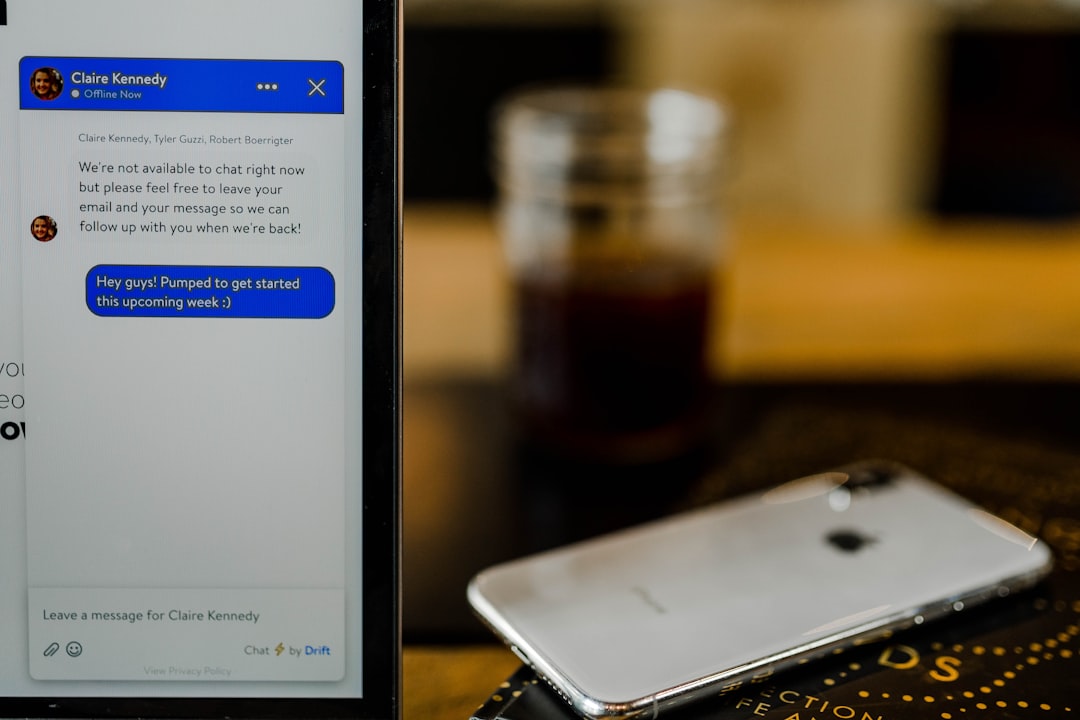
Your iPhone can do a lot. It can call your mom. It can find pizza. It can turn your face into a cartoon fox. But can it measure weight? That is the big promise behind TouchScale, a clever idea that makes your phone screen act a little bit like a tiny scale. It sounds like magic. It is not magic. It is mostly pressure, sensors, and a few big limits.
TLDR: TouchScale can measure small amounts of weight on some older iPhones with 3D Touch. It is not a real scale, and it is not very accurate. Newer iPhones do not support it in the same way because they use Haptic Touch instead. It is fun to try, but do not use it for cooking, shipping, medicine, or anything serious.
What Is TouchScale?
TouchScale is a web tool or app idea that uses your iPhone screen to guess weight. You place a small object on the screen. The phone senses pressure. Then TouchScale turns that pressure into a weight reading.
That is the simple version.
The more honest version is this: TouchScale is a cool experiment. It works only on certain iPhones. It needs the right screen technology. It also needs the right kind of object.
So, yes. Your iPhone might measure weight.
But no. It will not replace a kitchen scale.
The Secret: 3D Touch
To understand TouchScale, we need to talk about 3D Touch.
Apple introduced 3D Touch on some older iPhones. It let the screen feel how hard you pressed. A light press did one thing. A firm press did another. It was like a right click for your finger.
This pressure sensing made TouchScale possible.
If the screen can feel pressure from your finger, it can also feel pressure from a small object. In theory, that pressure can be converted into weight.
Pretty neat, right?
But there is a catch. Actually, there are several catches.
Which iPhones Can Use TouchScale?
TouchScale works best on iPhones that have 3D Touch. These include models like:
- iPhone 6s
- iPhone 6s Plus
- iPhone 7
- iPhone 7 Plus
- iPhone 8
- iPhone 8 Plus
- iPhone X
- iPhone XS
- iPhone XS Max
Some iPhone models after that removed 3D Touch. Apple replaced it with Haptic Touch. Haptic Touch feels similar when you use it. But it does not measure pressure in the same way.
Haptic Touch is more like a long press. The phone notices how long you hold your finger down. It does not really care how hard you press.
That means TouchScale usually does not work properly on newer iPhones.
Why Did Apple Remove 3D Touch?
Great question.
3D Touch was clever, but many people did not use it. Some users did not even know it existed. It also added cost and complexity to the screen.
Apple likes things to feel simple. So it moved to Haptic Touch. It works on more devices. It is easier to explain. It also keeps the iPhone experience more consistent.
That was good for everyday use.
It was bad news for tiny phone scale tricks.
How Does TouchScale Work?
TouchScale reads pressure data from the screen. Then it estimates weight. The tool may ask you to put something on the screen, often on a small spoon or a soft item.
Why not place the object directly on the glass?
Because your iPhone screen is not a weighing platform. It is slippery. It is fragile. It is also designed for fingers, not peanuts, coins, or grapes.
A small spoon can help spread the pressure. It can also protect the screen a little. But it still must touch the screen in the right way.
The basic process looks like this:
- Open TouchScale on a compatible iPhone.
- Place a small object on the screen.
- Let the screen detect pressure.
- Watch the number change.
- Try not to laugh when it jumps around.
That last step matters.
The number may move. A lot.
Can It Measure Any Object?
Nope.
TouchScale is very picky. It works best with small, light objects. Think coins, berries, paper clips, or very tiny snacks.
It does not work well with large objects. It also does not work well with objects that touch the screen in odd ways.
For example, a round marble may roll away. A fluffy marshmallow may spread pressure strangely. A bag of rice may cover too much area. A cat will not sit still. Also, please do not put a cat on your iPhone.
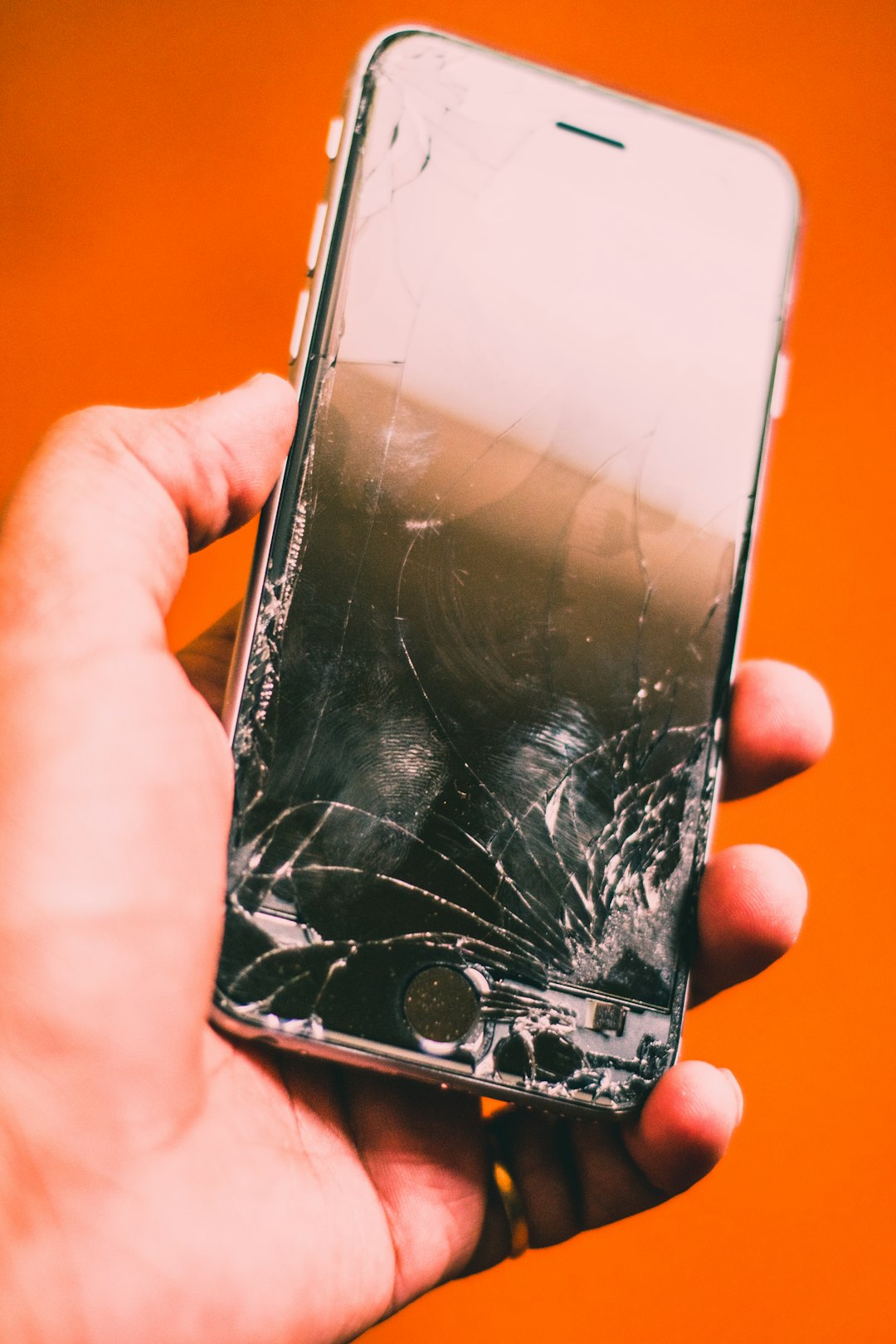
How Accurate Is TouchScale?
Here is the honest answer.
Not very accurate.
TouchScale can be fun. It can show a rough estimate. But it is not a certified scale. It is not made for exact measurements. It is not stable enough for serious use.
Many things can affect the reading:
- The iPhone model
- The screen protector
- The object shape
- The contact point
- The surface under the phone
- The pressure limit of 3D Touch
- Small movements or vibrations
Even a tiny shake can change the result. A thick screen protector can also mess with the pressure reading. So can a case that lifts the phone slightly.
If you need exact grams, use a real scale.
If you want a fun party trick, TouchScale is great.
Why Does It Feel So Cool?
Because it turns your phone into something unexpected.
We are used to phones being cameras, maps, wallets, and game machines. But a scale? That feels silly and futuristic at the same time.
It is like finding out your toaster can play chess. You would not trust it in a tournament. But you would still want to see it try.
TouchScale is also a reminder that phones are full of sensors. Your iPhone has or has had sensors for motion, light, sound, location, face detection, and more. Some models even had pressure sensing in the display.
That is a lot of tiny science in your pocket.
Is It Safe for Your iPhone?
Mostly, if you are careful.
But you should treat your screen gently. Do not press hard objects into it. Do not use sharp items. Do not place heavy things on it. Do not use liquids. Do not balance messy food on your phone.
Your iPhone is expensive. A kitchen scale is cheap.
That sentence alone should guide your choices.
If you try TouchScale, follow these simple safety tips:
- Use only very light objects.
- Clean the object first.
- Remove anything sharp.
- Place the phone on a flat table.
- Avoid pressing down with your hand.
- Stop if the screen bends or creaks.
- Do not use it near water or flour.
Flour gets everywhere. It is basically kitchen snow with attitude.
Can You Use It for Cooking?
You can try. But you should not rely on it.
Cooking often needs accurate measurements. Baking is even stricter. A few grams can change a recipe. Too much flour can make bread heavy. Too little yeast can make dough sad.
TouchScale is not steady enough for that.
If you are measuring one blueberry for fun, fine. If you are making macarons, please use a real digital scale. Your dessert deserves better.
Can You Use It for Jewelry or Medicine?
No.
This is where fun must stop.
Do not use TouchScale to weigh medicine. Do not use it for supplements. Do not use it for anything that affects health. Also, do not use it for buying or selling precious items.
A tool that gives a rough guess is not good enough for serious decisions.
For jewelry, medicine, lab work, postage, or trade, use a certified scale.
Your iPhone is smart.
But it is not a pharmacist.
Why Do Some TouchScale Tools Ask for a Spoon?
A spoon is often used because it gives you a small, smooth surface. It can hold tiny items. It can also keep crumbs away from the screen.
But the spoon itself has weight. So the tool may need to “zero out” or ignore the spoon first. This is called tare on a real scale.
On TouchScale, this can be rough. The phone may not detect the spoon perfectly. The reading may jump. The spoon may slide. Then your “scale” becomes a tiny metal skateboard.
TouchScale vs Real Scale
Let us compare them in a simple way.
| Feature | TouchScale | Real Digital Scale |
|---|---|---|
| Fun factor | Very high | Medium |
| Accuracy | Low to medium | High |
| Works on new iPhones | Usually no | Yes, because it is not a phone |
| Good for cooking | Not really | Yes |
| Risk to phone | Some | None |
The winner for fun is TouchScale.
The winner for actual weighing is the scale.
No surprise there.
Why Does TouchScale Not Work on My iPhone?
If TouchScale does not work, do not panic. Your phone is probably fine.
The most common reason is that your iPhone does not have 3D Touch. Many newer models do not. They use Haptic Touch instead.
Other possible reasons include:
- Your browser blocks the needed pressure data.
- Your iOS version changed support for the feature.
- Your screen protector is too thick.
- The object is too light or too heavy.
- The object is not touching the screen correctly.
In other words, many things can go wrong.
That is normal.
So, Can Your iPhone Really Measure Weight?
The answer is kind of.
Some older iPhones can estimate small weights using 3D Touch. TouchScale uses that feature in a clever way. It is real technology. It is not fake. But it is also not a proper scale.
Think of it like using your hand to guess if a suitcase is heavy. You can tell if it feels light or heavy. But you cannot know the exact number.
TouchScale is similar. It gives a guess. Sometimes the guess is close. Sometimes it is not.
Final Thoughts
TouchScale is a playful little reminder that technology can be weird in the best way. It takes a feature made for screen presses and turns it into a mini weighing trick. That is clever. That is fun. That is also very limited.
If you have an older iPhone with 3D Touch, try it with a coin or a grape. Smile at the result. Show a friend. Then put your iPhone back in your pocket and use a real scale when it matters.
Your iPhone can do many amazing things.
Measuring weight is one of the strangest.
And that is exactly why people still talk about TouchScale.