Across industries like manufacturing, telecommunications, healthcare, and utilities, skilled technicians are often stretched thin across multiple locations. When equipment fails or systems malfunction, every minute of downtime costs money. AR remote assistance tools like TeamViewer Frontline are transforming how organizations respond to these challenges by enabling experts to guide technicians remotely through augmented reality (AR) interfaces. Instead of relying solely on phone calls, emails, or static manuals, technicians now receive real-time visual instructions layered directly onto their field of view.
TLDR: AR remote assistance tools such as TeamViewer Frontline allow experts to guide field technicians in real time using augmented reality overlays, live video, and digital annotations. These platforms reduce downtime, cut travel costs, and improve first-time fix rates by delivering hands-free, step-by-step guidance. Industries from manufacturing to healthcare are leveraging AR to boost efficiency and knowledge transfer. As hardware and connectivity improve, AR remote support is becoming a core pillar of modern field service operations.
By merging video conferencing, AR visualization, smart glasses, and workflow software, these platforms are redefining what remote support looks like. The result? Faster resolutions, better training, and a more connected workforce.
What Are AR Remote Assistance Tools?
At their core, AR remote assistance tools enable a field worker to share their real-world view through a wearable device, tablet, or smartphone. A remote expert can then:
- See exactly what the technician sees in real time
- Overlay digital instructions onto physical equipment
- Draw annotations that remain locked to real-world objects
- Share documents, schematics, or 3D models
- Communicate via voice and video
Unlike traditional remote desktop software, AR platforms operate in physical environments. The technology bridges the gap between digital knowledge and hands-on work, improving clarity and minimizing miscommunication.

How TeamViewer Frontline Leads the Field
TeamViewer Frontline is one of the most recognized AR enterprise solutions. Built specifically for frontline workers, the platform emphasizes hands-free operation, workflow digitalization, and secure remote collaboration.
Key features include:
- Smart Glasses Integration: Compatible with devices like RealWear and other wearable AR tools.
- Live Remote Expert Assistance: Experts can annotate the field of vision and offer step-by-step guidance.
- Workflow Automation: Digitized procedures ensure technicians follow compliant, standardized steps.
- Offline Functionality: Useful in low-connectivity environments such as offshore rigs or remote plants.
- Enterprise-Grade Security: End-to-end encryption and compliance with global standards.
Organizations using TeamViewer Frontline frequently report improved first-time fix rates and significant reductions in travel costs. Instead of flying a specialist across the country, companies can deploy virtual expertise instantly.
Other Major AR Remote Assistance Tools
While TeamViewer Frontline is a leader, several other platforms offer compelling solutions:
- Microsoft Dynamics 365 Remote Assist: Integrated deeply with the Microsoft ecosystem and HoloLens devices.
- PTC Vuforia Chalk: Known for spatial annotations that stick accurately to real-world objects.
- Scope AR WorkLink: Focuses on guided workflows and knowledge capture.
- Help Lightning: Offers merged reality interfaces combining two video feeds into one collaborative environment.
Comparison of Leading AR Remote Assistance Tools
| Platform | Primary Strength | Device Support | Best For |
|---|---|---|---|
| TeamViewer Frontline | Smart glasses workflows and enterprise security | Smart glasses, tablets, smartphones | Manufacturing, logistics, field service |
| Microsoft Dynamics 365 Remote Assist | Integration with Microsoft tools and HoloLens | HoloLens, mobile devices | Enterprises using Microsoft ecosystem |
| PTC Vuforia Chalk | Strong spatial annotation accuracy | Smartphones, tablets, AR headsets | Technical troubleshooting |
| Scope AR WorkLink | Advanced procedural workflows | Wearables and mobile devices | Complex industrial maintenance |
| Help Lightning | Merged interactive video collaboration | Mobile devices | Customer-facing technical support |
Key Benefits of AR Remote Assistance
1. Reduced Downtime
In industries where downtime can cost thousands of dollars per minute, quick issue resolution is critical. AR tools eliminate delays caused by travel or unclear instructions. Technicians receive immediate visual guidance, accelerating problem-solving.
2. Improved First-Time Fix Rates
Miscommunication is a common cause of repeat service visits. AR overlays allow experts to point precisely to components, minimizing guesswork and increasing the likelihood of resolving the issue on the first attempt.
3. Cost Savings
Travel expenses for expert technicians can be substantial. Remote assistance reduces airfare, lodging, and transportation costs while freeing specialists to help multiple job sites in one day.
4. Workforce Training and Knowledge Transfer
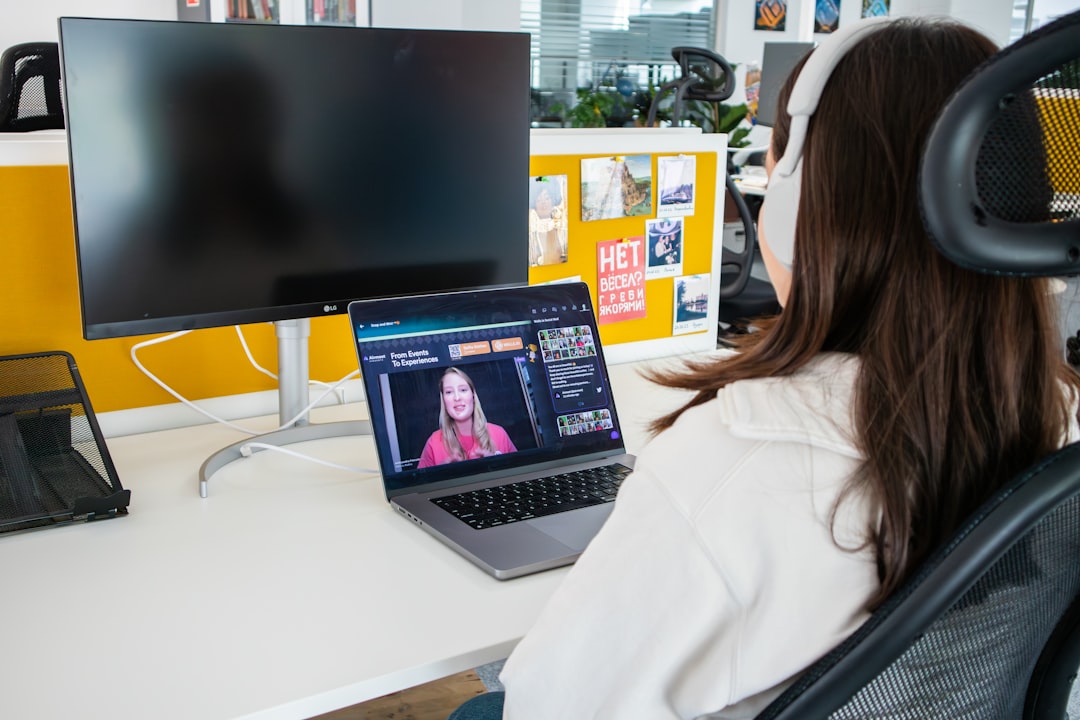
With many industries facing skilled labor shortages, AR tools help bridge experience gaps. Junior technicians can work alongside remote experts, effectively receiving on-the-job training in real time.
5. Enhanced Safety and Compliance
Hands-free smart glasses allow workers to follow instructions without diverting attention to paper manuals or handheld devices. Digitized workflows also ensure compliance with safety protocols and regulatory standards.
Industries Embracing AR Remote Assistance
The adoption of AR remote support spans multiple sectors:
- Manufacturing: Maintenance, assembly guidance, quality inspections.
- Energy and Utilities: Remote support for wind turbines, substations, and pipelines.
- Telecommunications: Network installations and infrastructure repairs.
- Healthcare: Medical device servicing and clinical training.
- Aerospace and Defense: Complex equipment diagnostics in secure facilities.
In many cases, organizations begin with small pilot programs before scaling across global operations once ROI becomes evident.
How the Technology Works Behind the Scenes
AR remote assistance relies on several interconnected technologies:
- Computer Vision: Identifies surfaces and objects for accurate overlay placement.
- Cloud Computing: Enables low-latency video streaming and data storage.
- Edge Processing: Reduces lag in real-time applications.
- High-Speed Connectivity: 5G and Wi-Fi 6 improve performance in industrial settings.
Advanced platforms also integrate with enterprise resource planning (ERP) systems, customer relationship management (CRM) software, and IoT sensors, creating an interconnected service ecosystem.
Challenges and Considerations
While the benefits are compelling, implementation requires thoughtful planning.
- Hardware Investment: Smart glasses and rugged tablets can be expensive initially.
- Connectivity Limitations: Remote areas may struggle with stable bandwidth.
- User Adoption: Technicians must be trained and comfortable with wearable devices.
- Data Security: Sensitive environments require strict cybersecurity measures.
Organizations that address these factors through pilot programs, phased rollouts, and clear training initiatives tend to see the highest success rates.
The Human Impact: Empowering Field Workers
Beyond technical efficiency, AR remote assistance has a human element. Field technicians often work in isolation, far from headquarters or senior specialists. With AR connectivity, they gain instant access to a network of expertise. This reduces stress, builds confidence, and fosters collaborative culture.
Additionally, older experts nearing retirement can continue contributing remotely, preserving institutional knowledge that might otherwise be lost.
The Future of AR Remote Support
The evolution of AR remote assistance is closely tied to advancements in wearable hardware and network infrastructure. Lighter, more ergonomic smart glasses are already entering the market, with longer battery life and wider fields of view. Artificial intelligence is also beginning to play a larger role.
Future capabilities may include:
- AI-driven object recognition that automatically identifies components.
- Predictive maintenance insights drawn from IoT data.
- Automated documentation of service sessions for compliance.
- Real-time language translation for global collaboration.
As 5G networks expand and edge computing becomes more powerful, latency issues will diminish further, making AR collaboration nearly seamless.
Why AR Remote Assistance Is Becoming Essential
Remote and hybrid work trends, globalized operations, and supply chain complexities have reshaped service models. Companies can no longer rely solely on traditional dispatch systems. AR-powered remote guidance provides agility and scalability in an unpredictable world.
Organizations adopting solutions like TeamViewer Frontline are not simply adding new software — they are redefining workflows. By digitizing tribal knowledge, creating repeatable procedures, and enabling real-time collaboration, businesses position themselves for long-term operational resilience.
In an age where expertise is both invaluable and scarce, AR remote assistance ensures that knowledge travels instantly, even when people cannot. The result is smarter service, safer workplaces, and a workforce empowered by technology rather than limited by geography.