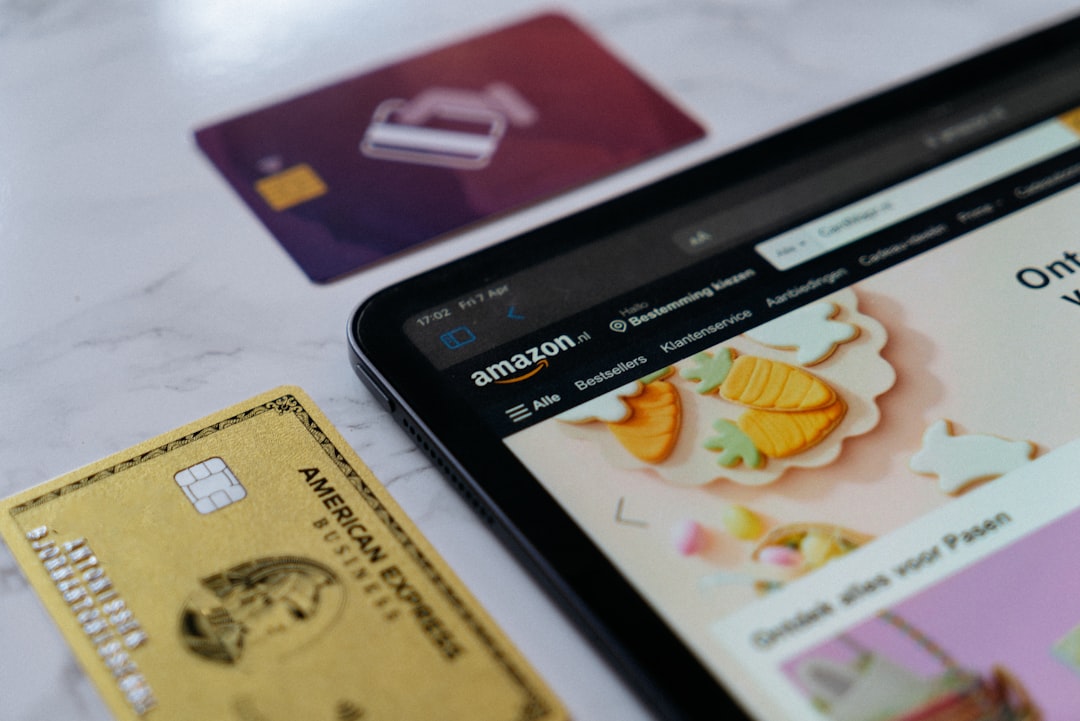
Shopping on Amazon has never been more flexible, and in 2026, millions of shoppers are stretching their budgets further by using Sezzle Spend to split purchases into manageable payments. If you love the convenience of Amazon but prefer paying over time without traditional credit cards, this guide will walk you through exactly how to do it. Whether you’re buying tech, home essentials, gifts, or everyday items, Sezzle Spend offers a practical way to shop smarter.
TLDR: You can use Sezzle Spend on Amazon by activating your Sezzle Virtual Card in the app and adding it as a payment method at checkout. Once approved, your purchase is split into interest-free installments, usually four payments over six weeks. Make sure you have enough available spending power and enable auto-pay to avoid late fees. The entire setup takes just a few minutes and works similarly to using any debit card.
What Is Sezzle Spend?
Sezzle Spend is a virtual card available inside the Sezzle app that allows you to shop almost anywhere Visa is accepted—including Amazon. Unlike traditional credit cards, Sezzle lets you split your purchase into four interest-free payments over six weeks.
Here’s why over 1 million shoppers continue to use it:
- No interest when payments are made on time
- Instant approval decisions
- Automatic payment scheduling
- Widely accepted via virtual card
In short, Sezzle Spend acts like a digital debit card funded through scheduled installment payments.
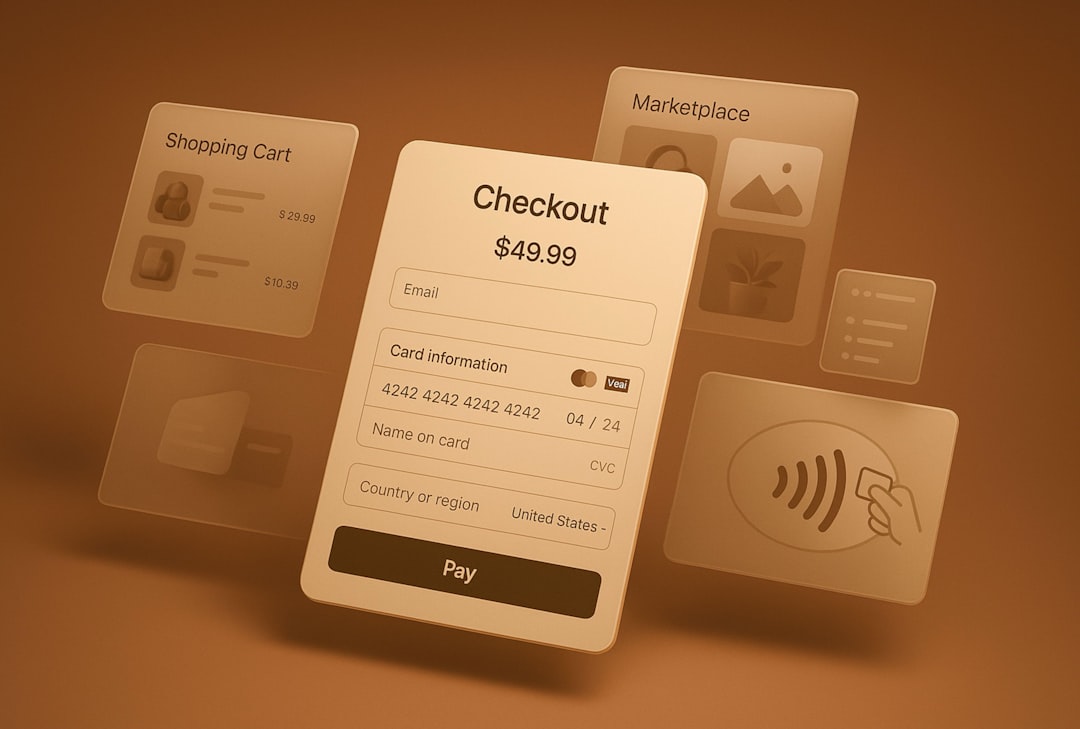
Can You Use Sezzle Directly On Amazon?
Amazon does not list Sezzle as a built-in payment option at checkout. However, you can still use Sezzle Spend by adding the Sezzle Virtual Card as a payment method in your Amazon wallet.
This workaround is completely legitimate and works because:
- The Sezzle Virtual Card runs on the Visa network.
- Amazon accepts Visa debit and credit cards.
- The card functions like a prepaid installment-backed payment method.
This means you don’t need any special browser extensions or complicated processes.
Step-By-Step Guide: How To Use Sezzle Spend On Amazon
Step 1: Download And Set Up The Sezzle App
If you don’t already have Sezzle:
- Download the Sezzle app from the App Store or Google Play.
- Create an account.
- Verify your identity.
- Connect a funding source (bank account, debit card, or credit card for payments).
Approval is typically fast, often within minutes.
Step 2: Activate Sezzle Spend
Inside the app:
- Navigate to the Sezzle Spend tab.
- Confirm your available spending power.
- Generate your virtual card details.
You’ll see:
- Card number
- Expiration date
- CVV code
This is the card you’ll use on Amazon.
Step 3: Add Sezzle As A Payment Method On Amazon
Now head to your Amazon account:
- Go to Your Account.
- Select Payment Options.
- Click Add a payment method.
- Enter the Sezzle Virtual Card details.
- Save.
It will appear like any other Visa card in your wallet.
Step 4: Shop As Usual
Add items to your cart and proceed to checkout. When choosing your payment method:
- Select the Sezzle Virtual Card.
- Confirm your shipping and billing details.
- Place your order.
If approved, Sezzle will:
- Charge your first installment immediately (usually 25%).
- Schedule three remaining automatic payments.
How Payments Work In 2026
Sezzle’s standard structure remains simple:
- 25% upfront
- 25% in 2 weeks
- 25% in 4 weeks
- 25% in 6 weeks
Payments are automatically deducted from your saved funding source. As long as you pay on time, there is no interest.
However:
- Missed payments may result in fees.
- Spending power can be reduced if payments are late.
Sezzle Spend vs Other Payment Options On Amazon
You might be wondering how Sezzle compares to other flexible payment methods available in 2026.
| Feature | Sezzle Spend | Amazon Monthly Payments | Credit Card |
|---|---|---|---|
| Interest Free | Yes (on-time payments) | Sometimes | Rarely |
| Credit Check Required | Soft check | Yes | Yes |
| Payment Structure | 4 installments | Equal monthly | Revolving balance |
| Acceptance Across Amazon | All products | Selected items only | All products |
Why shoppers prefer Sezzle:
- Predictable short repayment window
- No long-term debt accumulation
- Easier approval than many credit cards
Tips To Avoid Payment Issues
Using Sezzle on Amazon is straightforward, but here are pro tips used by experienced shoppers:
1. Check Your Spending Power First
Before filling your cart, make sure your available limit covers the total purchase amount.
2. Enable Payment Reminders
Turn on notifications in the Sezzle app to avoid missing installment dates.
3. Avoid Split Shipments When Possible
Amazon sometimes processes items separately, which can cause multiple authorizations.
4. Keep Backup Funds Ready
If your linked card declines, you may incur late fees.
Can You Use Sezzle For Amazon Prime?
Yes, technically you can use Sezzle to pay for Amazon Prime membership if:
- Your Prime plan is billed as a standard transaction.
- You manually select Sezzle as the payment method.
However, subscription renewals can sometimes conflict with installment timing. Many users prefer using Sezzle for larger one-time purchases instead.
What Happens If You Return An Item?
Amazon’s return process works normally.
After Amazon processes your refund:
- Sezzle adjusts your installment plan.
- Future payments are reduced or canceled.
- If fully paid, a refund is issued to your original funding source.
Refund delays sometimes take a few business days to reflect inside the Sezzle app.
Common Questions In 2026
Does using Sezzle affect your credit score?
Sezzle typically performs a soft credit check, which does not impact your credit score. However, missed payments could potentially be reported in certain cases.
Is there a minimum purchase amount?
Minimums vary but generally start around $35.
Can you use Sezzle internationally on Amazon?
Usage depends on your country and whether Sezzle Spend is supported there.
Pros And Cons Of Using Sezzle On Amazon
Pros
- No interest if paid on time
- Fast approval
- Helps manage cash flow
- Works on nearly all Amazon products
Cons
- Late fees possible
- Short repayment timeline
- Requires budgeting discipline
Final Thoughts
Using Sezzle Spend on Amazon in 2026 is one of the simplest ways to split purchases without relying on high-interest credit cards. By generating a virtual card in the Sezzle app and adding it to your Amazon wallet, you can unlock flexible payments in just minutes.
The process is straightforward:
- Set up Sezzle
- Activate your virtual card
- Add it to Amazon
- Checkout normally
As long as you stay organized and make payments on time, Sezzle can be a powerful budgeting tool. With over a million shoppers already using this strategy, it’s clear that installment shopping is no longer a niche option—it’s becoming standard practice.
If managed responsibly, Sezzle Spend turns Amazon from a one-time expense into a structured, predictable payment plan—giving you flexibility without long-term financial stress.