
Music without visuals is just audio. But music paired with the right moving image becomes an experience people share, save, and come back to. The challenge for independent musicians, podcast hosts, and social media creators is that video production has traditionally required skills — and software — well beyond most people’s comfort zone.
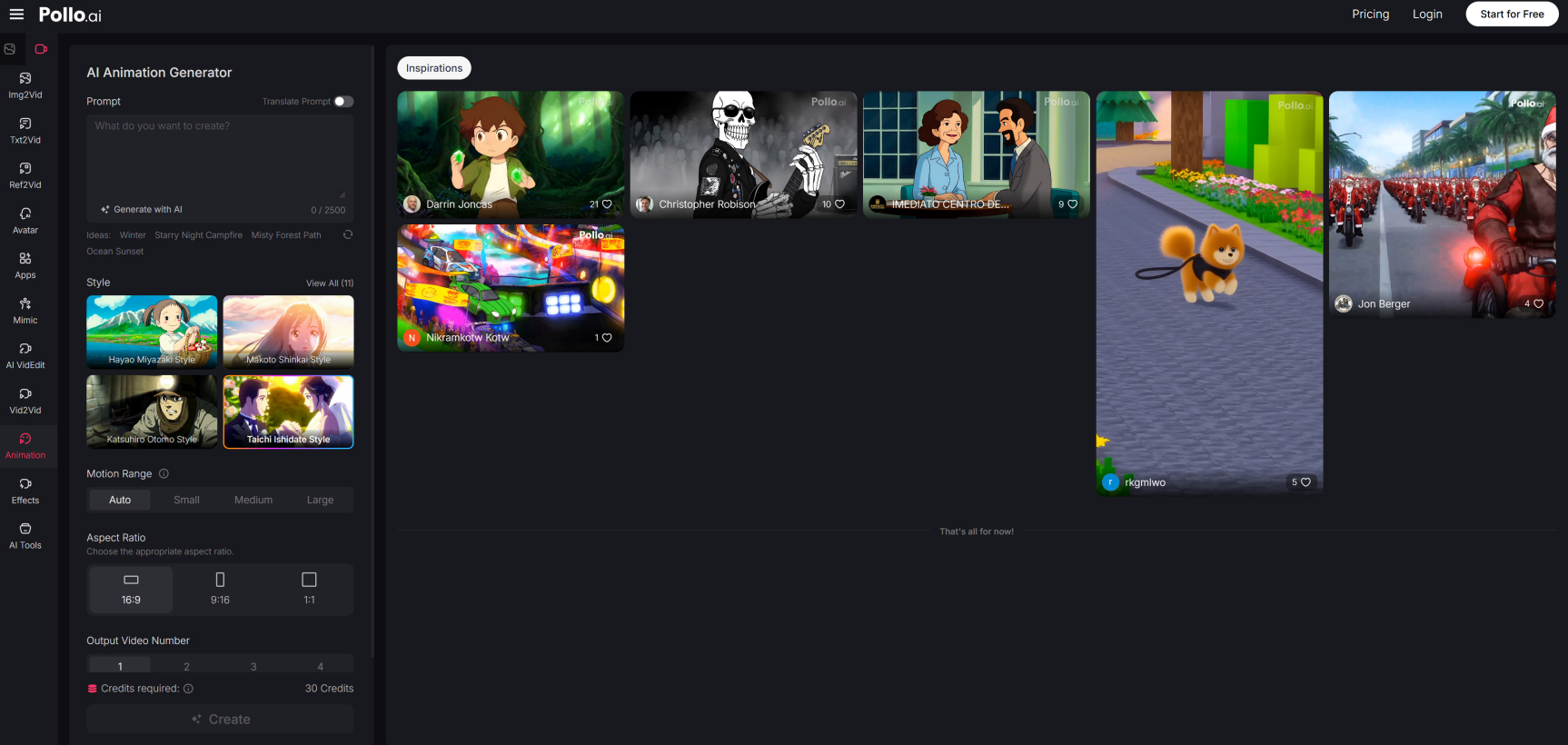
Pollo AI can help turn audio-led ideas into visual content faster than traditional workflows allow, and using an AI animation generator for music visuals gives creators the ability to produce animated lyric videos, music promos, and visualizer-style content without touching a single keyframe.
Understand what music-driven video actually is
Music-driven visual content covers a wide range: lyric videos that display synchronized text, music visualizers that pulse and morph with the audio waveform, animated short films set to a track, or simple photo montages timed to a song. Each serves different audiences and platforms. Knowing which format you’re making shapes every decision that follows.
Start with the track structure, not the visuals
Before you think about what the video looks like, listen to the full track and map its structure. Note where the verse begins, where the chorus hits, where the bridge drops, and where energy peaks. These structural moments are your visual edit points — your cuts, your color changes, your text reveals, your beat drops. A visual timeline built around the music’s architecture will always feel more intentional than one assembled without it.
Choose a visual mood that reinforces the audio
A dreamy, reverb-heavy ambient track deserves soft gradients, slow motion, and blurred light. A high-energy rap track calls for sharp contrast, fast cuts, and bold typography. Your visual palette — colors, textures, motion speed, font weight — should amplify the emotional tone of the music, not contradict it.
Sync captions or lyrics with precision
For lyric videos especially, timing is everything. A lyric that appears half a second late feels like a subtitling error. Aim for text that appears at the exact moment it’s sung or just slightly ahead of the vocal so the viewer’s eye is already landing on the word as they hear it. Most AI tools offer auto-sync options that get you close; manual fine-tuning gets you there.
Use motion to keep still images alive
If your content is primarily photo-based rather than footage-based, motion effects are essential to prevent the video from feeling static. Slow zooms, subtle pans, parallax depth effects, and animated overlays transform a sequence of still images into something that feels alive. These effects are especially important during longer instrumental sections where there’s no lyric text to carry visual interest.
Build a reusable visual template
If you’re releasing music regularly, design a visual template that matches your artist identity — consistent typography, color palette, and animation style — and adapt it for each release. This creates a recognizable aesthetic across your catalog while dramatically reducing the production time for each new piece of content.
Publish in formats suited to each platform
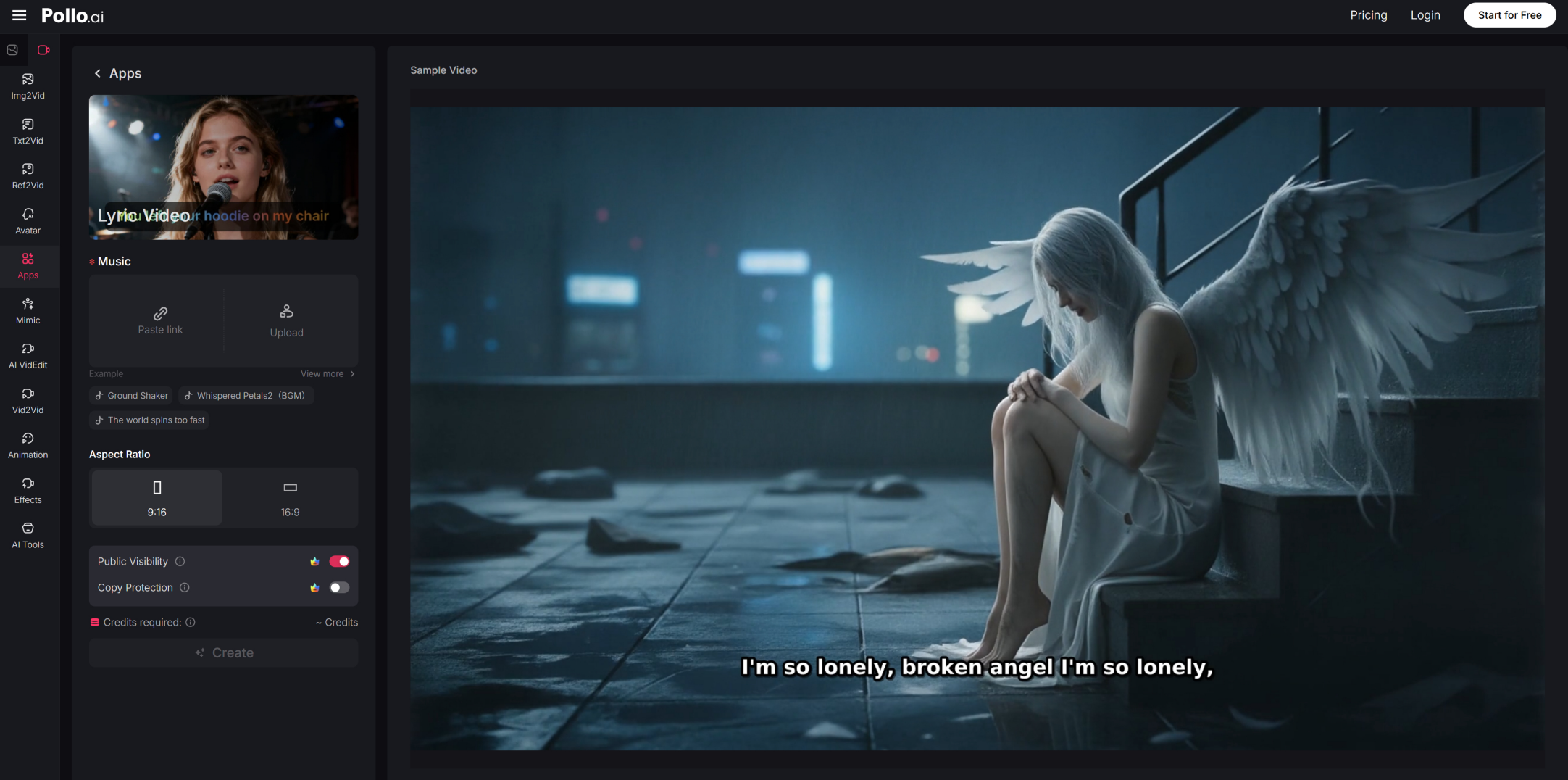
A 16:9 lyric video for YouTube, a 9:16 version for Instagram Reels and TikTok, and a square 1:1 for Facebook and Twitter posts are three formats you can produce from the same base file. A dedicated AI lyrics video generator streamlines this multi-format export so you’re not manually reformatting the same video three times.
Music-driven visual content rewards creators who respect the audio first. Let the track lead, use visuals to amplify, and let AI handle the technical execution.