Creating high-quality visual content no longer requires an expensive subscription or advanced design degree. For freelancers, small business owners, educators, and marketing teams on tight budgets, finding reliable and free design tools is essential. While Canva remains a popular choice, it is not the only platform capable of producing professional graphics, social media posts, presentations, and marketing materials.
TLDR: There are several powerful free alternatives to Canva that offer professional design capabilities without subscription costs. Tools like GIMP, Photopea, Figma, VistaCreate, and Adobe Express provide strong features for different creative needs. Each platform has distinct advantages depending on whether you prioritize collaboration, advanced photo editing, templates, or branding tools. Choosing the right option depends on your workflow, technical skill level, and project requirements.
Below is a carefully evaluated list of the top free Canva alternatives, along with a comparison chart to help you quickly determine which tool best matches your design goals.
What to Look for in a Free Canva Alternative
Before selecting a design platform, it is important to assess your needs. Key considerations include:
- Ease of use – Is the interface intuitive for beginners?
- Template availability – Are there pre-designed assets for social media, print, and presentations?
- Customization flexibility – Can you create designs from scratch?
- Collaboration features – Does it support team editing?
- Export quality – Are high-resolution downloads available?
- File compatibility – Does it support PSD, SVG, or other advanced formats?
With these criteria in mind, the following tools represent the strongest free options currently available.
1. GIMP (GNU Image Manipulation Program)
Best for: Advanced photo editing and detailed graphic manipulation.
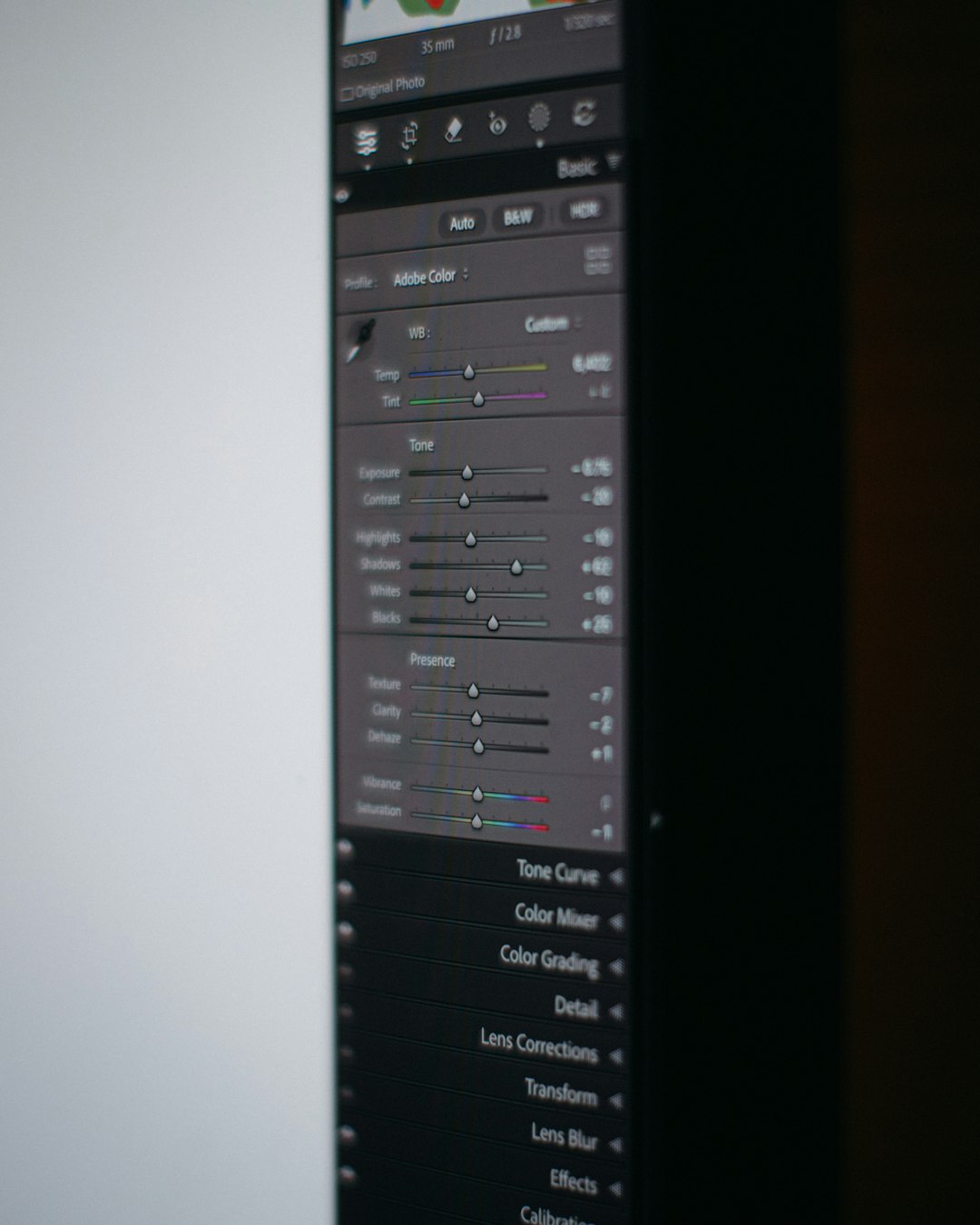
GIMP is an open-source graphics editor often described as a free alternative to Adobe Photoshop. It offers professional-grade features including layer masks, advanced selection tools, color correction, and customizable brushes. Unlike browser-based platforms, GIMP is a downloadable desktop application.
Strengths:
- Extensive image manipulation tools
- Plugin and script support
- High level of control over detailed edits
- Completely free and open-source
Limitations:
- Steeper learning curve
- Limited built-in templates for quick marketing design
- No dedicated cloud collaboration
GIMP is ideal for users who prioritize precision editing and advanced image compositing over drag-and-drop simplicity.
2. Photopea
Best for: Browser-based advanced editing with PSD compatibility.
Photopea is a web-based editor that closely resembles Photoshop in appearance and functionality. It supports PSD, XCF, Sketch, and other file formats, making it particularly useful for designers who collaborate with users of premium software.
Strengths:
- No installation required
- Excellent file compatibility
- Layer-based editing system
- Familiar interface for experienced designers
Limitations:
- Ad-supported free version
- Fewer pre-made marketing templates compared to Canva
For professionals who need strong editing functionality without paying for premium tools, Photopea offers remarkable value in a browser-based format.
3. Figma (Free Plan)
Best for: Collaborative design and interface design projects.
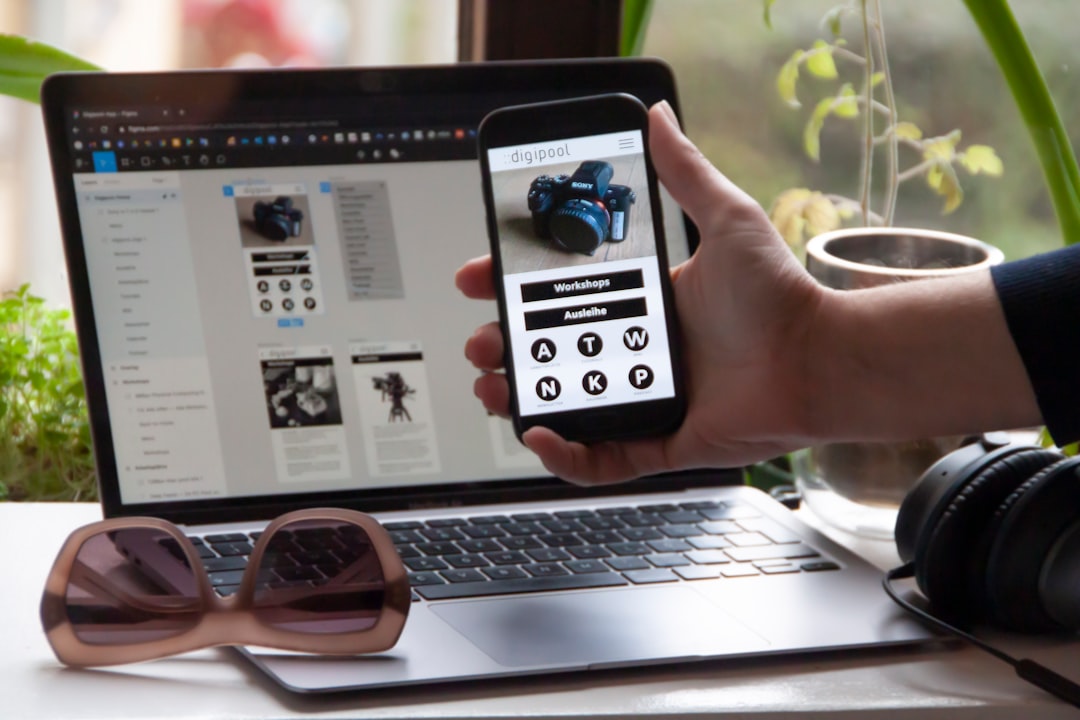
Figma is widely known in the UI/UX community but is also extremely capable for branding, marketing visuals, and presentations. Its cloud-based infrastructure allows real-time collaboration, which makes it particularly attractive for remote teams.
Strengths:
- Real-time collaboration
- Vector-based precision design
- Strong prototyping capabilities
- Reliable cloud storage
Limitations:
- Fewer instant marketing templates than Canva
- May feel technical for complete beginners
The free version is sufficient for individuals and small teams managing limited projects. If collaboration is a priority, Figma stands out as one of the strongest Canva alternatives.
4. VistaCreate
Best for: Template-based social media and marketing graphics.
VistaCreate offers a user experience similar to Canva, making it easy for beginners to transition. It provides thousands of templates tailored for social media posts, ads, flyers, and presentations.
Strengths:
- Wide template library
- Simple drag-and-drop interface
- Animation features
- Free stock photos and elements
Limitations:
- Some premium assets locked behind paid plans
- Less suitable for complex photo manipulation
For marketers and content creators who rely heavily on ready-made templates, VistaCreate provides an accessible and budget-friendly alternative.
5. Adobe Express (Free Plan)
Best for: Quick branded content and simple multimedia projects.
Adobe Express delivers a streamlined design platform backed by Adobe’s ecosystem. The free plan includes templates, limited stock assets, and fundamental editing capabilities.
Strengths:
- Polished, professional templates
- Integration with Adobe products
- Quick resizing tools for multiple platforms
Limitations:
- Storage limits on free plan
- Restricted premium assets
Adobe Express works well for users who want brand consistency and a trusted software environment without an upfront cost.
Comparison Chart: Top Free Canva Alternatives
| Tool | Best For | Ease of Use | Templates Available | Collaboration | Advanced Editing |
|---|---|---|---|---|---|
| GIMP | Professional photo editing | Moderate to Difficult | Limited | No | Excellent |
| Photopea | PSD compatible editing | Moderate | Limited | No | Very Good |
| Figma | Team collaboration | Moderate | Basic templates | Yes | Very Good |
| VistaCreate | Marketing visuals | Easy | Extensive | Limited | Basic |
| Adobe Express | Quick branded content | Easy | Strong selection | Limited | Basic to Moderate |
How to Choose the Right Tool
No single tool is universally superior. The right choice depends on your budget constraints, technical expertise, and specific project demands.
- If you require advanced photo manipulation, choose GIMP or Photopea.
- If you work with collaborative teams, Figma offers superior real-time capabilities.
- If your priority is ready-made marketing templates, VistaCreate or Adobe Express may be more suitable.
- If you need PSD compatibility without software installation, Photopea is an excellent solution.
It is also worth testing two or three platforms side by side before committing to a workflow. Most free plans allow you to evaluate core features without financial risk.
Final Thoughts
Budget limitations should never prevent high-quality design. The tools discussed above demonstrate that professional visual content can be produced without paid subscriptions. While each platform has strengths and trade-offs, they collectively provide solutions for beginners, advanced designers, and collaborative teams alike.
Carefully matching your project requirements to platform capabilities ensures efficiency and cost-effectiveness. With thoughtful selection and consistent practice, these free Canva alternatives can support everything from social media campaigns and presentations to detailed image editing and brand development.
Ultimately, effective design depends less on the price of your tools and more on your understanding of visual communication principles. Even with free software, disciplined design choices, clear typography, and strategic layout planning can produce professional, trustworthy results.