Planning a room used to require graph paper, a measuring tape, and a great deal of imagination. Today, interior design software has transformed that process into something precise, visual, and highly efficient. Whether you are a professional designer, a contractor, or a homeowner renovating a single space, the right software can eliminate guesswork, save money, and improve results. Digital planning tools now offer 3D visualization, realistic rendering, furniture libraries, cost estimation, and even virtual walkthroughs—bringing clarity to every stage of a project.
TLDR: Modern interior design software simplifies room planning through 2D layouts, 3D visualization, and realistic rendering. Tools like SketchUp, AutoCAD, and Planner 5D offer varying levels of complexity for homeowners and professionals alike. The best choice depends on your experience level, project scope, and budget. Investing in the right platform can dramatically improve accuracy, efficiency, and design outcomes.
Below are seven interior design software tools that make room planning easier, more accurate, and significantly more professional.
1. SketchUp
Best for: Versatile 3D modeling for professionals and serious DIYers
SketchUp has long been regarded as one of the most accessible yet powerful 3D modeling programs available. Its intuitive interface allows users to quickly draw floor plans and convert them into fully navigable 3D models. Designers can experiment with layout configurations, ceiling heights, cabinetry placement, and lighting before any physical changes take place.
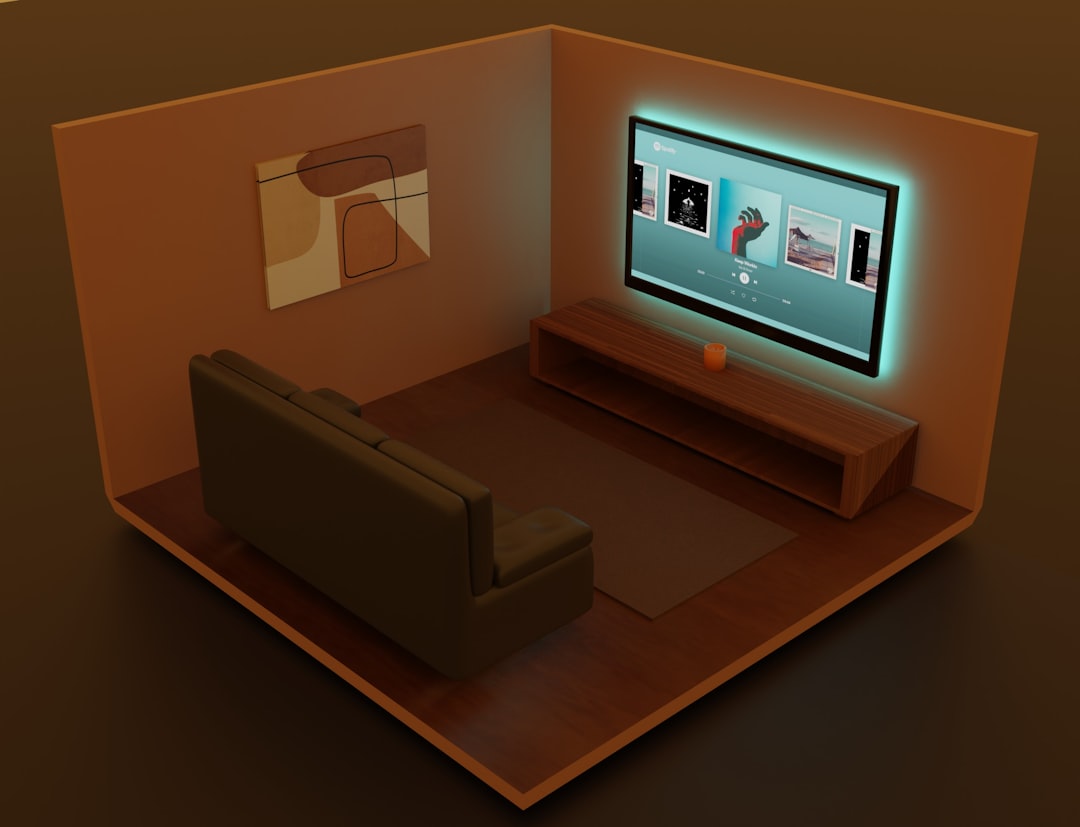
Key strengths of SketchUp include:
- Extensive 3D Warehouse: Millions of pre-built furniture and decor models.
- Strong visualization capabilities: Realistic rendering through plugins.
- Scalability: Suitable for small room projects and full-scale renovations.
While beginners may require a short learning curve, SketchUp strikes a strong balance between simplicity and professional-level output.
2. AutoCAD
Best for: Precise technical drafting and commercial projects
AutoCAD remains the industry standard for detailed floor plans and technical drawings. For interior designers working on larger or more complex builds, accuracy is critical—and AutoCAD excels in this area. It allows exact measurements, layered drafting, and integration with architectural drawings.
Though primarily a 2D drafting tool, AutoCAD also offers robust 3D capabilities. It is particularly useful when coordination with architects, engineers, or contractors is required.
Primary advantages:
- Unmatched precision
- Professional documentation tools
- Industry-standard file compatibility
This tool is best suited for professionals rather than casual users due to its complexity and subscription cost.
3. Planner 5D
Best for: Beginners and homeowners
Planner 5D focuses on simplicity and ease of use. It enables users to move quickly from a 2D floor plan into a 3D visualization with minimal technical effort. Drag-and-drop functionality makes room arrangement straightforward, even for those with no design background.
Its strengths include:
- User-friendly interface
- Cross-platform access (browser and mobile)
- Large furniture and decor library
Planner 5D is ideal for testing color schemes, furniture placement, and layout changes before committing to purchases.
4. Roomstyler 3D Home Planner
Best for: Fast concept visualization
Roomstyler allows users to create rooms directly in 3D, placing windows, doors, and furnishings in real time. One distinctive feature is the use of branded furniture from real manufacturers, which helps bridge the gap between visualization and shopping.
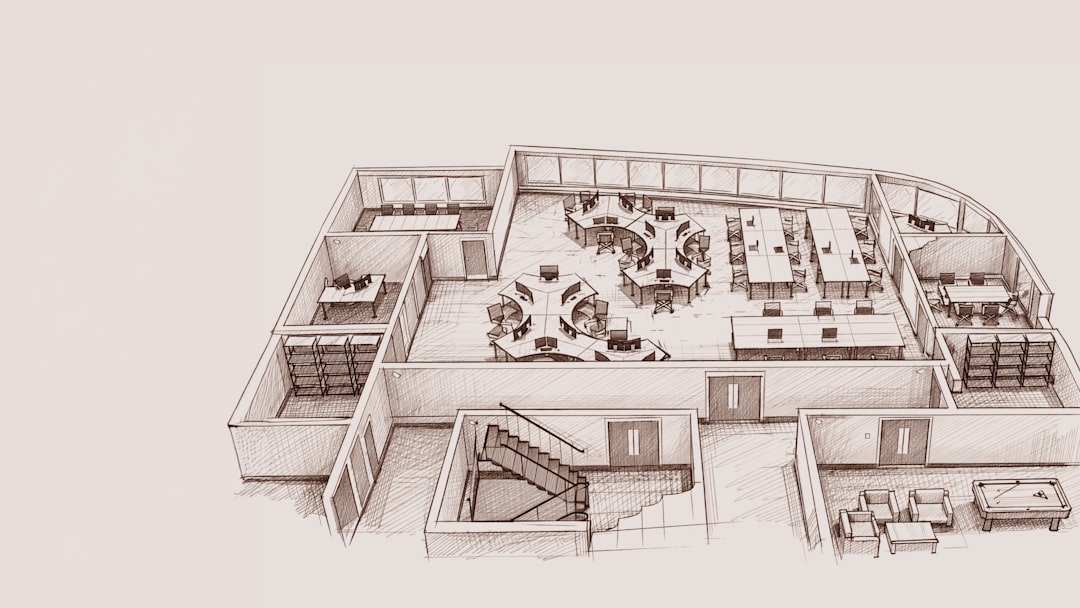
Benefits include:
- Immediate 3D previews
- Real product listings
- No heavy software installation required
While it may not provide advanced technical drafting features, Roomstyler excels at quick planning and experimentation.
5. Chief Architect
Best for: Residential design professionals
Chief Architect is designed specifically for residential interiors and remodeling projects. It automatically generates building systems such as framing, electrical layouts, and material lists based on the floor plan you create.
This automation saves considerable time and reduces the risk of oversight. Designers can produce detailed construction drawings alongside photorealistic renderings from the same model.
Core features include:
- Automated building tools
- Advanced rendering engine
- Comprehensive material estimation
Although it represents a significant investment, Chief Architect provides a complete solution for full-scale residential planning.
6. Homestyler
Best for: Visual experimentation and quick redesigns
Homestyler is particularly appealing for users who prioritize aesthetics. It offers high-quality 3D renderings and an intuitive drag-and-drop interface that facilitates rapid room transformations.
Users can upload photos of real spaces and overlay design ideas, making it a practical choice for renovation previews. Its catalog includes real furniture brands, similar to Roomstyler.
Main advantages:
- High-quality render outputs
- Simple user interface
- Cloud-based access
Homestyler works well for both homeowners and designers seeking conceptual clarity before finalizing plans.
7. SmartDraw
Best for: Structured floor plans and office layouts
SmartDraw focuses on diagram-based room planning. While it may not deliver the immersive 3D rendering of other tools, it excels at producing clean, professional floor plans quickly.
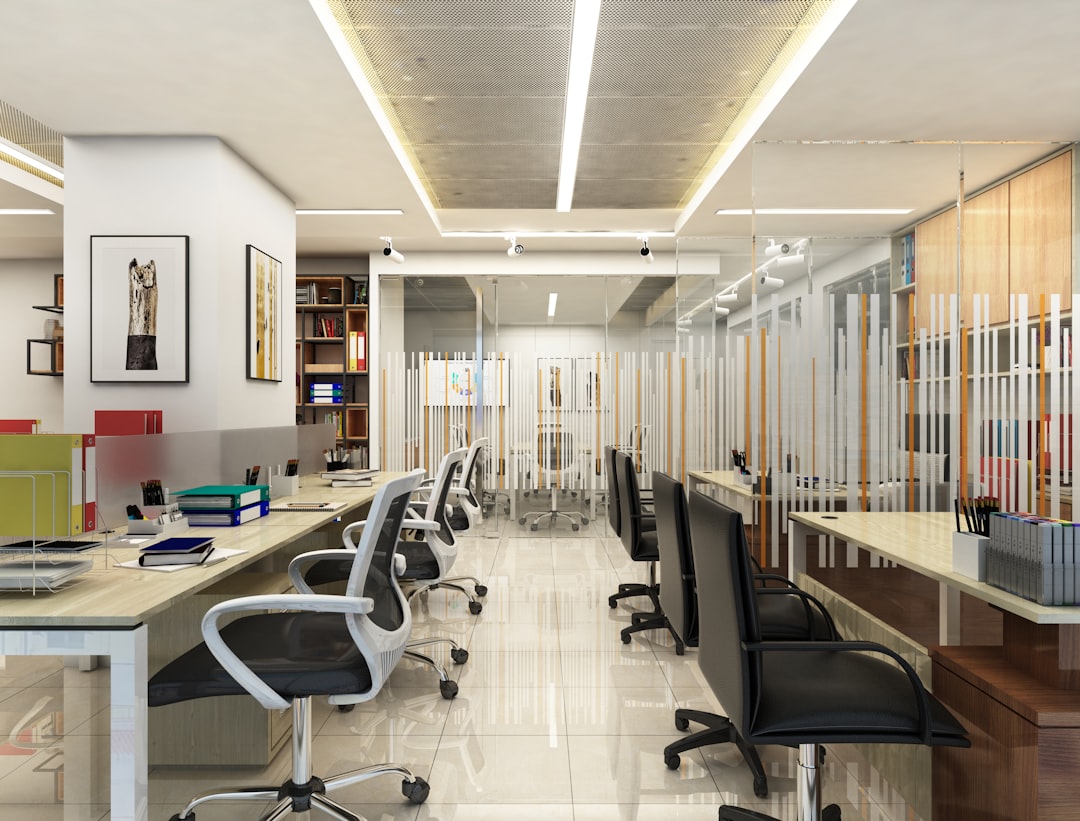
It integrates with tools such as Microsoft Office and Google Workspace, making it particularly useful for business presentations and collaborative planning.
Key strengths:
- Template-driven planning
- Easy export options
- Fast learning curve
For structured layouts where clarity and documentation matter more than photorealism, SmartDraw is highly effective.
Comparison Chart
| Software | Best For | Skill Level | 2D Planning | 3D Visualization | Professional Use |
|---|---|---|---|---|---|
| SketchUp | Versatile modeling | Intermediate | Yes | Yes | Yes |
| AutoCAD | Technical drafting | Advanced | Yes | Limited | Yes |
| Planner 5D | Home projects | Beginner | Yes | Yes | Limited |
| Roomstyler | Quick layouts | Beginner | Basic | Yes | No |
| Chief Architect | Residential design | Advanced | Yes | Yes | Yes |
| Homestyler | Visual redesign | Beginner | Yes | Yes | Limited |
| SmartDraw | Floor plans | Beginner | Yes | No | Moderate |
Choosing the Right Tool
Selecting the appropriate software depends on several factors:
- Project scope: A single-room refresh requires less technical power than a multi-room renovation.
- Budget: Professional-grade software often comes with subscription fees.
- Experience level: Some platforms require formal training; others are intuitive from the start.
- Visualization needs: Determine whether photorealistic rendering is essential.
Professionals working on construction documentation should prioritize precision tools like AutoCAD or Chief Architect. Homeowners experimenting with layouts may prefer Planner 5D or Homestyler for their simplicity and accessibility.
Final Thoughts
Interior design software is no longer a luxury reserved for architects and high-end design studios. It has become a critical tool for anyone seeking accuracy, efficiency, and confidence in room planning. By visualizing layouts, adjusting dimensions, and experimenting with materials digitally, users reduce costly mistakes and make more informed decisions.
Each of the seven tools outlined above serves a distinct purpose. From highly technical drafting environments to beginner-friendly visualization platforms, the market offers solutions for virtually every level of expertise. Choosing carefully—based on your project’s demands—will ensure that room planning becomes not only easier, but markedly more professional and reliable.
Thoughtful design begins with clarity. The right software delivers exactly that.