For beginners stepping into the world of 3D modeling, choosing the right platform can determine whether the learning curve feels exciting or overwhelming. Among the many online tools available today, Tinkercad consistently appears at the top of recommendation lists. But beyond its popularity, what does it truly offer new users? This article explores five in-depth insights that beginners should consider before starting their 3D modeling journey with Tinkercad.
TLDR: Tinkercad is a beginner-friendly, browser-based 3D modeling platform that offers intuitive tools, structured learning resources, and strong integration with 3D printing workflows. It excels in accessibility and simplicity but has limitations for advanced modeling. Compared to other beginner tools, it stands out for ease of use and zero-cost entry. For newcomers, it provides a reliable and low-risk starting point.
1. Simplicity Is Its Greatest Strength
The most consistent theme across Tinkercad reviews is ease of use. Unlike traditional CAD software that can overwhelm beginners with technical menus and complex toolsets, Tinkercad is designed around drag-and-drop functionality.
Users create models by combining basic geometric shapes such as cubes, cylinders, spheres, and text. Instead of drawing objects from scratch using complicated constraints and parametric dimensions, beginners manipulate prebuilt shapes directly in a visual workspace.
Image not found in postmetaWhy this matters for beginners:
- Reduces intimidation for first-time users
- Allows experimentation without deep technical knowledge
- Encourages learning through exploration rather than manuals
This simplified approach does not mean it lacks functionality. Within minutes, new users can create printable designs such as keychains, nameplates, small containers, and basic mechanical parts. The immediate sense of accomplishment is a powerful motivator.
However, simplicity also implies certain limitations. Complex surface modeling, advanced parametric controls, and detailed mechanical simulations are not Tinkercad’s focus. For beginners, though, that trade-off can be an advantage rather than a drawback.
2. Browser-Based Accessibility Lowers the Entry Barrier
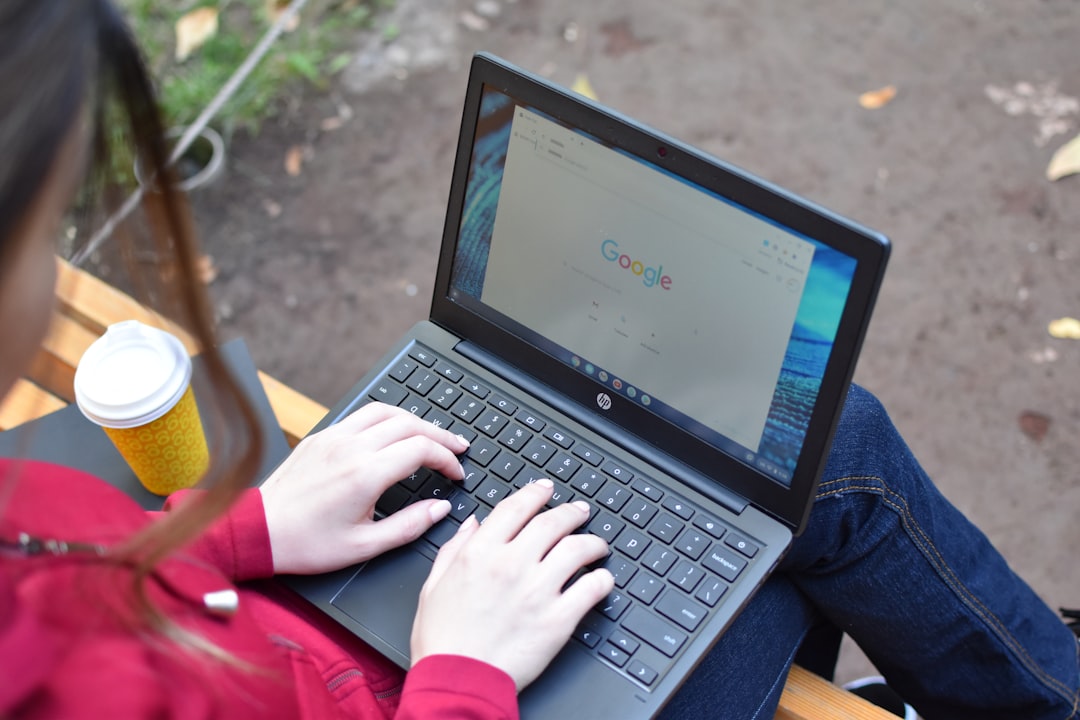
One of Tinkercad’s most practical advantages is that it runs entirely in a web browser. There is no software installation required, and it performs well even on modest laptops or school computers.
Key accessibility benefits:
- Free to use with a simple account setup
- Works on Windows, macOS, and Chromebooks
- Automatic cloud saving of projects
- No need for high-end graphics hardware
For students, hobbyists, and educators, this means immediate access. Schools frequently adopt Tinkercad because it avoids IT complications and device compatibility issues. Beginners working from home also appreciate that projects are stored in the cloud and accessible from anywhere.
Compared to desktop software like Fusion or Blender, which may require significant storage space and regular updates, Tinkercad’s lightweight approach makes the onboarding process frictionless.
3. Built-In Learning Resources Support Self-Teaching
Another insight that emerges from consistent user feedback is the strength of Tinkercad’s built-in tutorials. For beginners learning 3D modeling online, structured guidance is often essential.
The platform includes:
- Interactive step-by-step lessons
- Basic design challenges
- Introductory engineering projects
- Beginner electronics simulations

Unlike passive video courses, Tinkercad’s lessons are integrated directly into the modeling workspace. Users follow real-time prompts and immediately apply what they learn. This active learning approach accelerates skill development.
In addition to modeling, Tinkercad also offers introductory electronics simulations and basic coding features. While these are not full substitutes for professional tools, they create a broader STEM learning environment that benefits students exploring multiple interests.
Important insight: Beginners who complete the built-in tutorials tend to progress more confidently than those who immediately attempt complex independent projects. The learning path is intentionally structured to reinforce spatial thinking and measurement concepts.
4. Strong Integration with 3D Printing Workflows
Many beginners explore 3D modeling because they own or have access to a 3D printer. Tinkercad was designed with 3D printing in mind, and that alignment is evident in its export options and design philosophy.
Key printing-friendly features include:
- Direct export to STL and OBJ formats
- Solid modeling approach that minimizes geometry errors
- Scale adjustments tailored for print dimensions
- Simple hole and grouping tools for printable assemblies
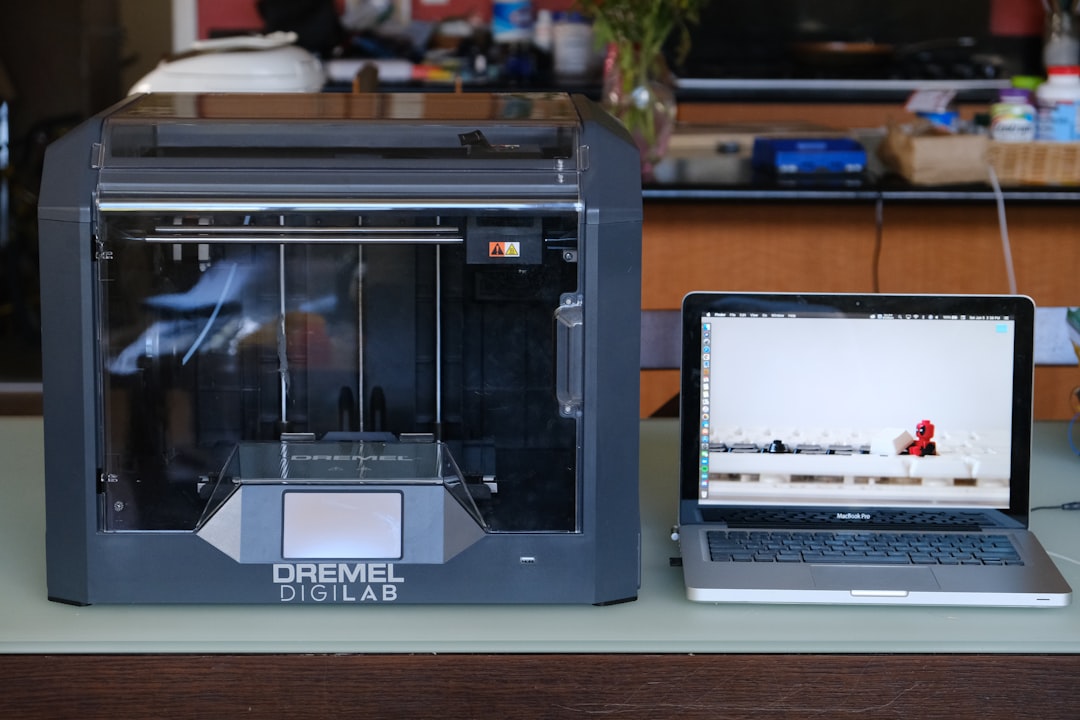
Beginners often struggle with non-manifold geometry or mesh errors when using advanced modeling tools. Tinkercad reduces these risks by limiting overly complex operations. As a result, exported files tend to work reliably in slicer software such as Cura or PrusaSlicer.
That said, complex mechanical assemblies with moving parts may exceed Tinkercad’s capabilities. For straightforward print-ready designs, however, it remains highly dependable.
5. Scalability Is Limited but Purposeful
A serious evaluation of Tinkercad must acknowledge its boundaries. While it excels at introductory modeling, it is not intended to replace professional CAD software.
Common limitations include:
- No advanced parametric timeline editing
- Limited organic shape sculpting tools
- Lack of detailed mechanical simulations
- Reduced precision control compared to engineering software
For beginners, these limitations often become noticeable only after several months of active use. At that stage, transitioning to more advanced platforms such as Fusion or SolidWorks becomes a logical next step.
Importantly, Tinkercad does not claim to be a professional engineering solution. Its value lies in serving as a structured foundation. Many experienced designers report beginning their journey with Tinkercad before moving to more powerful systems once their confidence increased.
Comparison with Other Beginner 3D Modeling Tools
To better understand Tinkercad’s positioning, it is useful to compare it with other commonly recommended beginner tools.
| Feature | Tinkercad | SketchUp Free | Fusion (Personal Use) | Blender |
|---|---|---|---|---|
| Cost | Free | Free (Web) | Free (Limited license) | Free |
| Installation Required | No | No | Yes | Yes |
| Ease for Beginners | Very High | Moderate | Moderate to Low | Low |
| 3D Printing Focus | Strong | Moderate | Strong | Weak to Moderate |
| Advanced Modeling Capability | Limited | Moderate | High | High |
This comparison highlights a clear pattern: Tinkercad sacrifices advanced features to maximize accessibility. For absolute beginners, that trade-off is often appropriate. More sophisticated users may find themselves outgrowing it, but few tools provide a smoother starting experience.
Practical Recommendations for Beginners
If you are considering Tinkercad as your entry point into 3D modeling, the following approach can maximize your learning:
- Complete the official starter lessons before designing independent projects.
- Start with small, printable objects such as keychains or desk organizers.
- Learn measurement fundamentals to avoid scaling problems during printing.
- Experiment with grouping and hole tools to understand constructive solid geometry.
- Gradually introduce complexity rather than attempting advanced assemblies immediately.
By following these steps, beginners can build skills progressively without frustration.
Final Assessment
Tinkercad delivers exactly what many beginners need: a low-pressure, intuitive introduction to 3D modeling. Its browser-based design removes technical barriers. Its interface promotes experimentation. Its learning resources support self-guided education. And its integration with 3D printing makes it practical for hobbyists and students alike.
While it is not designed for professional engineering or advanced organic modeling, that limitation is part of its clarity of purpose. For anyone learning 3D modeling online for the first time, Tinkercad stands as a credible, efficient, and trustworthy starting platform.
In summary, the most important insight is this: Tinkercad is not about mastering complexity—it is about building confidence. For beginners, that distinction makes all the difference.