
Wise is usually the best PayPal alternative for personal transfers and freelancer payouts, while Stripe is stronger for online businesses that need card payments. Payoneer fits marketplaces and contractors, Revolut Business suits teams, and Skrill works for quick wallet-style transfers. The reason this matters is simple: cross-border payments are huge, with remittances to low- and middle-income countries reaching about $656 billion in 2023 [source: World Bank]. Small fees turn into real money fast.
TLDR: If you send $1,000 abroad, Wise may save you $20 to $50 compared with services that add a large exchange-rate markup. Payoneer is better if you get paid by Upwork-style platforms or global clients. Stripe is best if customers pay you by card on a website. For example, a designer billing clients in the US, UK, and EU may use Payoneer for client payouts, Wise for converting money, and Stripe for checkout payments.
1. Wise: best for clear exchange rates
Wise is popular because it shows the fee before you click send. No guessing. No “wait, why did I receive less?” moment. It uses the mid-market exchange rate and adds a visible fee, which is often cheaper than a hidden markup [source: Wise].
Wise works well for:
- Freelancers paid in several currencies
- Families sending money abroad
- Small businesses paying suppliers
- Remote workers receiving international bank transfers
The account can hold many currencies, and you can get local account details in places such as the US, Eurozone, and UK. That makes it feel less like an overseas transfer and more like a local payment.
The catch is… Wise is not a full payment processor. If you need customers to pay by card on your site, Stripe is the better fit.

2. Payoneer: best for marketplaces and contractor payments
Payoneer is a strong PayPal alternative for people who get paid by global companies. It is widely used by freelancers, affiliate marketers, sellers, and agencies. Many platforms support it, which makes it handy if your client refuses to send a plain bank transfer.
You can receive money in multiple currencies, withdraw to your local bank, or use the Payoneer card where available. It is especially useful if you work with clients in the US but live elsewhere.
Payoneer is a good pick if you:
- Receive payouts from freelance platforms
- Work with international brands
- Need virtual receiving accounts
- Want a business-style account without a full bank setup
Honestly, it feels like Payoneer hides too much behind account menus at times. Fee details can take a few extra clicks to find. That gets annoying when you just want to know what lands in your bank.
3. Stripe: best for online stores and SaaS
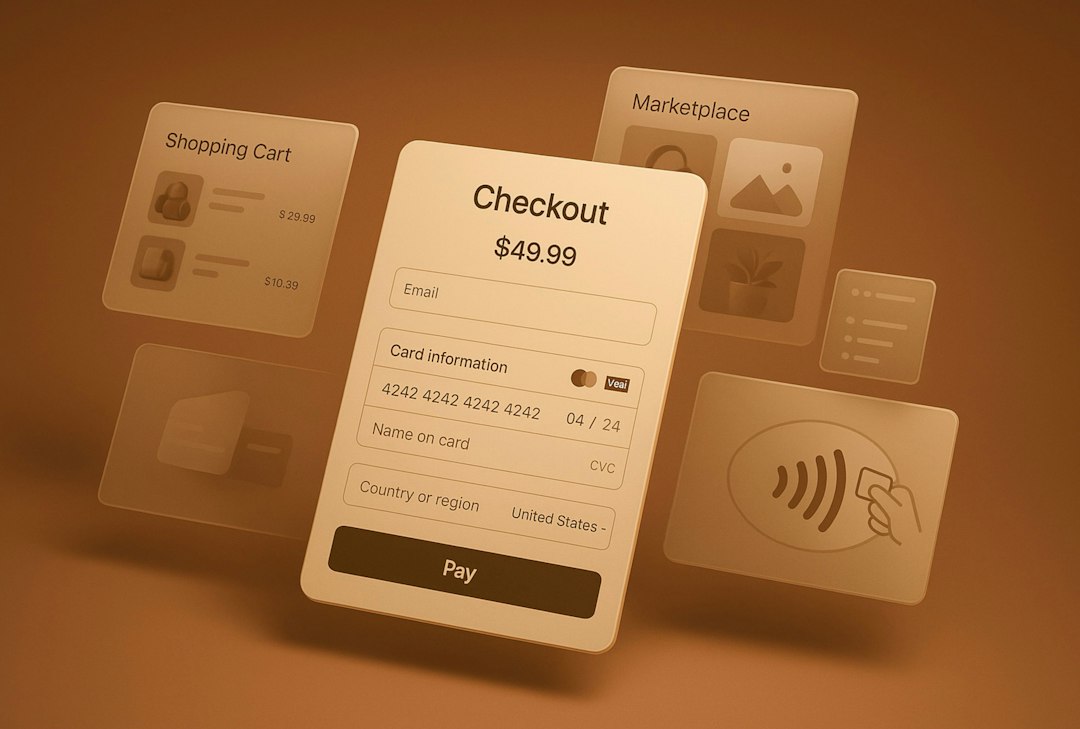
Stripe is not a simple money-transfer app. It is a payment system for businesses. If you sell products, subscriptions, courses, software, or services online, Stripe is often the cleanest choice.
It supports cards, wallets, local payment methods, recurring billing, invoices, and fraud tools. You can also use it with Shopify, WooCommerce, Webflow, and many custom websites. Stripe lists standard US card pricing at 2.9% plus 30 cents per successful card charge [source: Stripe]. Fees vary by country and payment type.
Stripe is best for:
- Ecommerce stores
- SaaS companies
- Consultants sending card-payable invoices
- Creators selling digital products
It is powerful, but setup takes more time than Wise or Skrill. Expect to spend 20 to 40 minutes connecting your site, checking tax settings, and testing payments.

4. Revolut Business: best for teams and currency control
Revolut Business is a good choice for companies that hold, exchange, and spend in several currencies. It feels more like a modern business account than a transfer tool.
You can issue cards to team members, set spending rules, send international transfers, and hold multiple currencies. This is useful for startups, agencies, importers, and remote teams.
Its main strength is control. You can see who spent what, convert money when rates look better, and keep separate currency balances. That helps if your income is in euros but your software bills are in dollars.
Still, Revolut may not be available with the same features in every country. Check local terms before you build your payment setup around it.
5. Skrill: best for fast wallet transfers
Skrill is closer to PayPal in style. Users can send money by email, keep a wallet balance, and pay some merchants online. It also supports international transfers in many regions.
Skrill can be useful for quick personal payments, gaming-related payments where allowed, and wallet-to-wallet transfers. It is easy to start, which is nice. But read the fee page first. Some wallet services charge for currency conversion, withdrawals, or inactivity.
Skrill works best when both people already use it. If the receiver needs to create an account, verify identity, and withdraw funds, the “quick” payment may not feel quick anymore.
How to choose the right PayPal alternative
Start with the payment type, not the brand name.
- Sending money to family? Try Wise.
- Getting paid by global clients? Try Payoneer or Wise.
- Taking card payments online? Use Stripe.
- Managing team spending? Look at Revolut Business.
- Sending wallet payments? Skrill may be enough.
Also check three boring things before you sign up: exchange rate, withdrawal fee, and arrival time. Those three decide the real cost. A low transfer fee means little if the exchange rate quietly takes another 3%.
Bottom line: PayPal is convenient, but it is not always the cheapest or best fit. Wise wins on clear international transfers. Payoneer wins for platform payouts. Stripe wins for online sales. Revolut Business adds control for teams, while Skrill is fine for simple wallet payments. Pick based on how money moves, not which logo you know best.