SketchUp has evolved from a simple 3D modeling tool into a comprehensive design ecosystem used by architects, interior designers, contractors, and DIY enthusiasts worldwide. Its accessibility and relatively gentle learning curve have made it especially attractive to professionals who need fast conceptual modeling as well as homeowners planning renovations. Yet, beneath its approachable interface lies a powerful platform whose strengths and limitations deserve careful evaluation.
TL;DR: SketchUp excels at intuitive 3D modeling, rapid concept development, and accessibility for both architects and DIY designers. Its ecosystem of extensions and rendering tools expands its capabilities significantly, but it requires discipline to maintain model accuracy and organization. The choice between Free, Go, and Pro plans determines workflow flexibility, especially for professional documentation. Ultimately, SketchUp is a serious design tool when used strategically and with the right expectations.
After reviewing its capabilities in real-world architectural and residential design scenarios, three major takeaways stand out.
1. SketchUp’s Core Strength Is Fast, Intuitive 3D Modeling
The most widely recognized advantage of SketchUp is its modeling experience. Architects and DIY designers alike benefit from its push-pull modeling logic, which makes shaping volumes remarkably straightforward. Rather than navigating complex parametric constraints from the outset, users can rapidly sketch and extrude ideas into three-dimensional space.
This quality makes SketchUp especially effective during:
- Concept development for residential and small commercial projects
- Client presentations requiring quick visual clarity
- Home renovation planning for kitchens, bathrooms, and additions
- Furniture and built-in cabinetry design
For architects, this means early massing studies can be built and adjusted in minutes rather than hours. Site context can be imported using geolocation features, allowing designers to study sun paths and shadows efficiently. While it may not initially offer the strict parametric precision of advanced BIM software, it offers a level of modeling freedom that many professionals find refreshing during early-stage ideation.
For DIY designers, the advantage is even more dramatic. A homeowner with no formal design training can:
- Draw a floor plan
- Extrude walls
- Insert doors and windows from 3D Warehouse
- Apply materials like tile, wood, or paint
Within hours, they can produce a highly usable spatial visualization of their project.
However, there is an important caveat: SketchUp does not enforce modeling discipline. Poor grouping, lack of component structure, and inaccurate scaling can quickly create messy, unreliable models. Professionals must maintain organizational rigor to ensure precision and documentation compatibility.
2. The Ecosystem and Version Differences Matter More Than Most Users Realize
SketchUp is not a single product—it is a platform with multiple tiers and extensions that significantly influence capability. Understanding these distinctions is critical for architects who rely on documentation accuracy and workflow efficiency.
SketchUp Versions Comparison
| Feature | SketchUp Free (Web) | SketchUp Go | SketchUp Pro |
|---|---|---|---|
| Platform | Browser-based | Browser + Cloud Storage | Desktop Application |
| Advanced Extensions | Limited | Limited | Full Extension Support |
| 2D Documentation (LayOut) | No | No | Yes |
| Offline Access | No | No | Yes |
| Best For | DIY and hobbyists | Freelancers, light work | Architects and professionals |
This comparison highlights a key review takeaway: serious architectural workflows require SketchUp Pro.
The inclusion of LayOut in the Pro version allows architects to convert 3D models into dimensioned construction documents. While not as robust as BIM-based documentation in software like Revit, LayOut provides sufficient drawing capabilities for:
- Residential permitting sets
- Interior fit-out documentation
- Custom furniture fabrication drawings
Furthermore, SketchUp’s extension ecosystem profoundly enhances its professional viability. Popular add-ons include:
- V-Ray or Enscape for photorealistic rendering
- Profile Builder for parametric assemblies
- 1001bit Tools for architectural automation
- Sefaira for energy analysis
This modular structure enables architects to build a customized toolchain. However, this flexibility introduces complexity. Extensions can:
- Create version incompatibilities
- Impact performance
- Increase training requirements
DIY designers may not need extensions at all, but professionals quickly discover that SketchUp’s real power emerges only when the right plugins are integrated thoughtfully.
3. Visualization and Communication Are Where SketchUp Truly Excels
Perhaps the most compelling reason architects continue using SketchUp—even alongside advanced BIM tools—is its exceptional ability to communicate spatial ideas clearly.
Out of the box, SketchUp offers:
- Real-time shadow studies
- Section cuts
- Scene creation for presentation sequencing
- Extensive material libraries
For client-facing discussions, this simplicity is transformative. Clients often struggle to interpret 2D technical drawings. A clean 3D walkthrough removes ambiguity and accelerates decision-making.
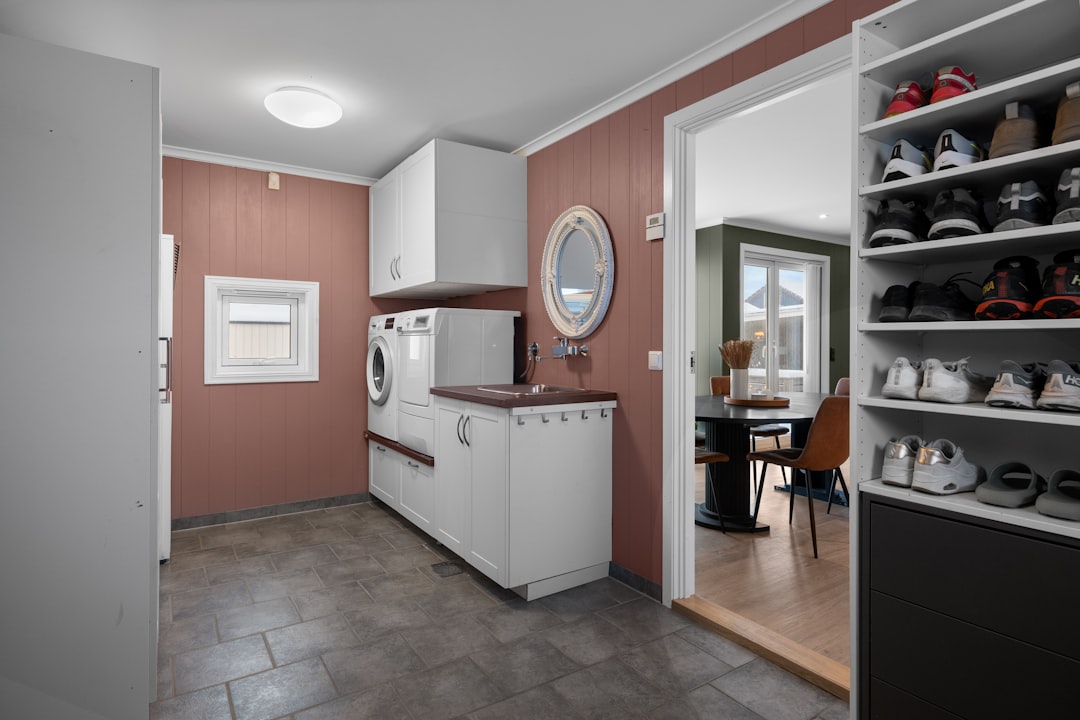
When paired with rendering engines, SketchUp models can achieve high-end visual realism suitable for:
- Real estate marketing
- Investor presentations
- Design competitions
- Home renovation previews
DIY designers benefit tremendously in this area. Before committing to flooring materials or cabinet colors, they can simulate combinations and evaluate proportions. This reduces expensive mistakes and improves confidence in design decisions.
But visualization strength should not be confused with BIM depth. SketchUp does not inherently manage building data with the sophistication required for complex institutional projects. Clash detection, embedded system coordination, and intelligent object relationships require additional tools or alternative platforms.
Thus, a balanced assessment would conclude:
- Excellent for concept visualization
- Strong for residential and small commercial documentation
- Less ideal for large-scale, data-heavy BIM coordination
Additional Considerations for Architects
Beyond the primary takeaways, professionals should evaluate a few operational realities:
1. Performance and File Size
Improperly optimized models can become heavy and slow. Excessive polygon counts from imported 3D Warehouse components frequently degrade performance. Careful component management and model purging are essential best practices.
2. Interoperability
SketchUp supports import and export of DWG, DXF, IFC (in higher plans), and other formats, but translation is not always perfect. Architects collaborating with consultants should test compatibility workflows early.
3. Learning Curve
SketchUp is easy to start but difficult to master. Advanced features like custom styles, solid tools, and complex grouping demand deliberate study. Firms adopting SketchUp should invest in structured training rather than assuming intuitive use will suffice.
What This Means for DIY Designers
For non-professionals, the evaluation is simpler but equally consequential.
Major benefits:
- Low financial barrier to entry
- No need for advanced technical background
- Extensive online tutorials
- Large repository of pre-built models
Limitations to understand:
- No automatic cost estimation
- No built-in structural validation
- Risk of inaccurate scaling if not careful
A thoughtfully created SketchUp model can help homeowners communicate effectively with contractors. However, it should not replace professional architectural consultation for structural changes, load-bearing walls, or code compliance.
Final Assessment
SketchUp occupies a unique position in the design software landscape. It is neither a lightweight hobby tool nor a full enterprise BIM system. Instead, it is a versatile modeling environment that becomes powerful—or limiting—depending on the discipline and strategic intent of its user.
The three primary review takeaways are clear:
- It delivers unmatched speed and intuitiveness in 3D concept modeling.
- Its ecosystem and version choice significantly affect professional capability.
- It excels in visualization and client communication, particularly for residential and small commercial work.
Architects who require rapid conceptual workflows and strong visual storytelling will find SketchUp a credible and effective tool—especially when paired with the right extensions. DIY designers benefit from an approachable platform that empowers informed planning and creative experimentation.
When evaluated realistically, SketchUp proves to be a serious design application. Its value, however, depends less on the software itself and more on how rigorously and strategically it is used.